How to Set Up Schedule Rules
This guide shows you how to set up Schedule Rules—the guardrails that keep labor under control and schedules running smoothly. Once in place, NASTi enforces your rules in real time to stop overtime and prevent costly staffing mistakes. For example, if overtime isn’t allowed, employees won’t be able to be scheduled or pick up open shifts that would push them into overtime.
1. Schedule Rules is where the magic happens! These are the guardrails that keep labor costs under control, prevent overtime leaks, and make sure shifts run smoothly. You’ll choose rules for: Overtime, Open Shifts, Partial Shifts, Up for Grabs Shifts and Call Offs.
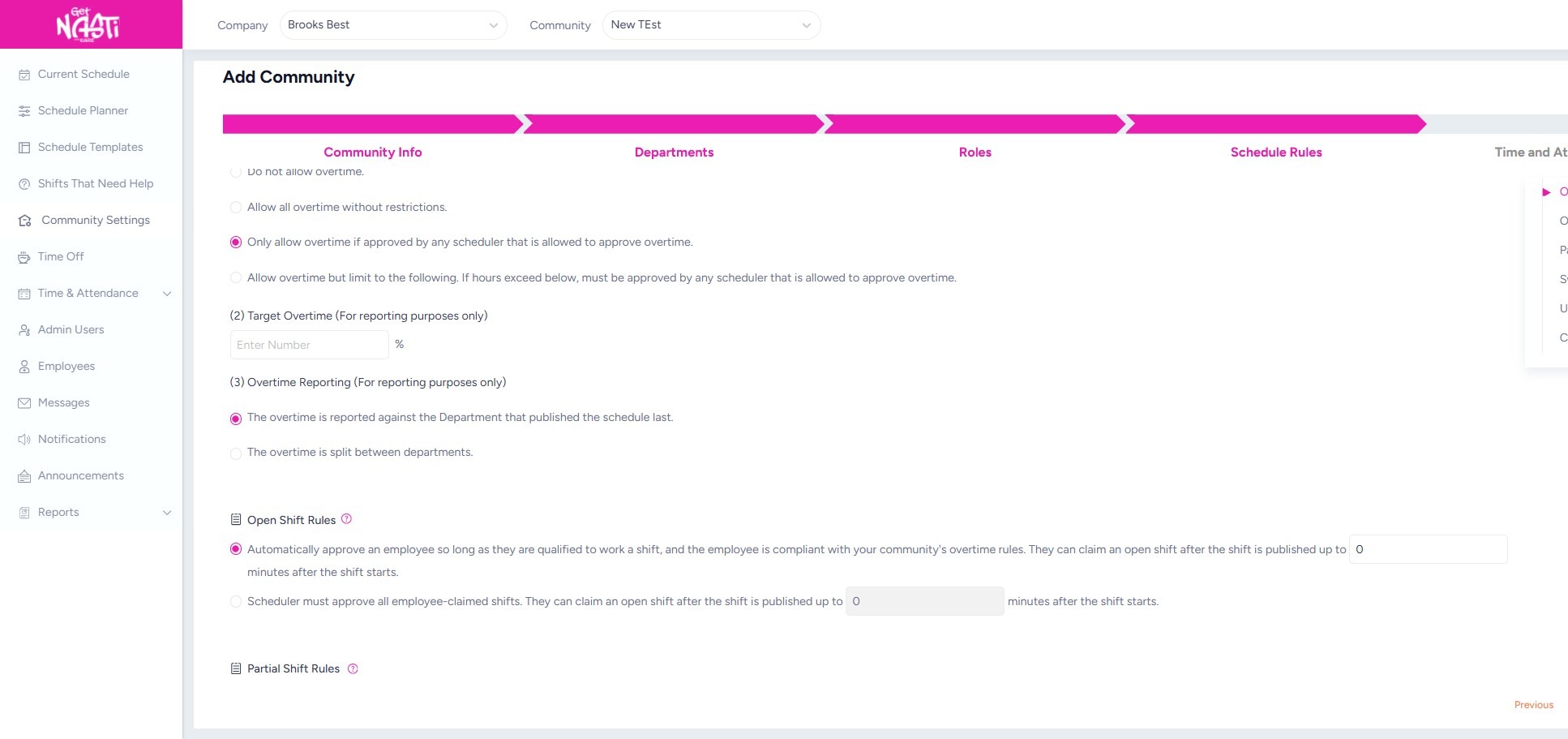
2. Scroll through each section and make selections to lock in your rules.
Hover over the ? icons to better understand the rules you’re setting.
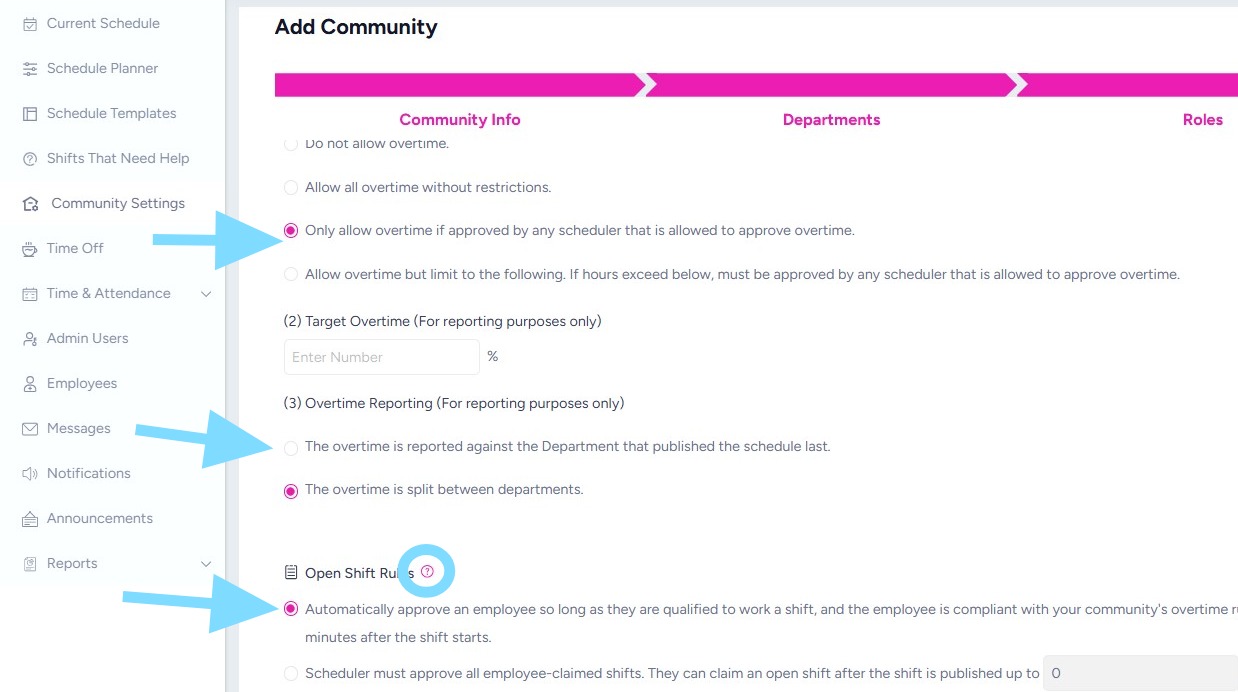
3. Continue setting rules.
Remember, you may always edit these later, when controls need to be tightened or loosened to support your operational needs.
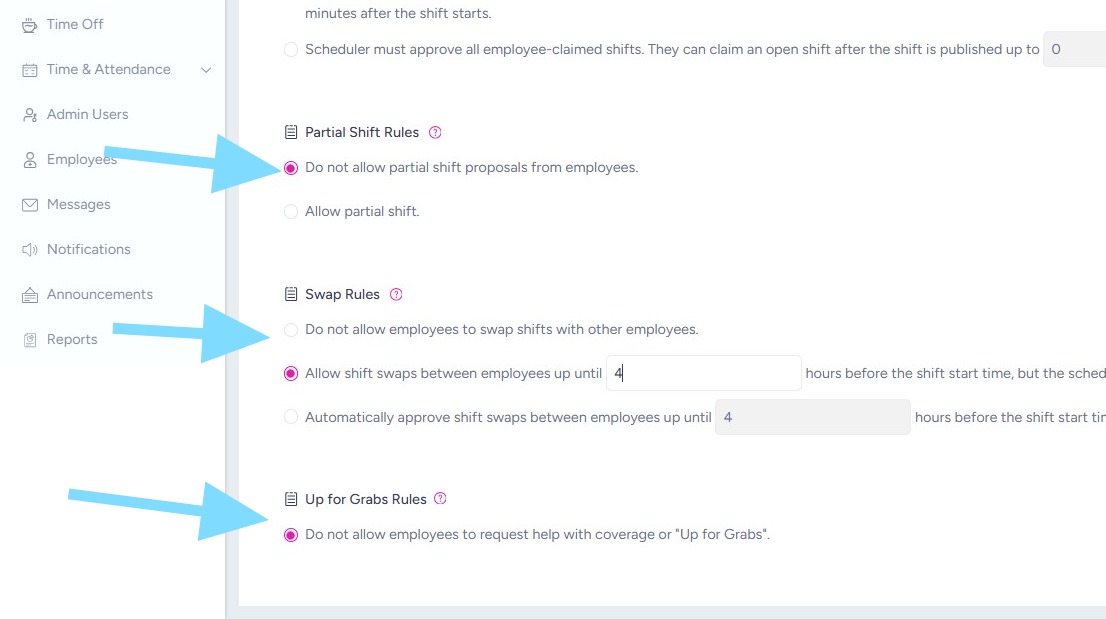
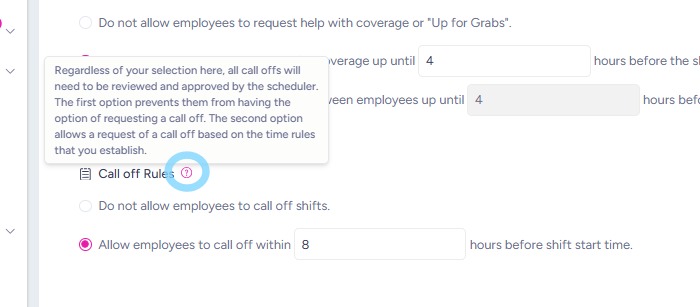
4. Remember that you may hover over the question mark icon to learn more about this rule.
5. For Allow Staffing Agency – this refers to whether you’ll want to add outside, agency staff into your schedule. If you select Yes, you’ll want to select Add Agency to add the agencies you plan to use.
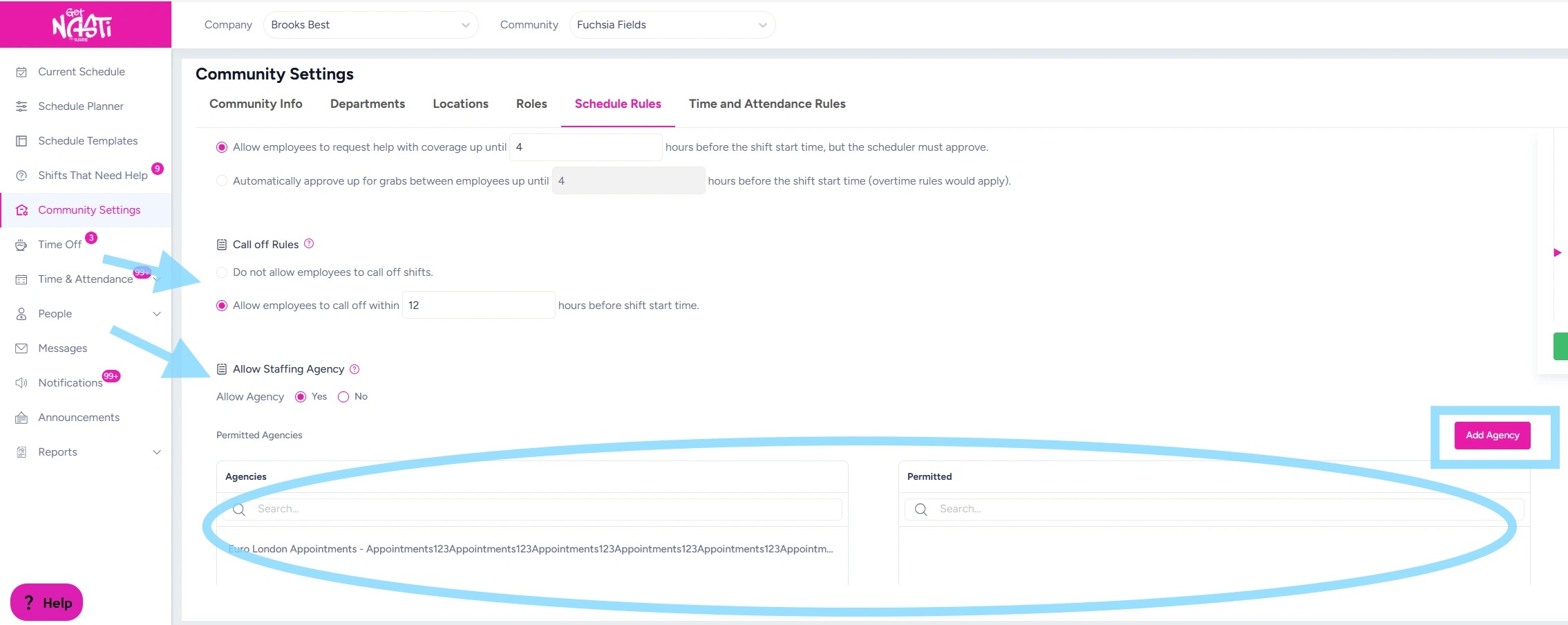
6. Once Schedule Rules are set, select Next or Save to ensure the rule selections are saved.
You did it!