Employee Guide – How to Request Time Off
Take time off without the chaos! This guide shows you how to request time off in NASTi so you can keep your schedule clean—no guesswork, no drama.
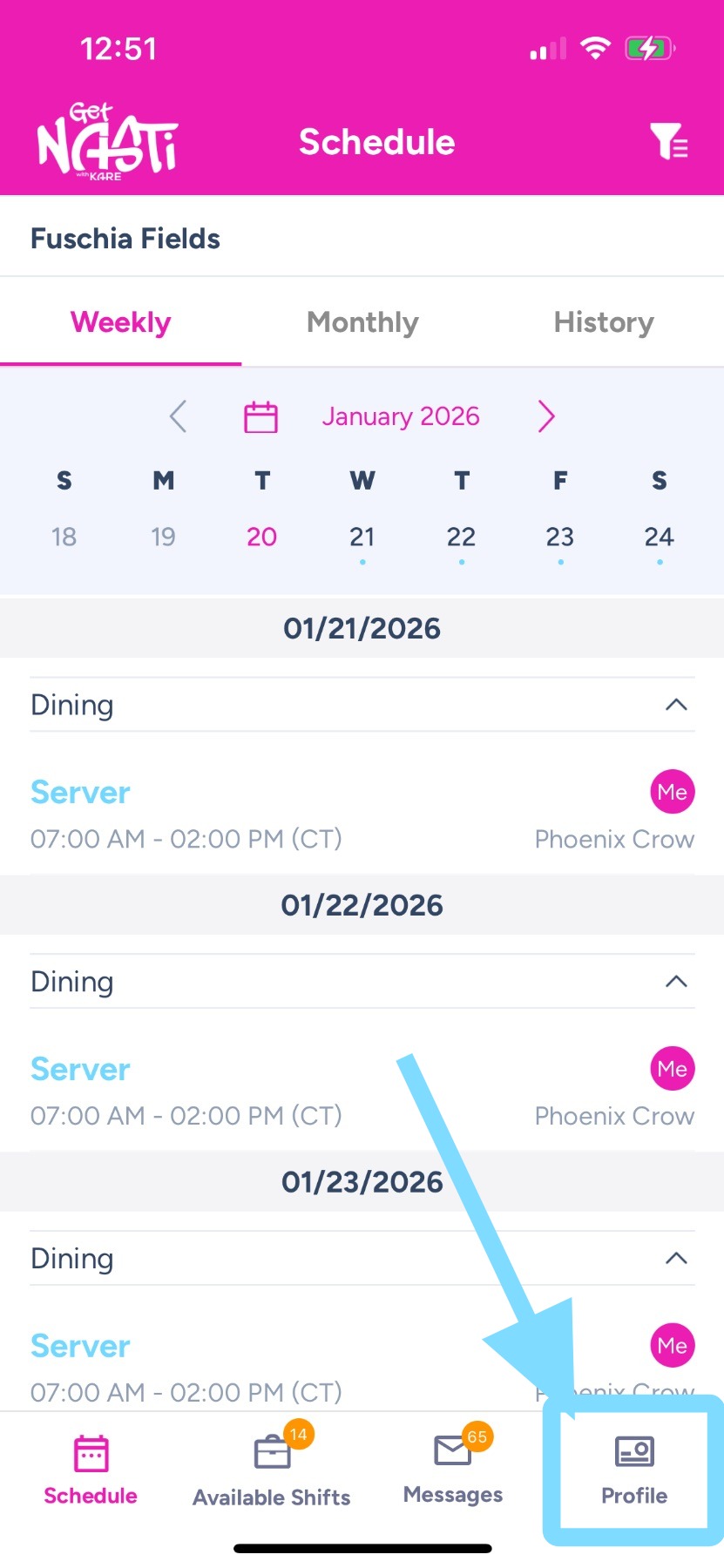
1. Tap on Profile at the bottom right of the screen.
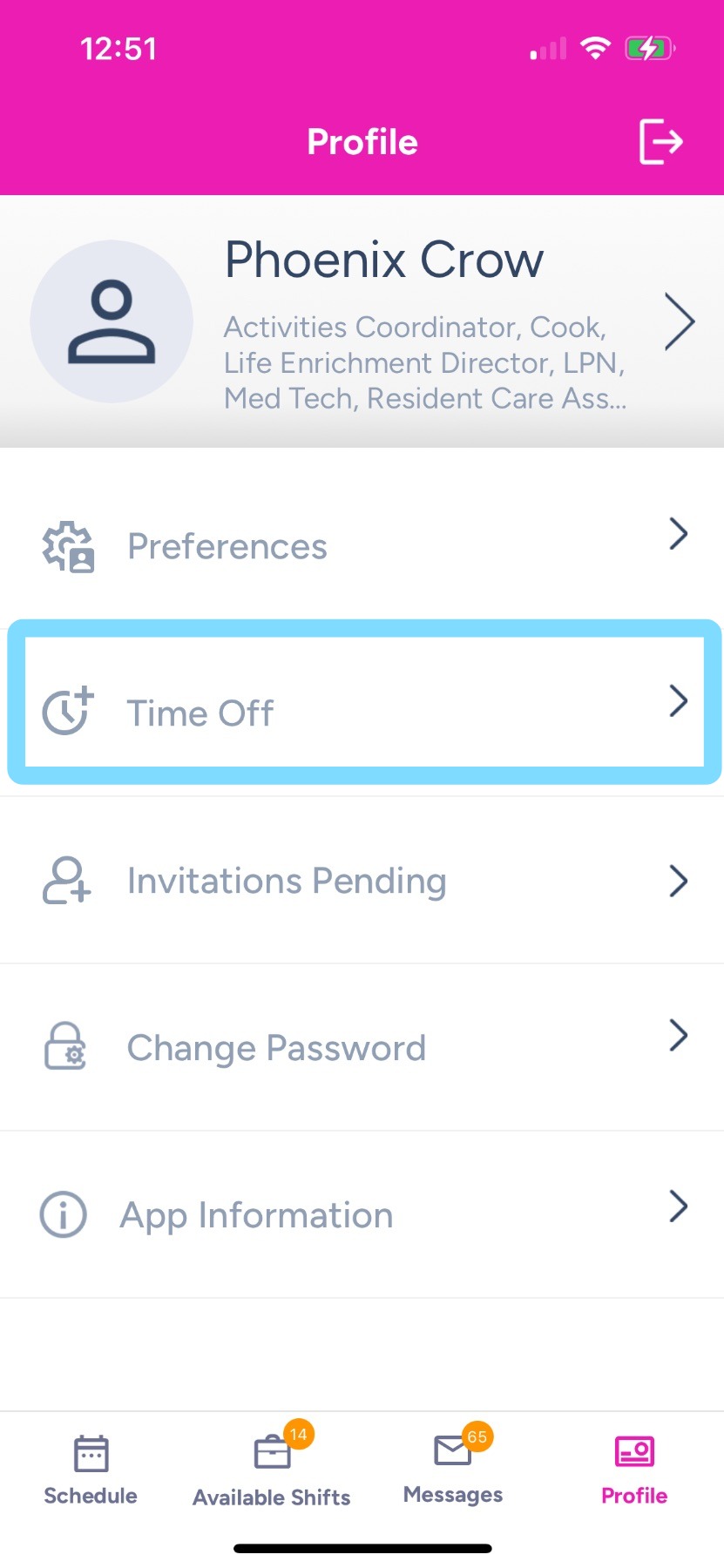
2. Tap Time Off.
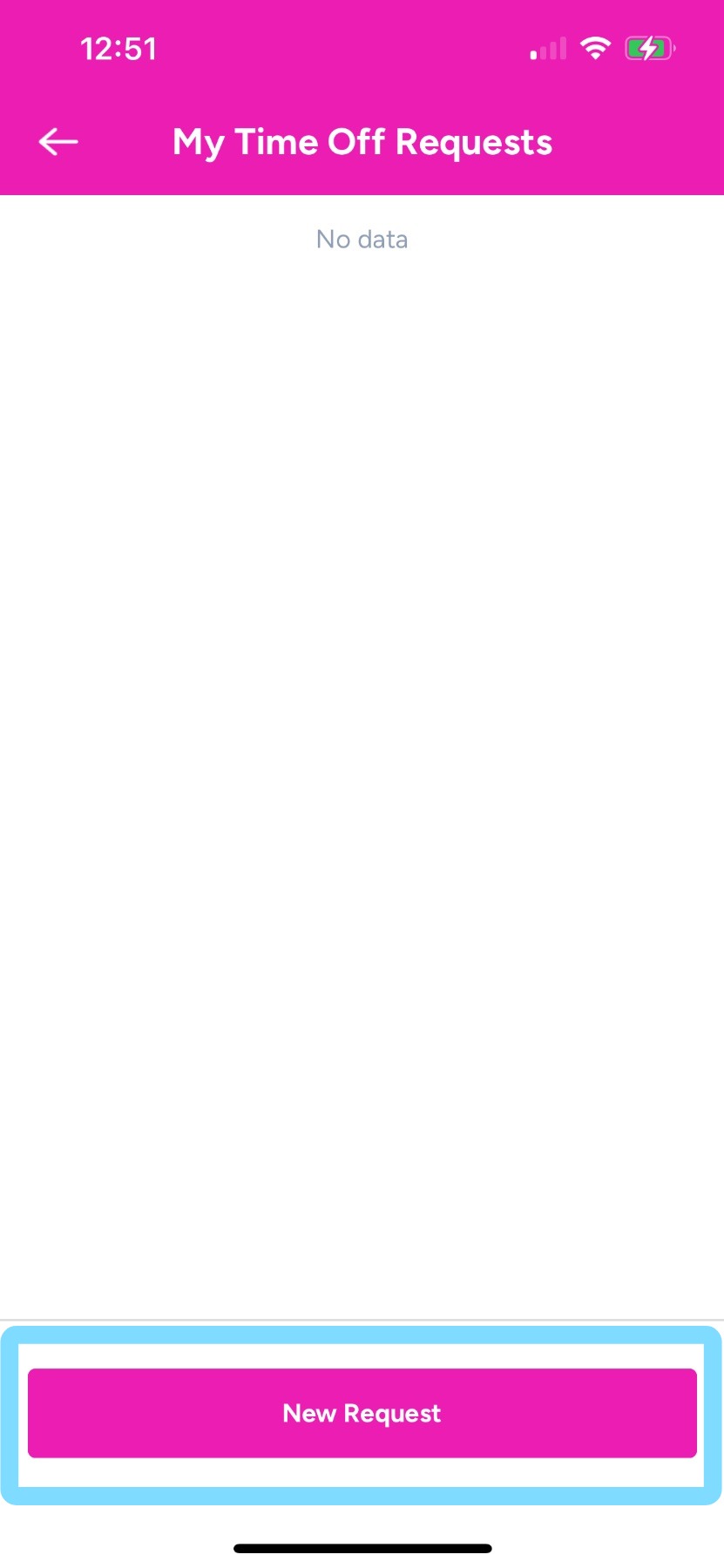
3. Tap New Request.
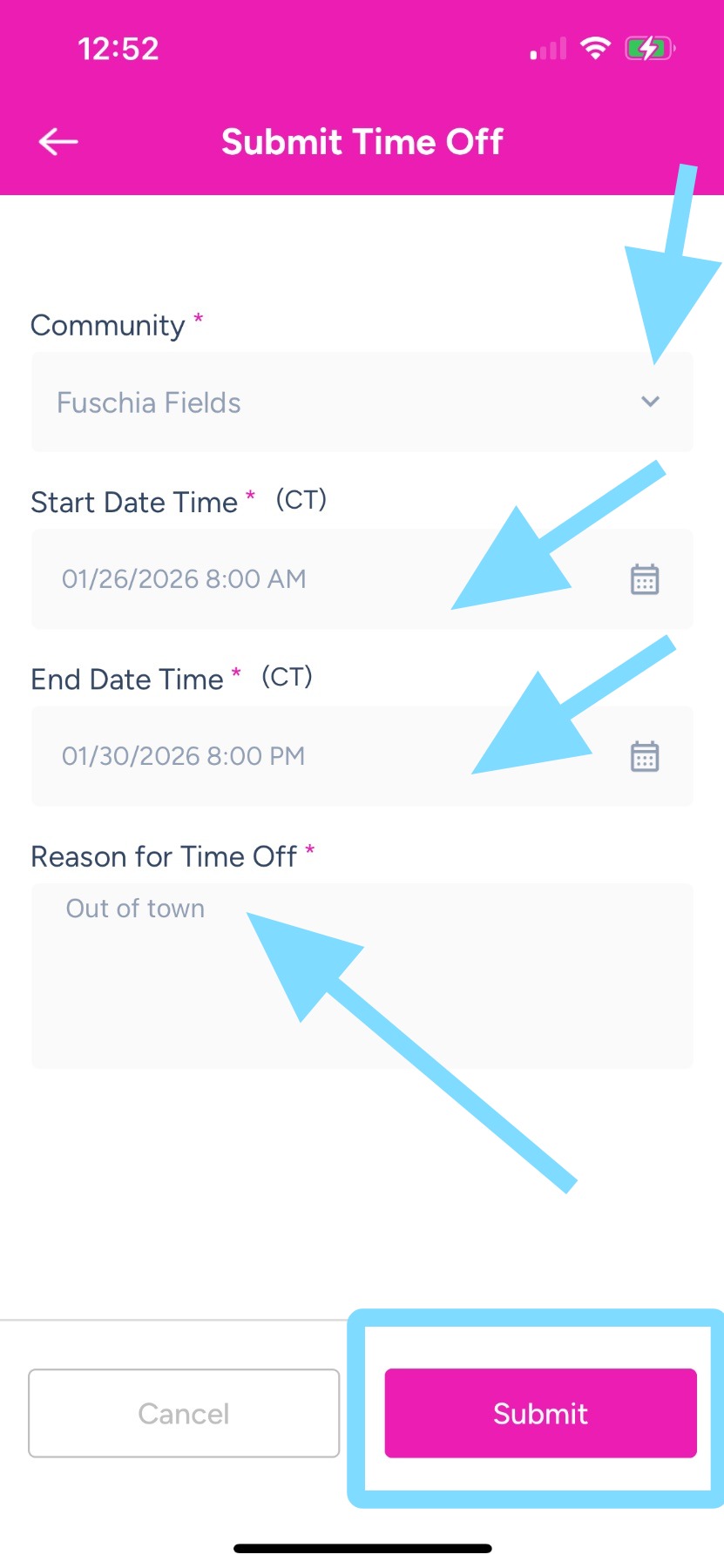
4. – Confirm the correct community is selected. If you need to request time off for a different community, tap the down arrow in the Community field.
- Select the start and end dates for your time off.
- Enter a Reason for Time Off.
- Tap Submit
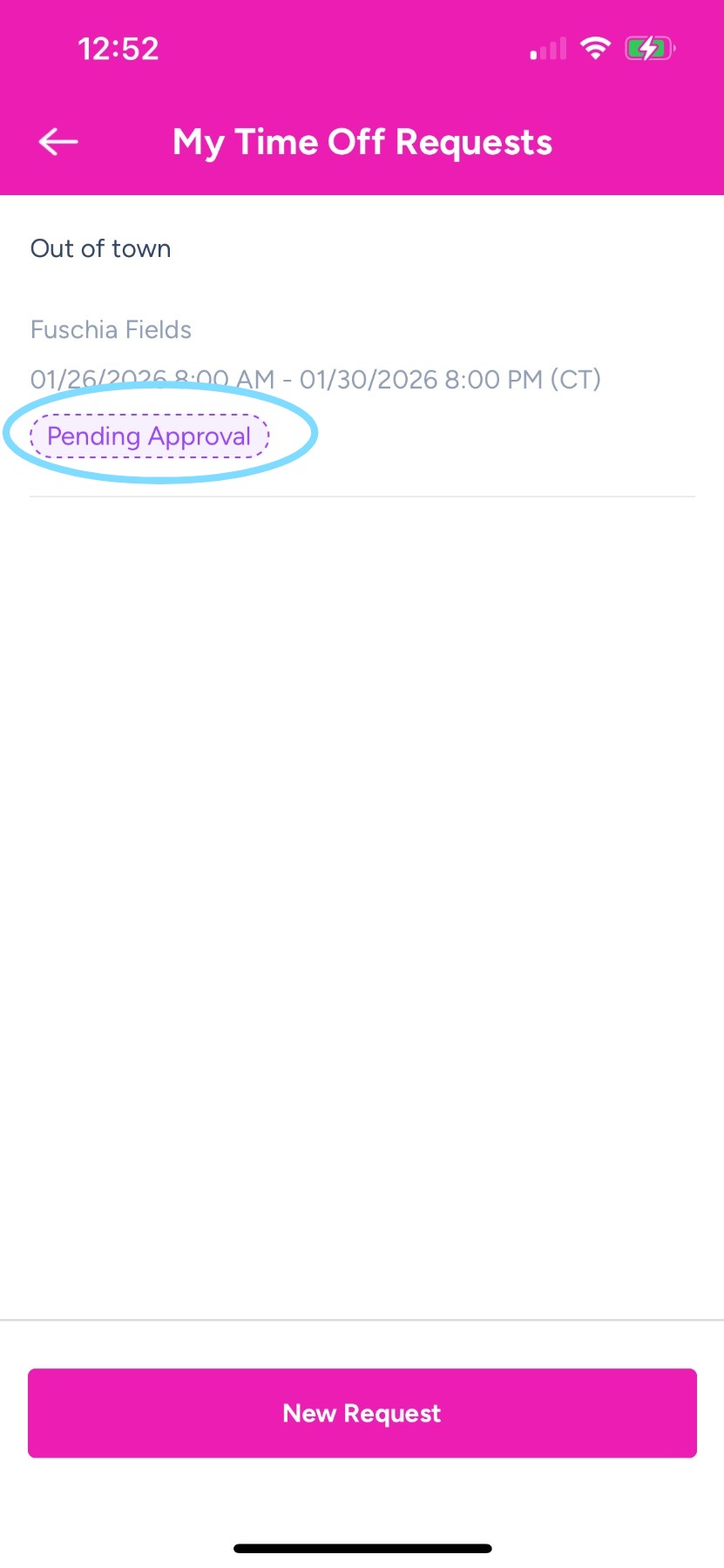
5. See completed request.
A Pending Approval badge means your request has been sent to a Scheduler or Admin for approval. Once approved, you won’t be scheduled for shifts during this time off.