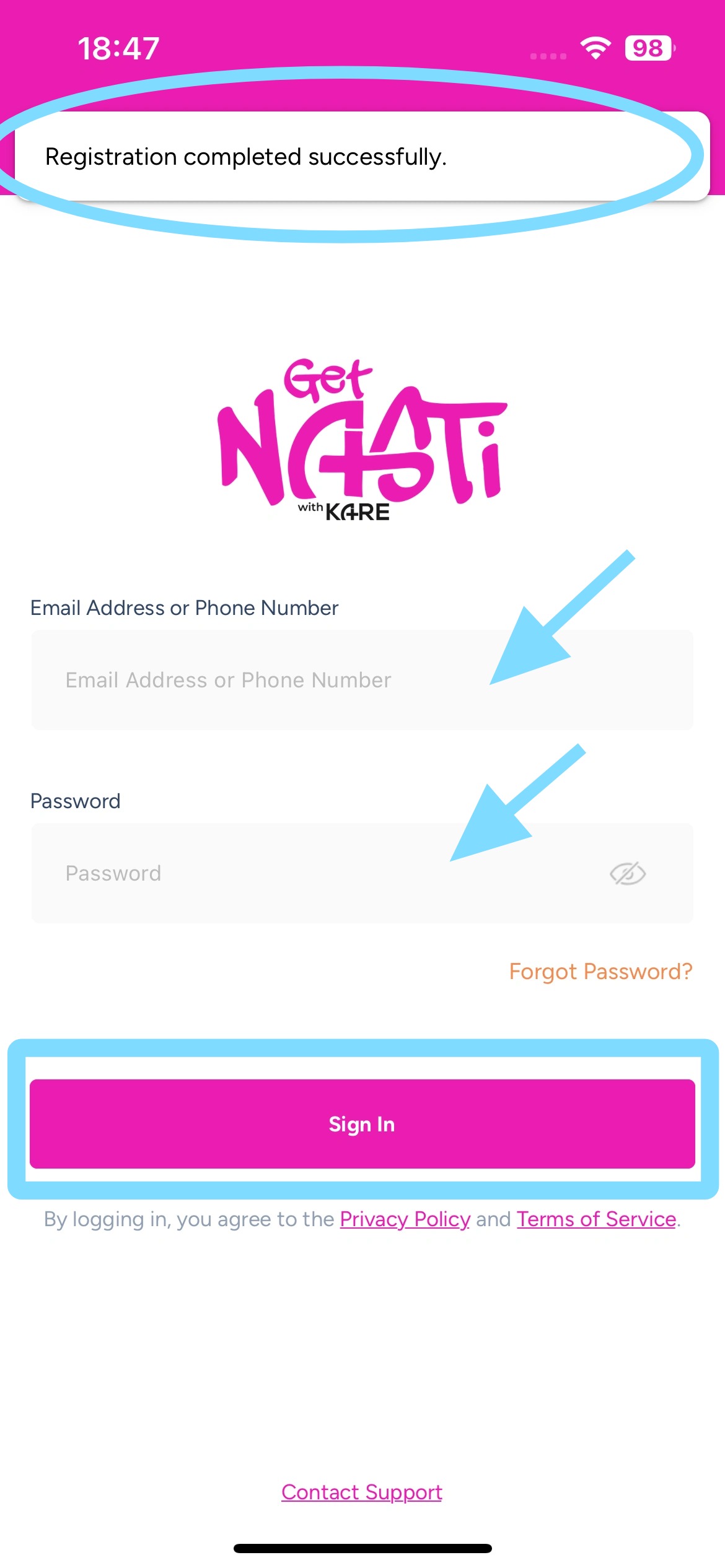
Employee Guide – How to Register and Login in NASTi
Welcome to NASTi. This guide walks you through getting registered and logged in so you can take control — view your schedule, swap shifts, pick up open shifts, and stay in the loop with messaging. Set up fast. Stay connected. Get to work!
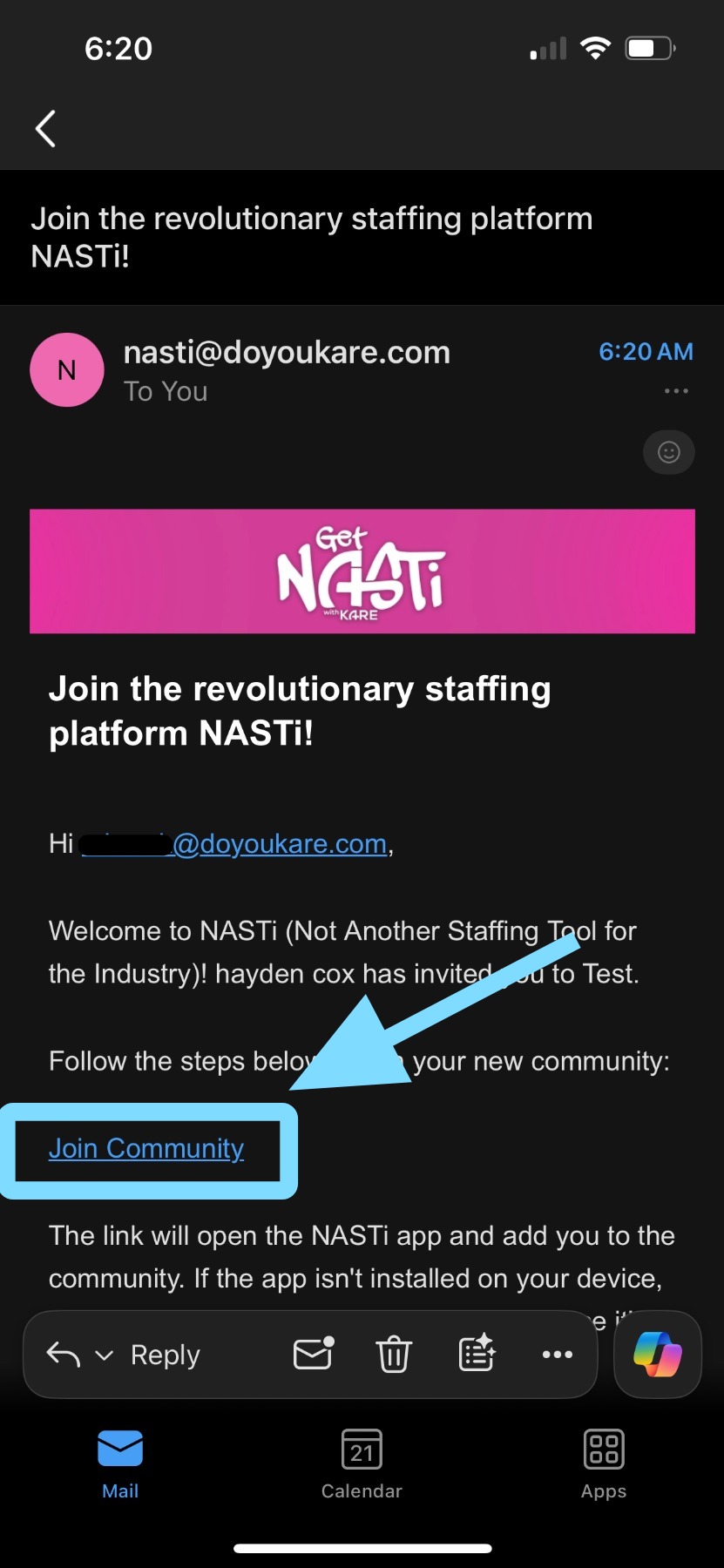
1. Find your NASTi Invite via email or text.
Tap on Join Community
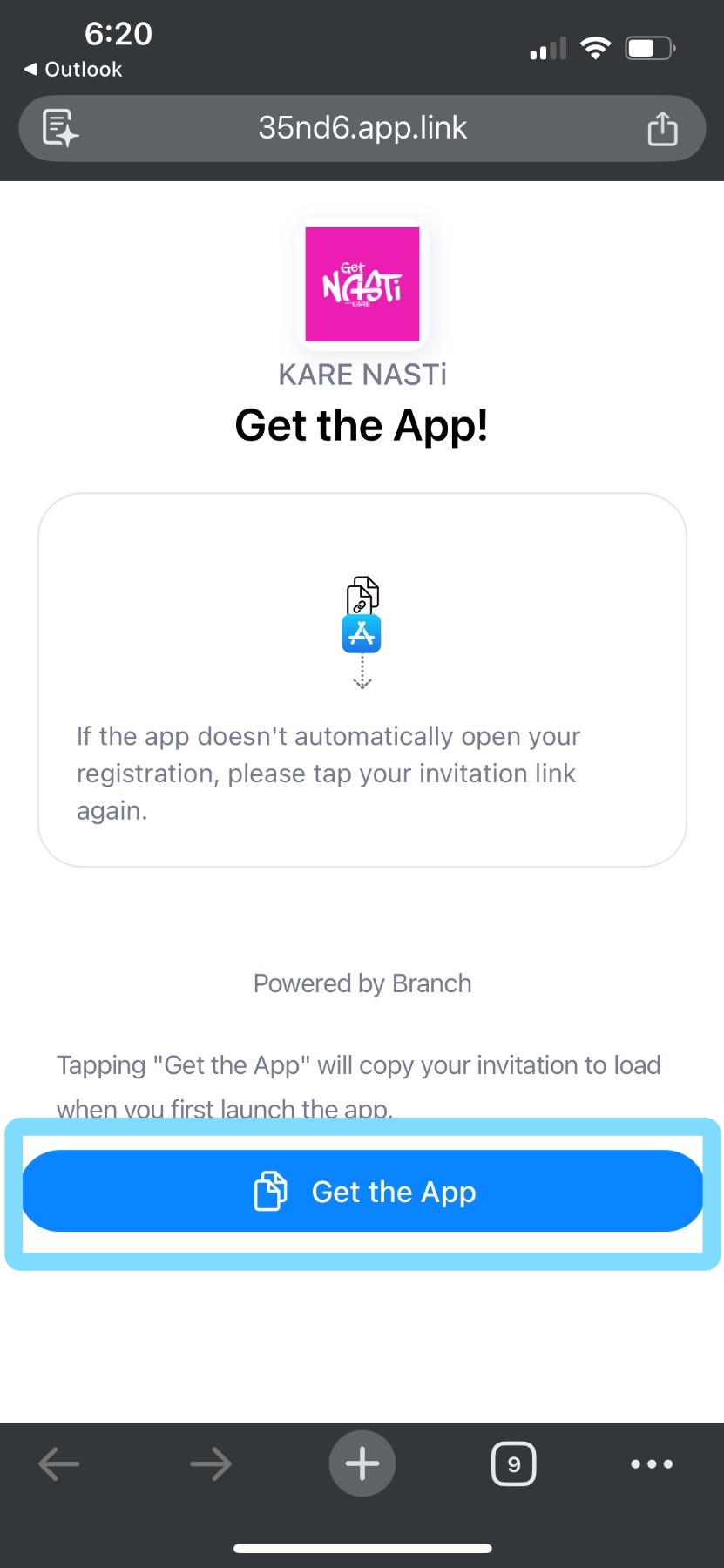
2. The link will prompt you to download the NASTi App.
Tap on Get the App.
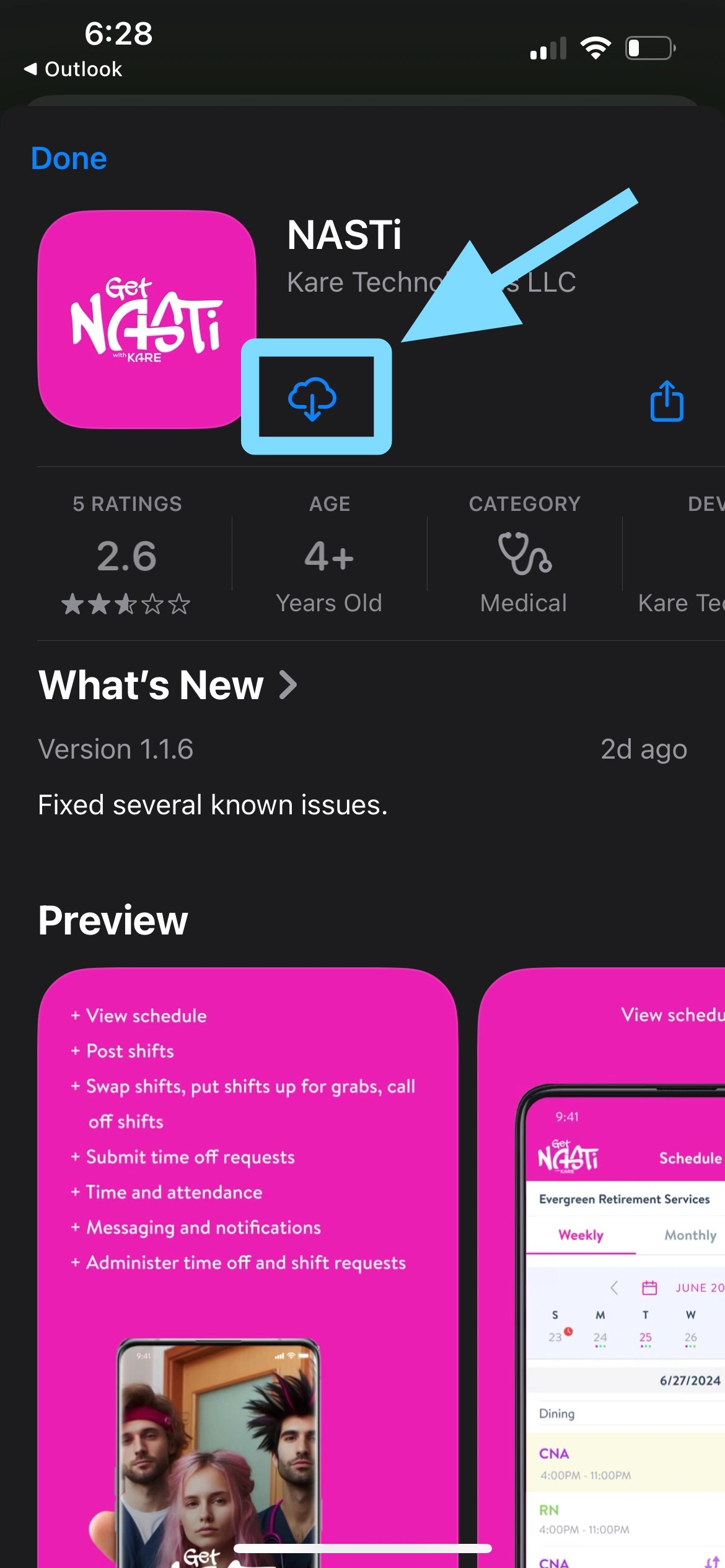
3. Tap on the download icon.
4. Tap on Open.
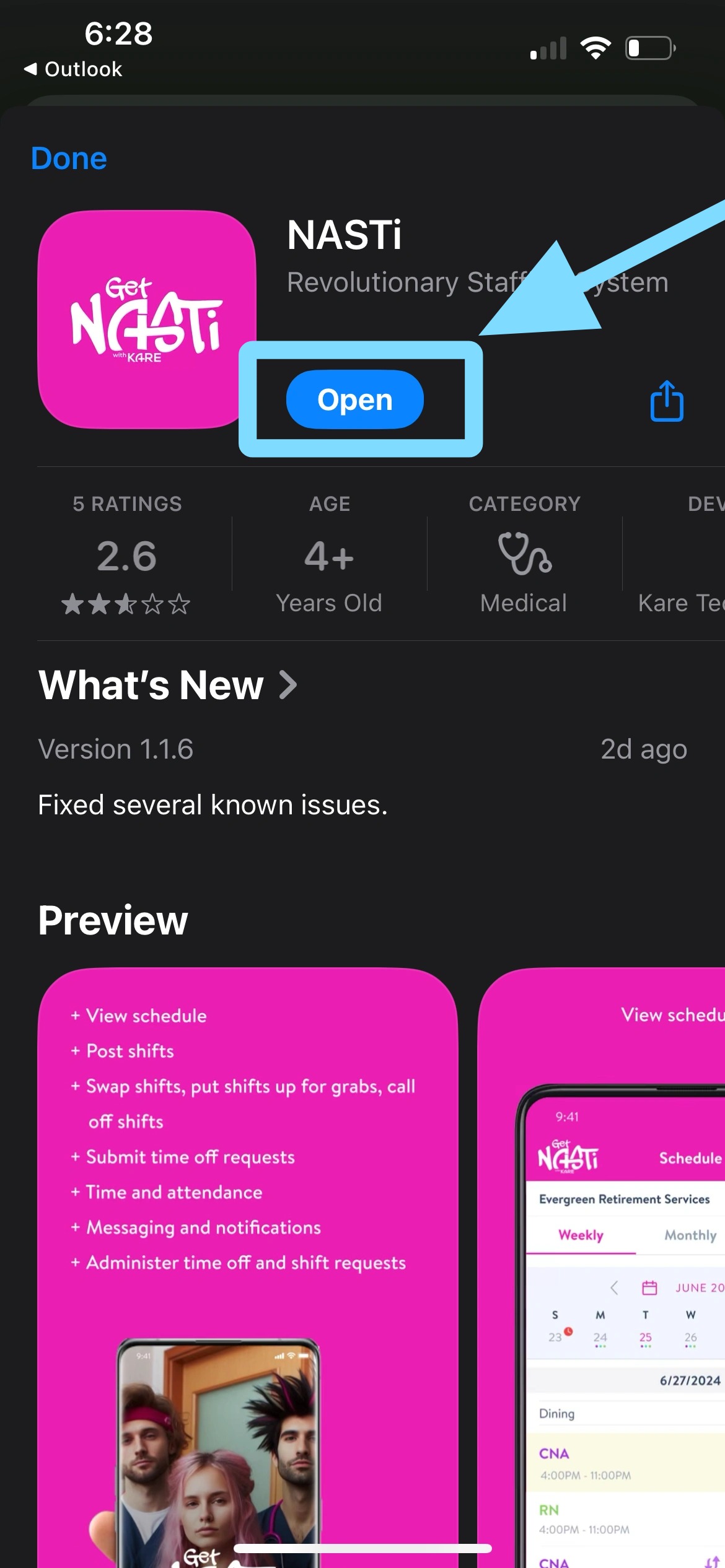
5. Now the app is open and you’ll be prompted to finish your registration by verifying your phone number and email address and setting a password.
Tap Send Verification Code.
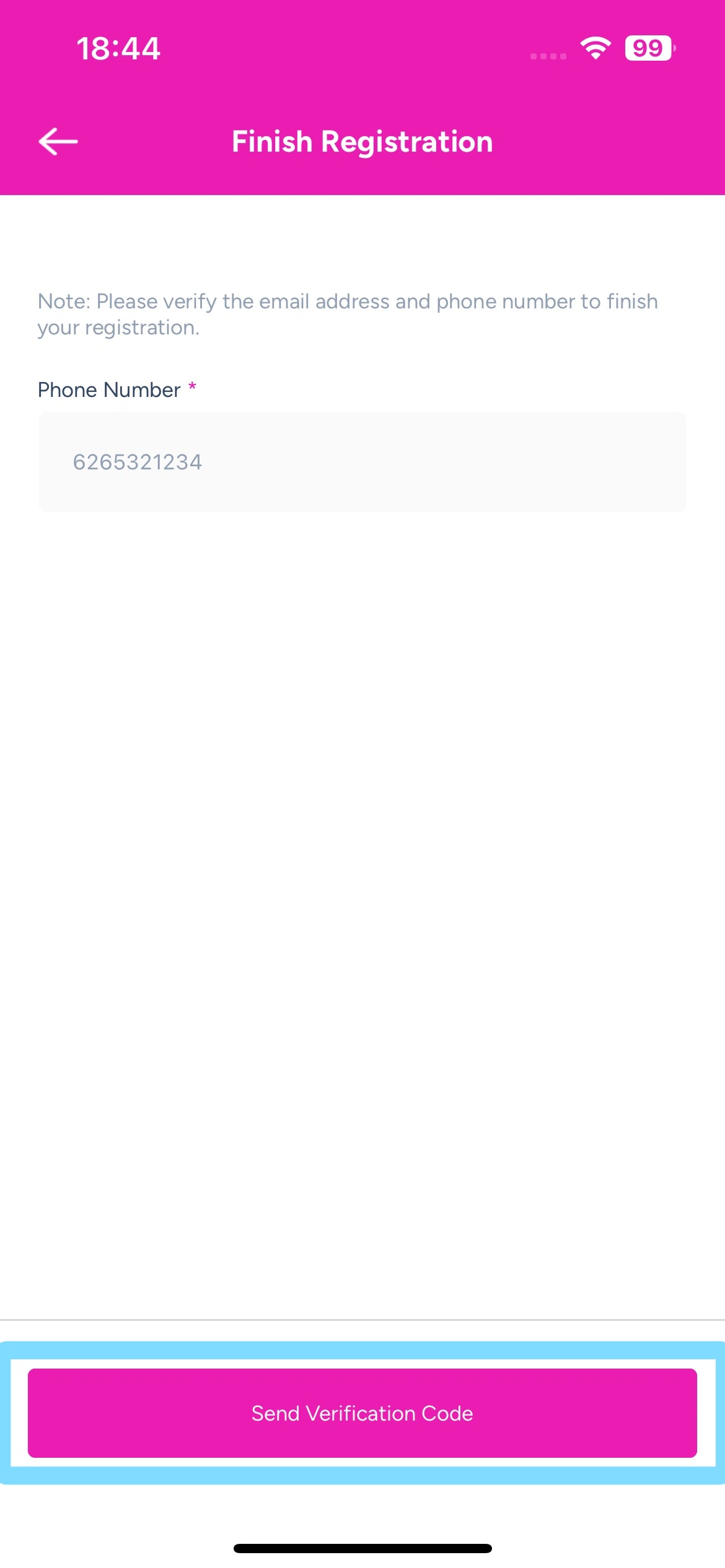
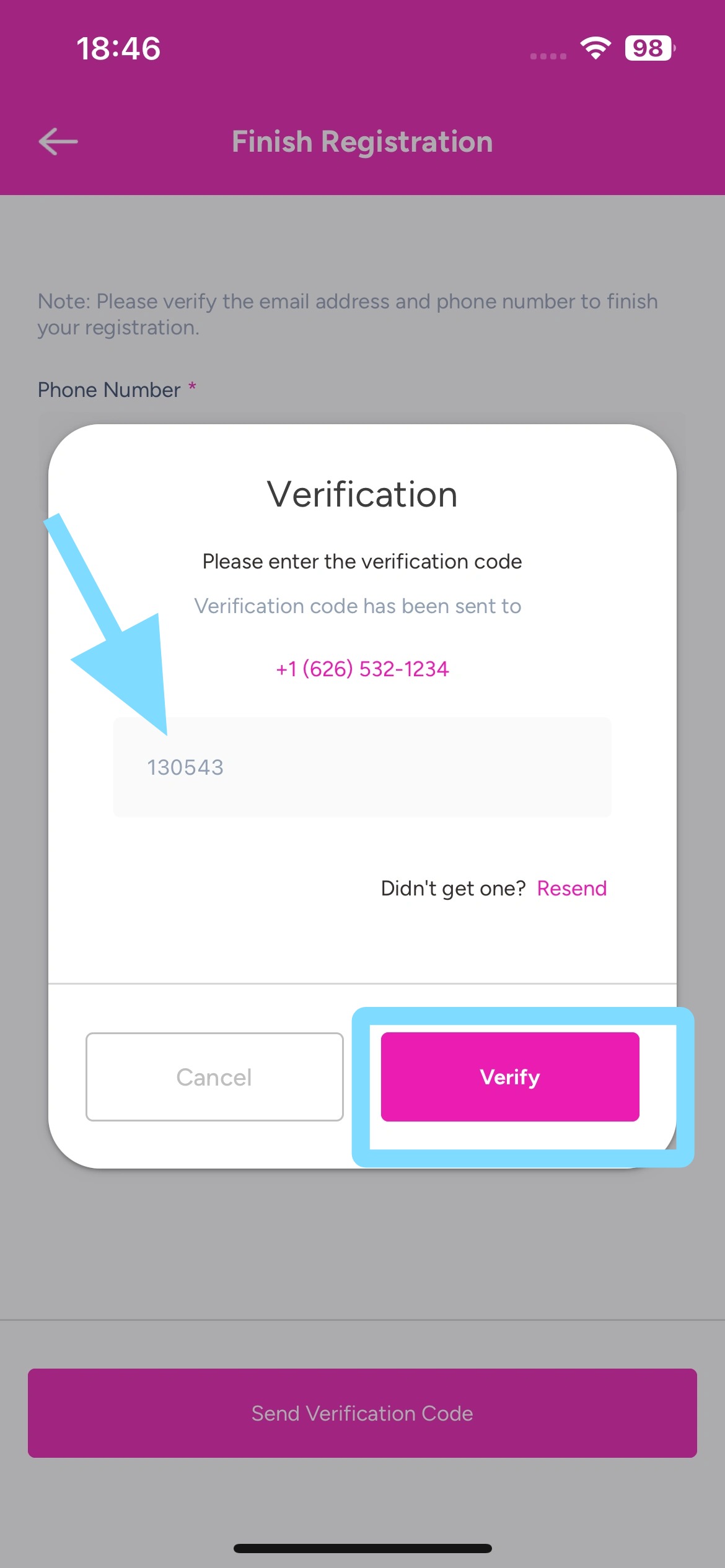
6. Enter verification code.
Tap Verify.
If you didn’t receive your verification code, you may tap Resend to receive it.
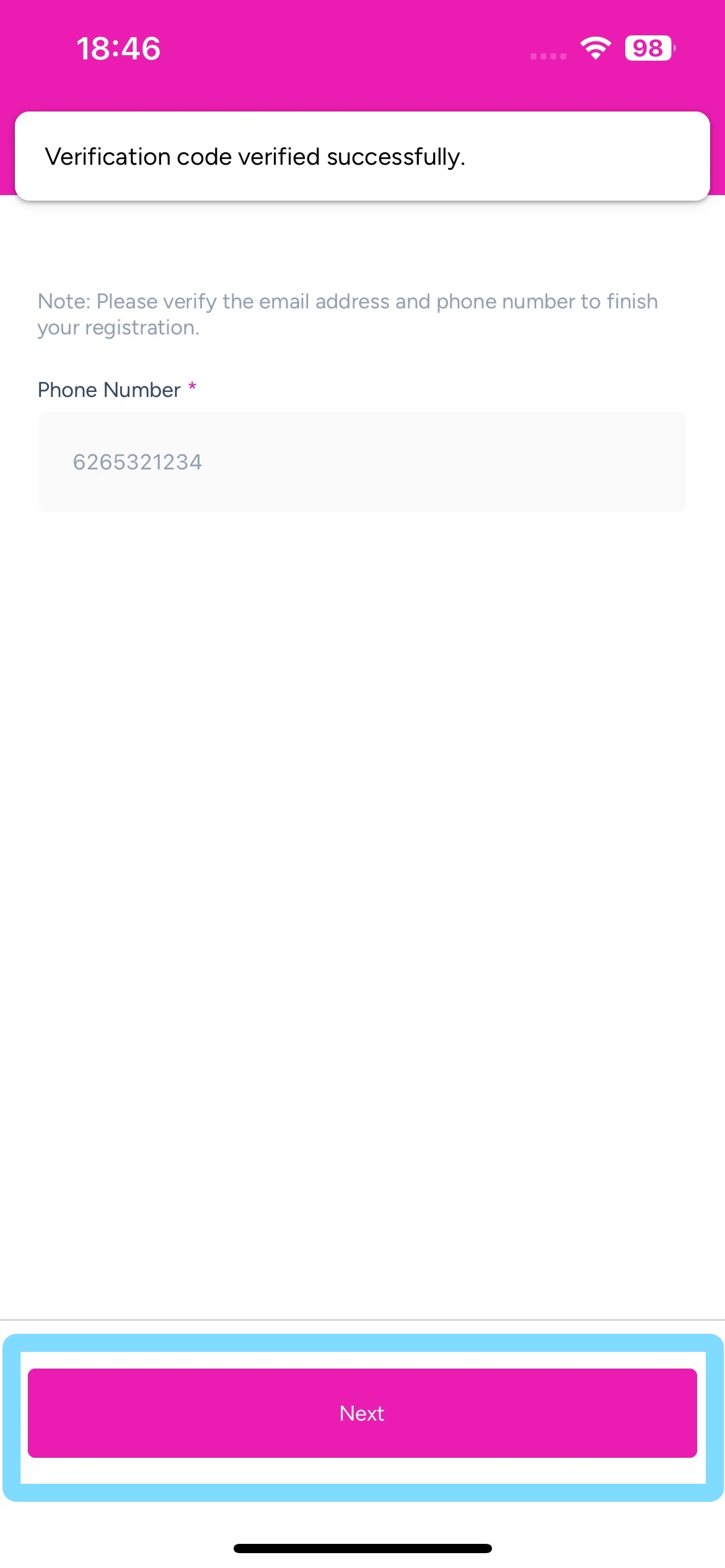
7. Tap Next.
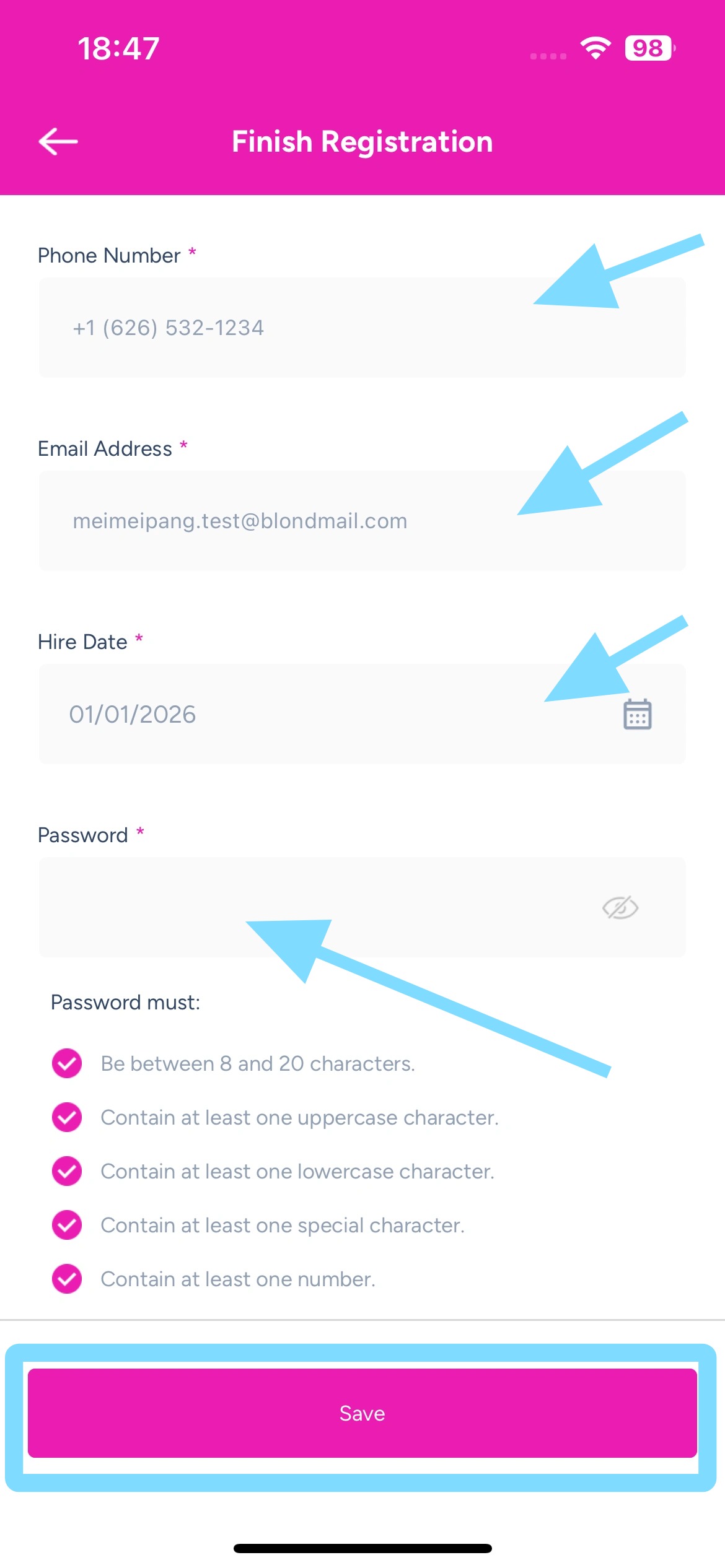
8. Fill out required fields.
Create a password.
Tap Save.
9. Congrats — you’re officially registered! View schedules, swap shifts, grab open shifts, and stay in sync with messages — let’s go!
To Sign In:
-
Enter your phone number or email
-
Enter your password
-
Tap Sign in