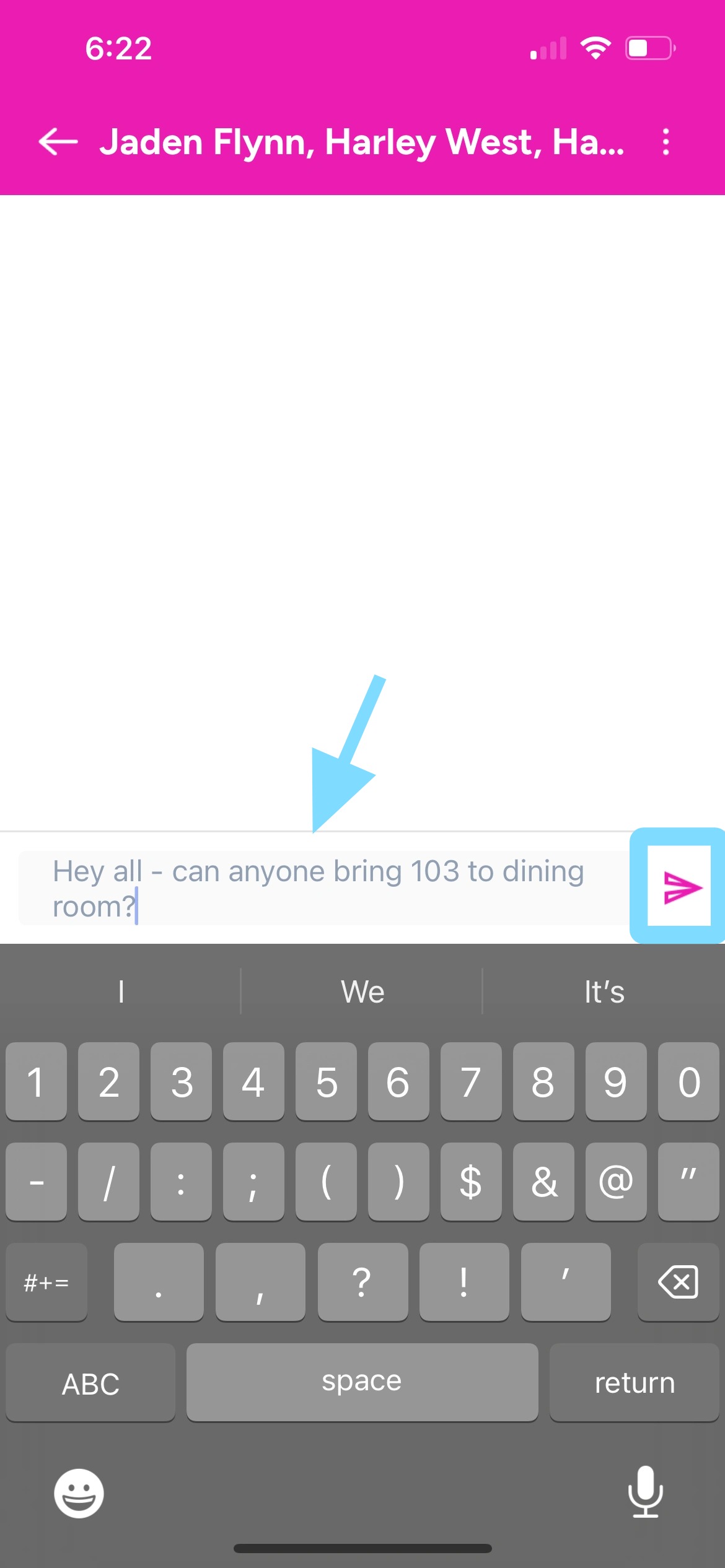
Employee Guide – How to Read and Send Messages
Stay in sync. This guide shows you how to read messages, send replies, and keep conversations moving—fast and easy.
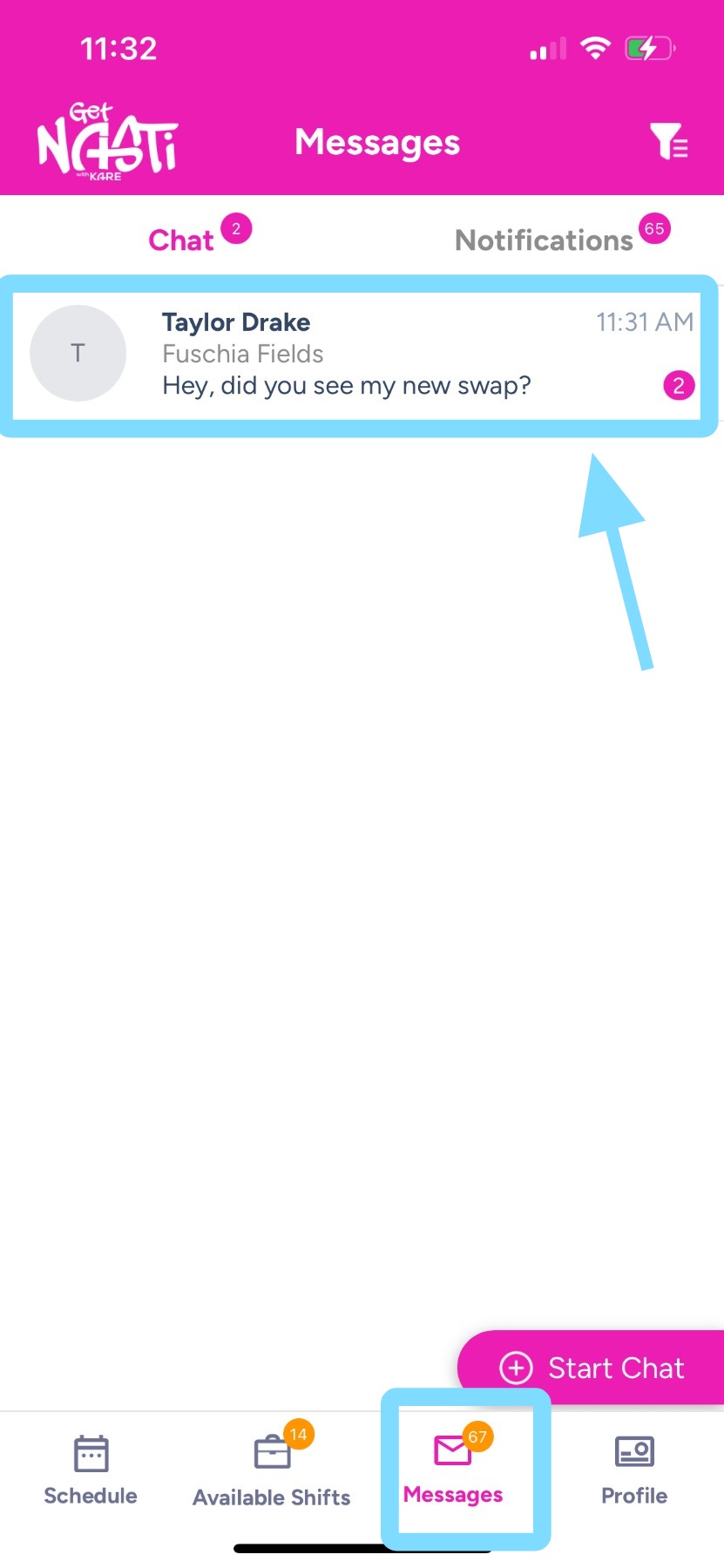
1. Tap on Messages
Within Messages, tap on a message to read it and respond.
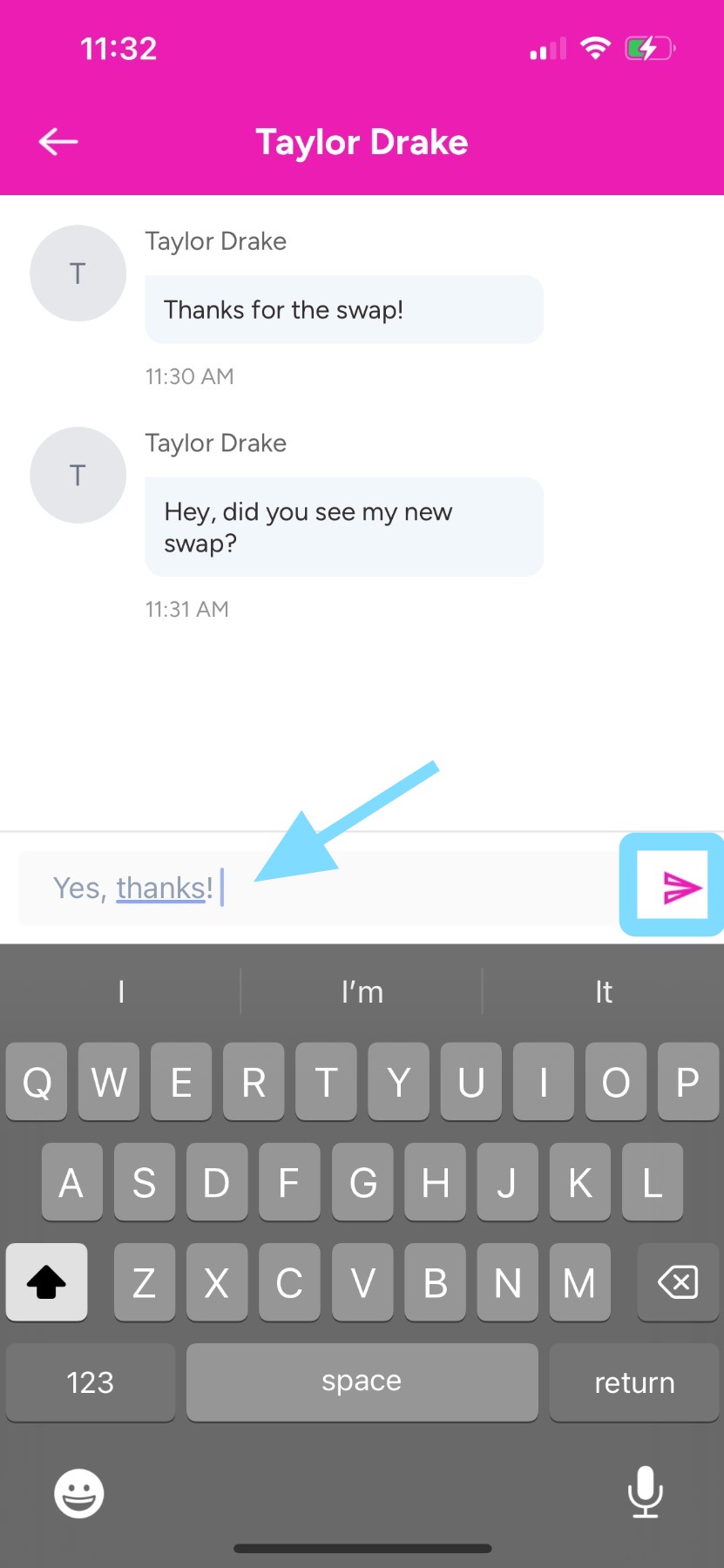
2. View the message thread here.
Type your message in the text box, then tap the Send icon to send it.
Done!!
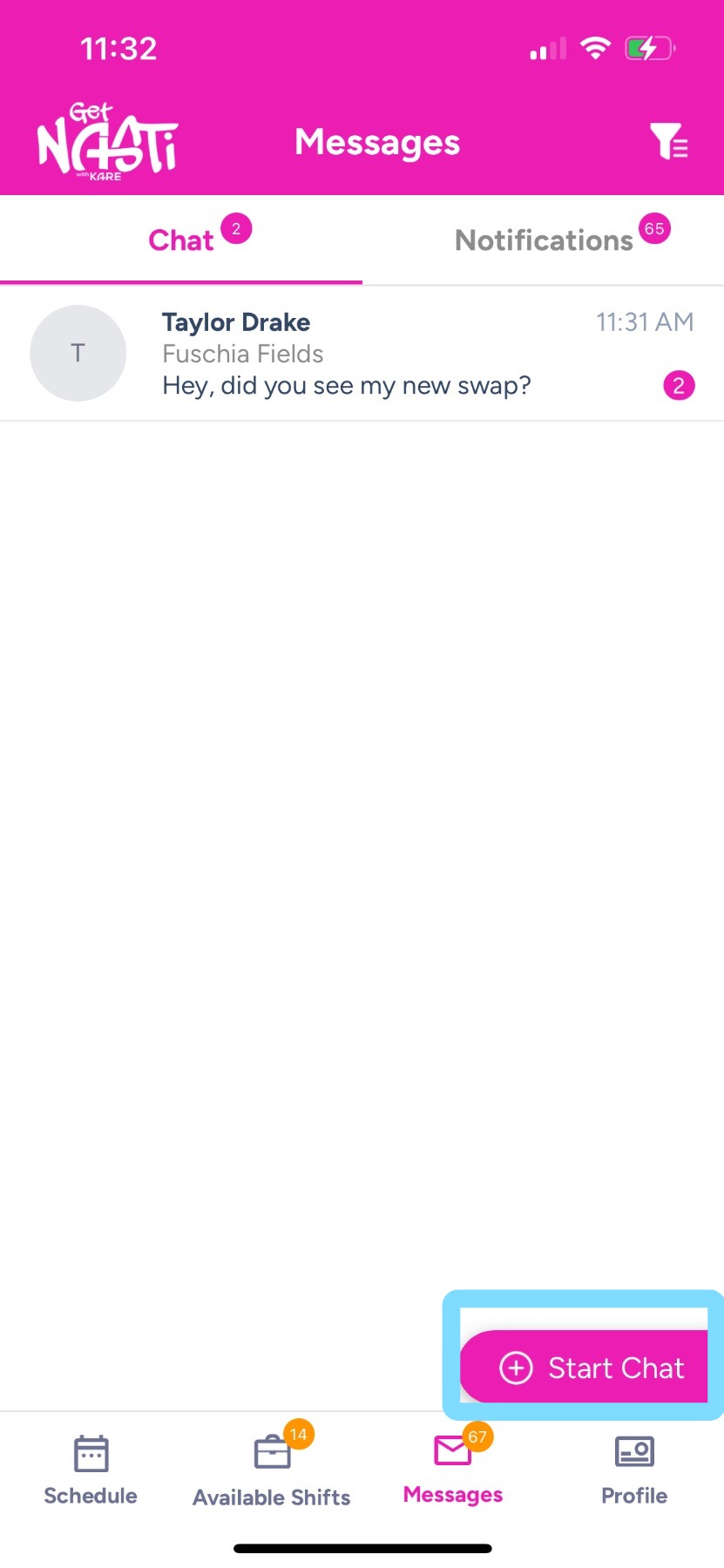
3. To create a new message, tap on + Start Chat.
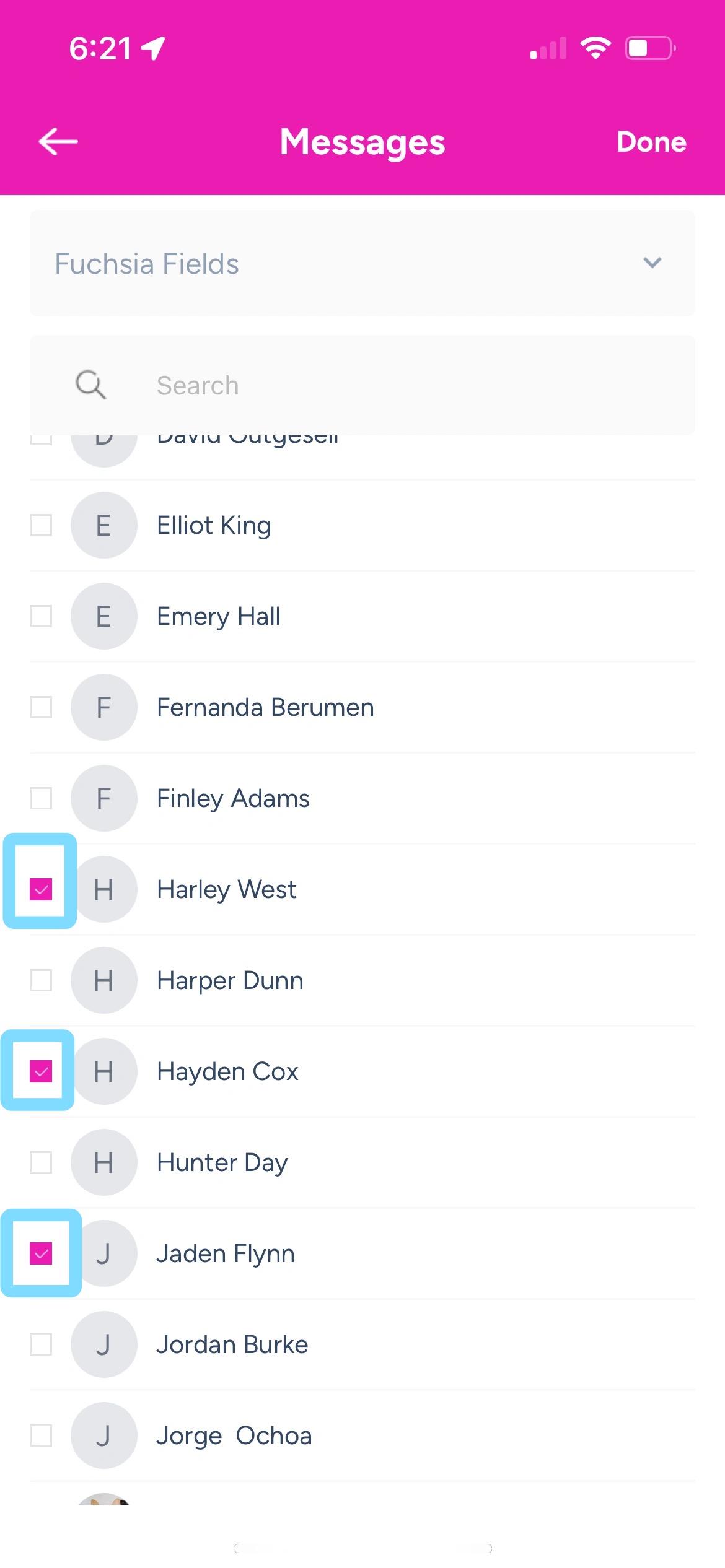
4. Select the checkboxes next to the people you want to message.
5. Type your message in the text box, then tap the Send icon.
Done!!