How to Manage Shifts in Mobile App
Learn how to edit shift details, reassign employees, open shifts, and delete shifts from the NASTi mobile app.
1. To make changes to a shift within the mobile app:
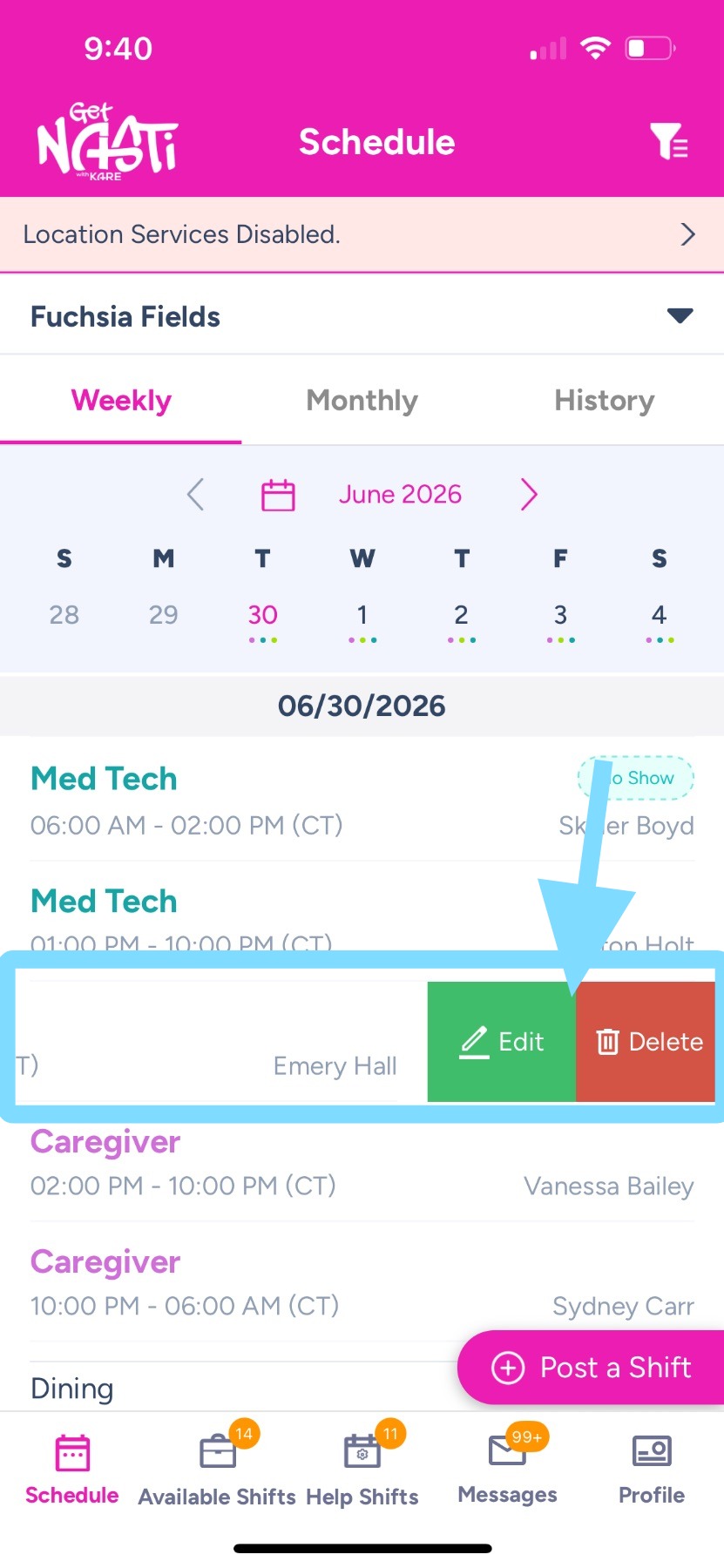
- Go to Schedule
- Swipe left on the desired shift.
- Select Edit to update the shift or Delete to remove it.
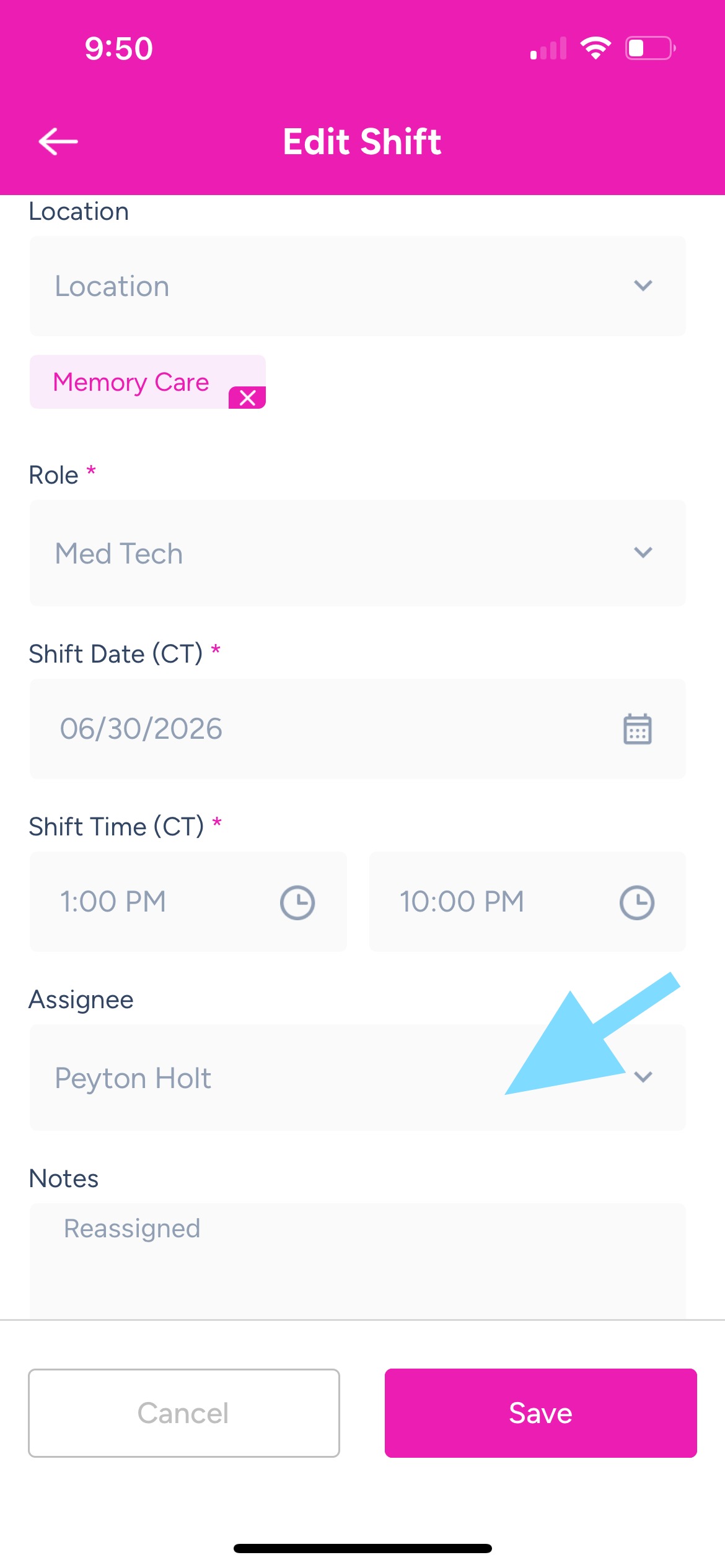
2. Tap any field to edit the shift information. In this example, the assignee of the shift needs to be changed
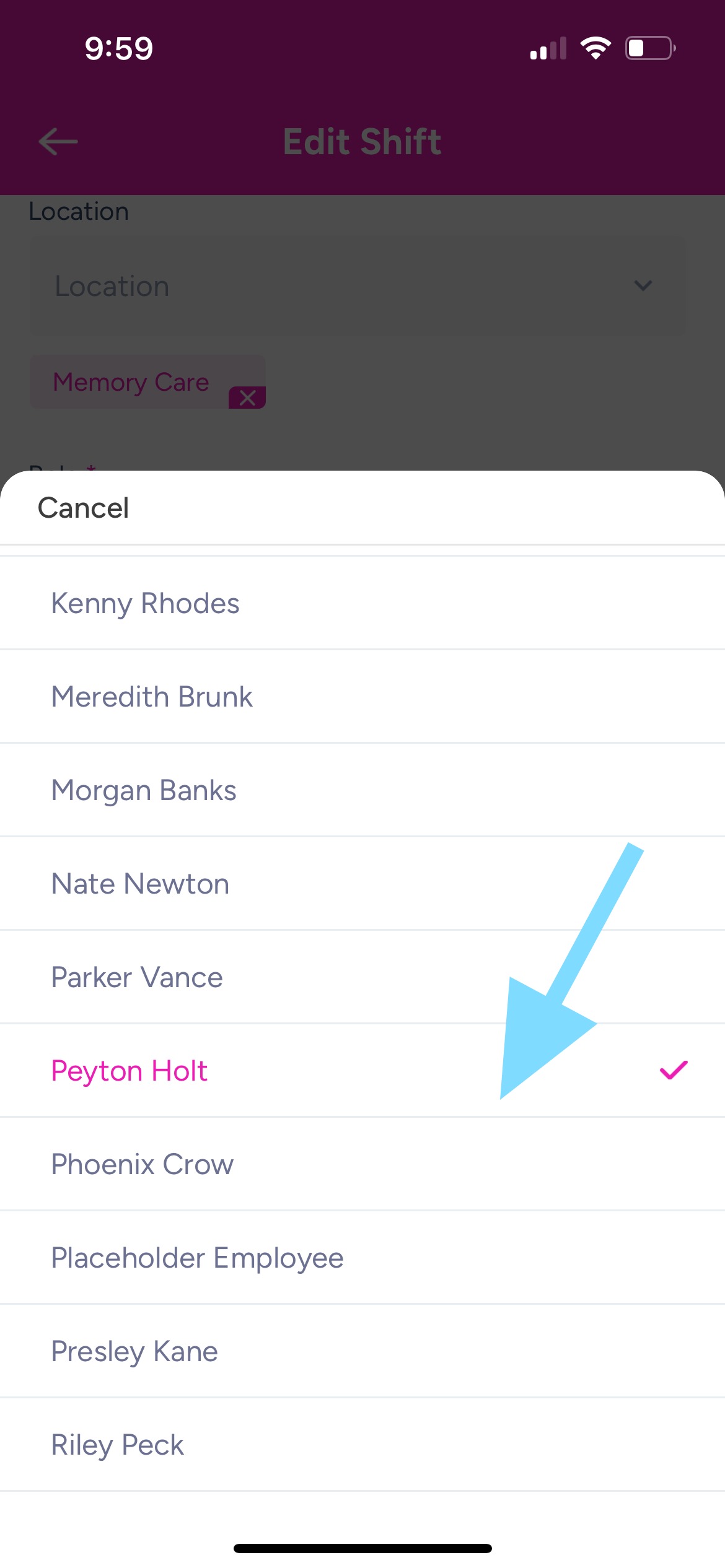
3. To unassign shift so that it’s open, tap on the current assignee’s name. To reassign to another employee, tap another employee’s name
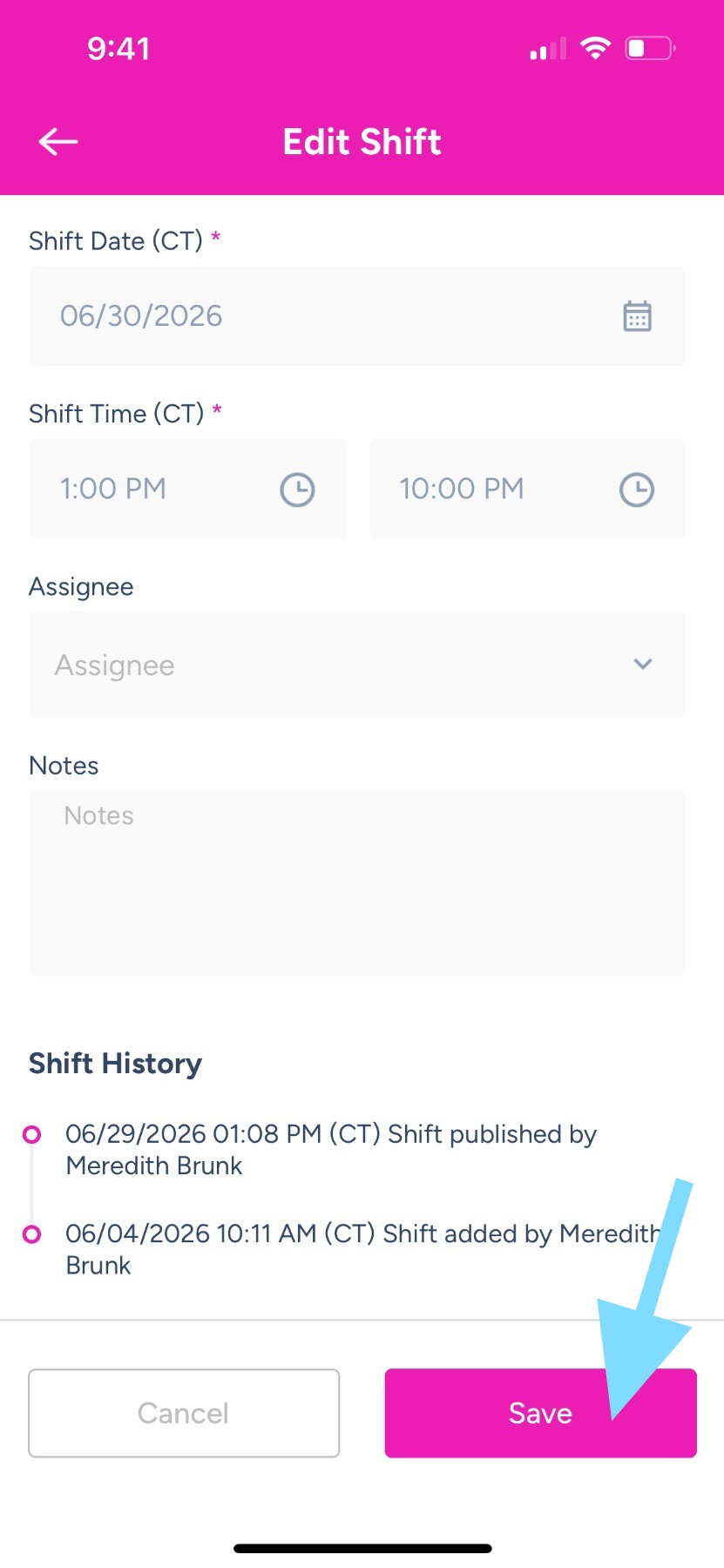
4. Review your changes and tap Save to update the shift.