How to Resolve Employee Password Problems
This guide provides options for assisting employees facing password issues and unable to log into their NASTi app.
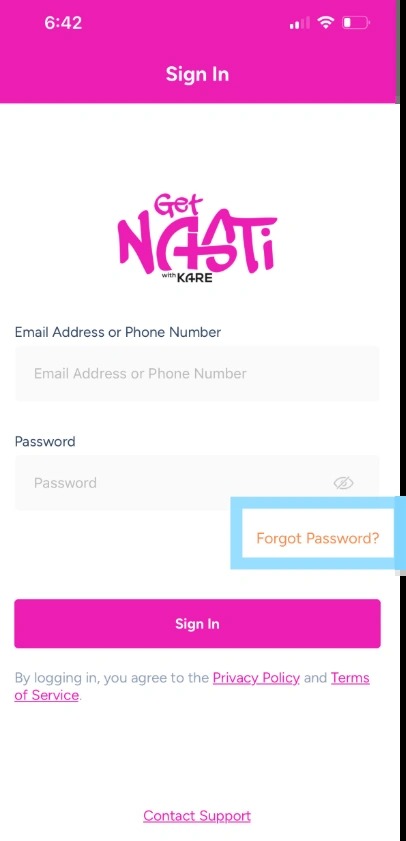
1. An admin user does not have the ability to reset passwords for an employee. If the employee forgets their password, they may select Forgot Password within the app.
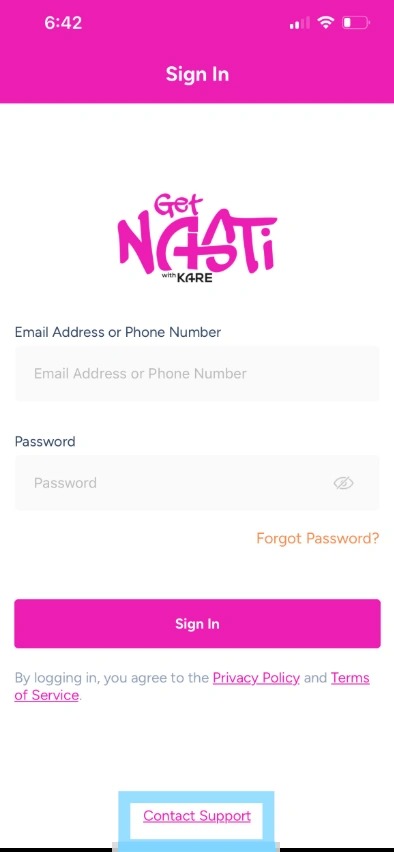
2. If employee needs their password reset, they may contact NASTi support by selecting Contact Support link within the app for a password reset.
They may also reach support by emailing: nastisupport@doyoukare.com or by calling: 832-810-8660