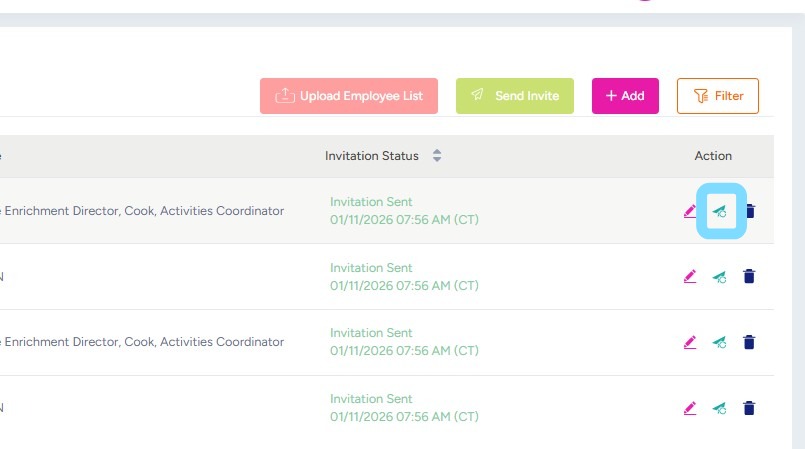
How to Resend an Employee Invite
If an employee reports that they didn’t receive their invite, no stress. Admin Users can quickly resend the invite and/or fix the employee’s phone number or email if needed so that the invite reaches the employee.
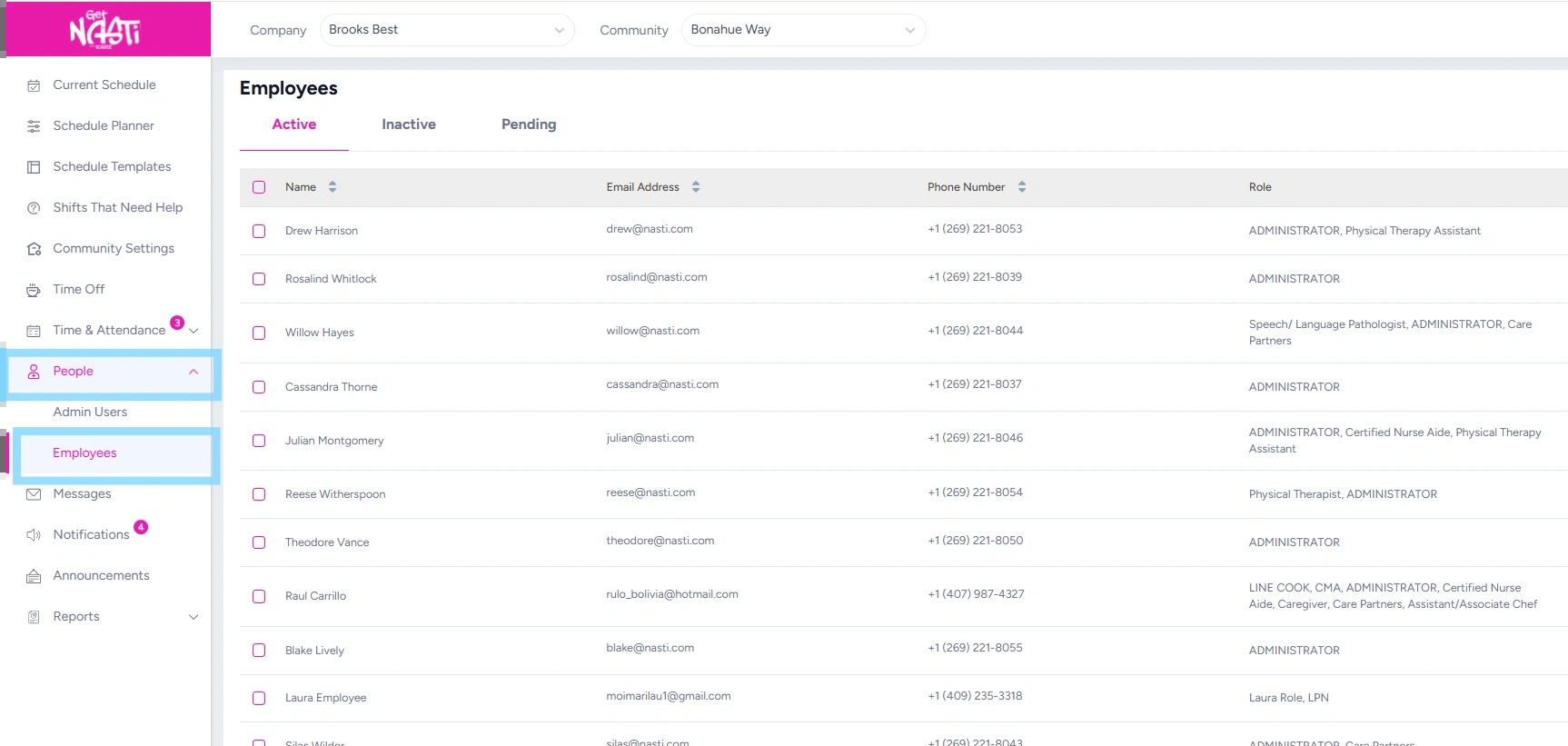
1. Navigate to People
Select Employees
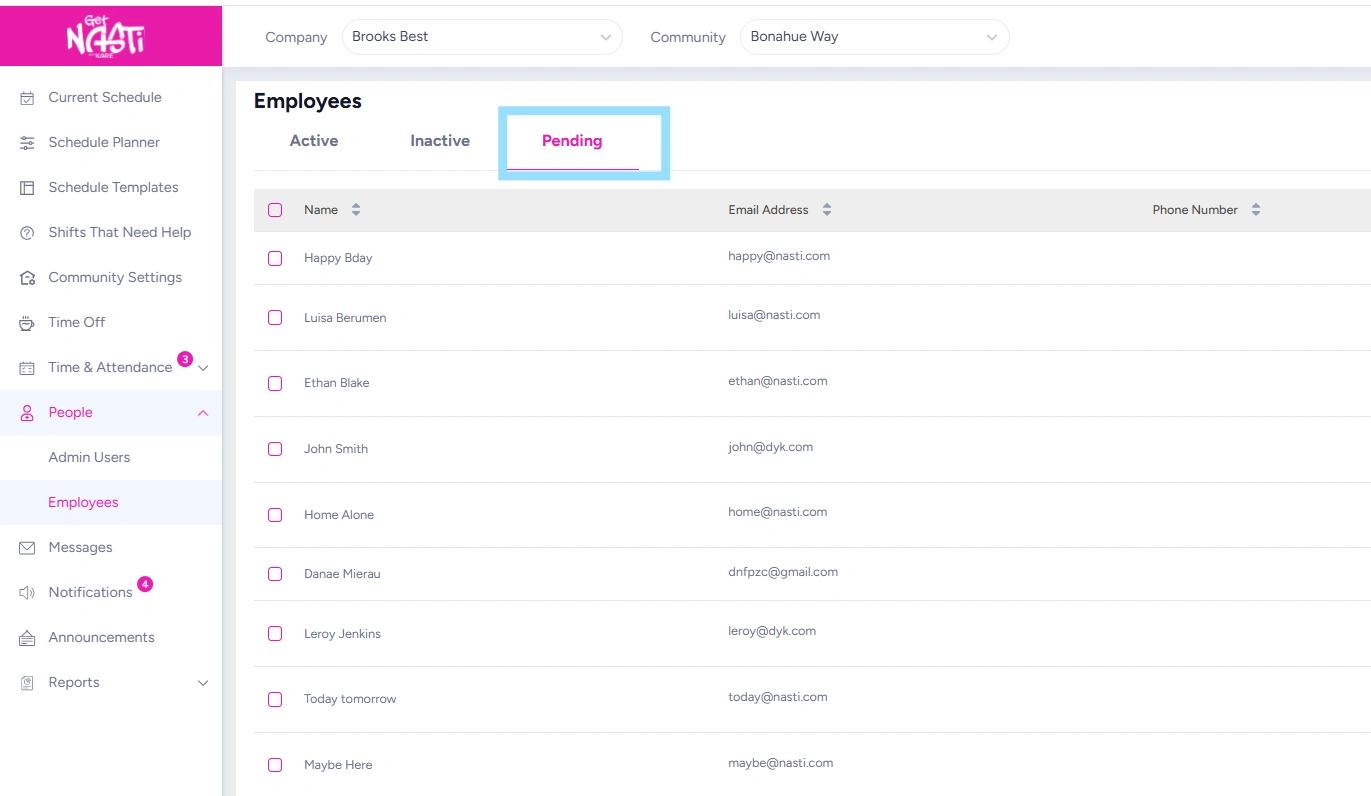
2. Select Pending
3. To resend an invite for an employee, select the Resend icon in the same row as the employee’s name.
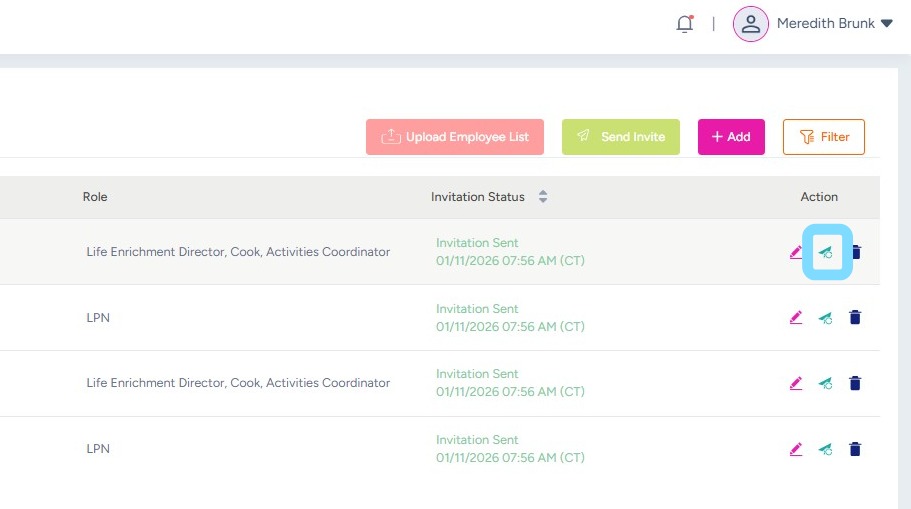
4. To review and edit employee information to ensure correct email and/or phone, select the Edit icon in the same row as their name
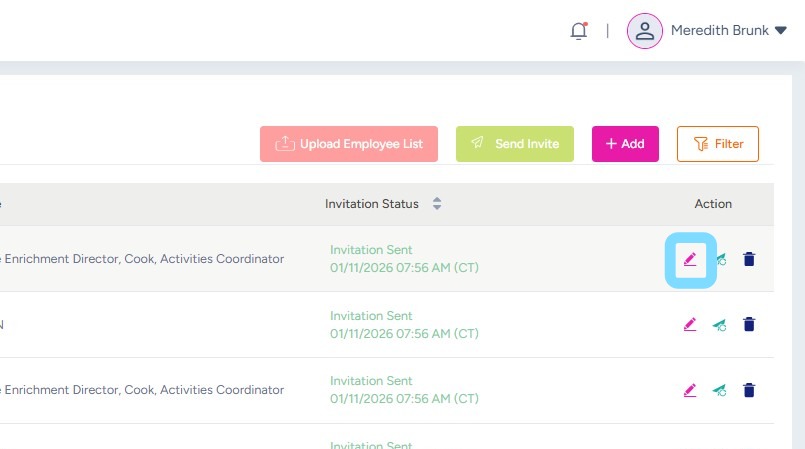
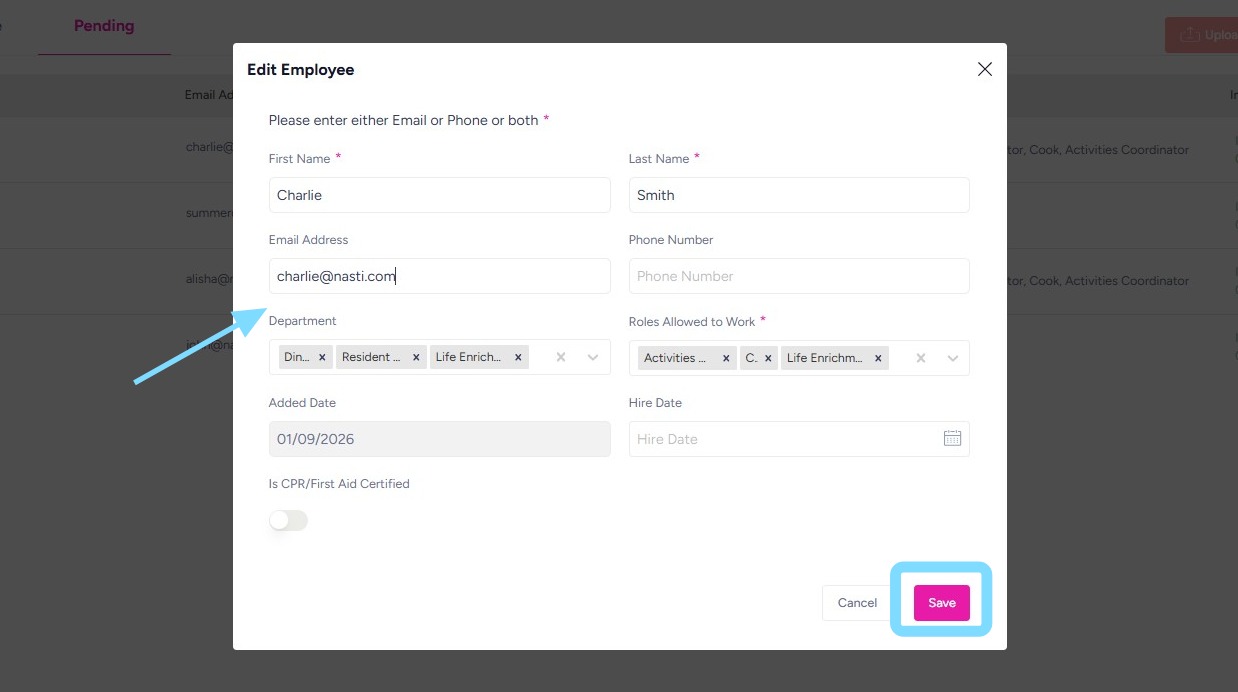
5. Review and edit any information as needed.
Select Save.
6. If employee information was edited, resend invite by selecting Resend icon.