How to Manually Terminate or Deactivate Employee
This guide shows you how to terminate or deactivate an employee so your roster stays clean, your schedules stay accurate, and your labor stays under control. Note: If your HRIS system is integrated with NASTi, this information will flow between the systems and this user guide no longer applies.
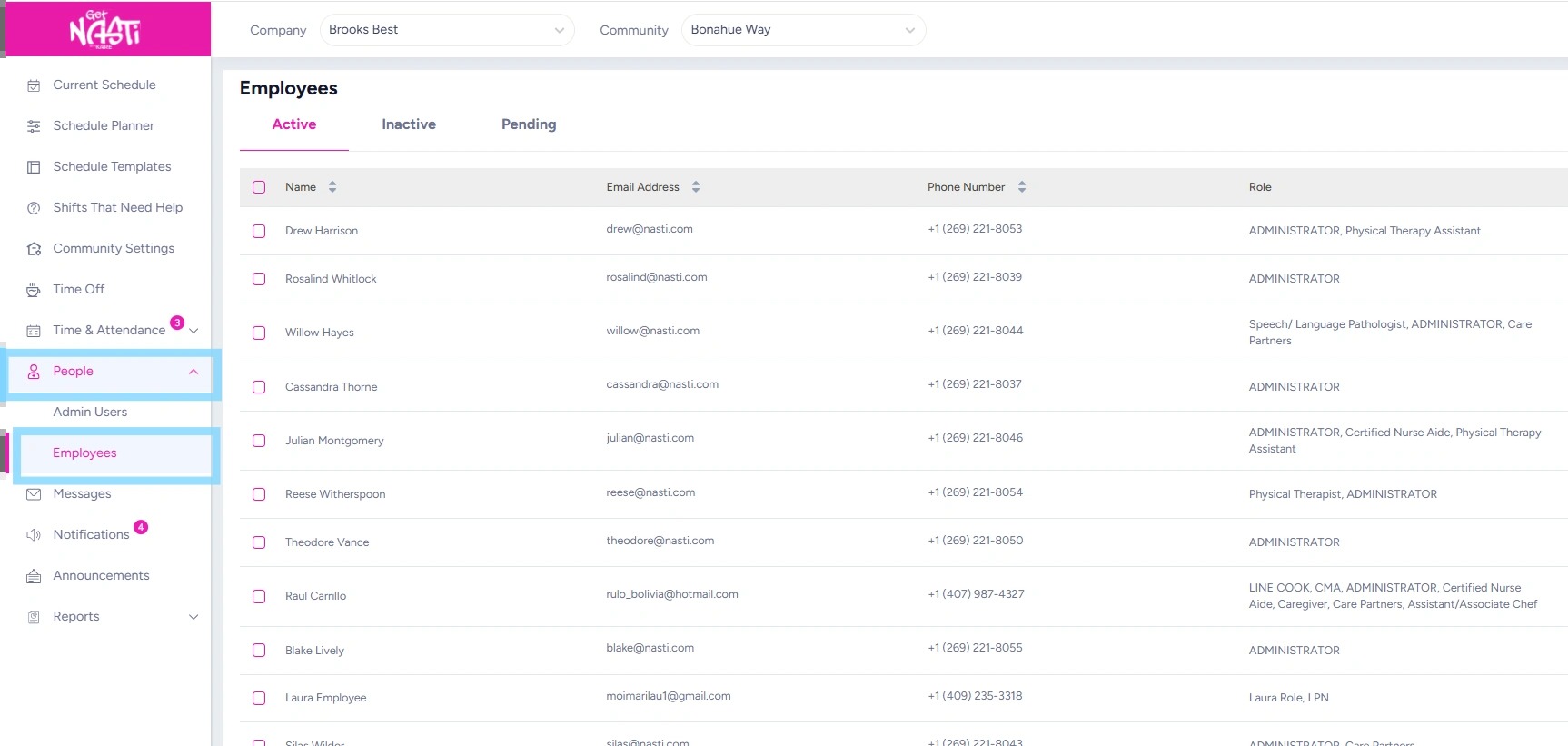
1. Navigate to People
Select Employees
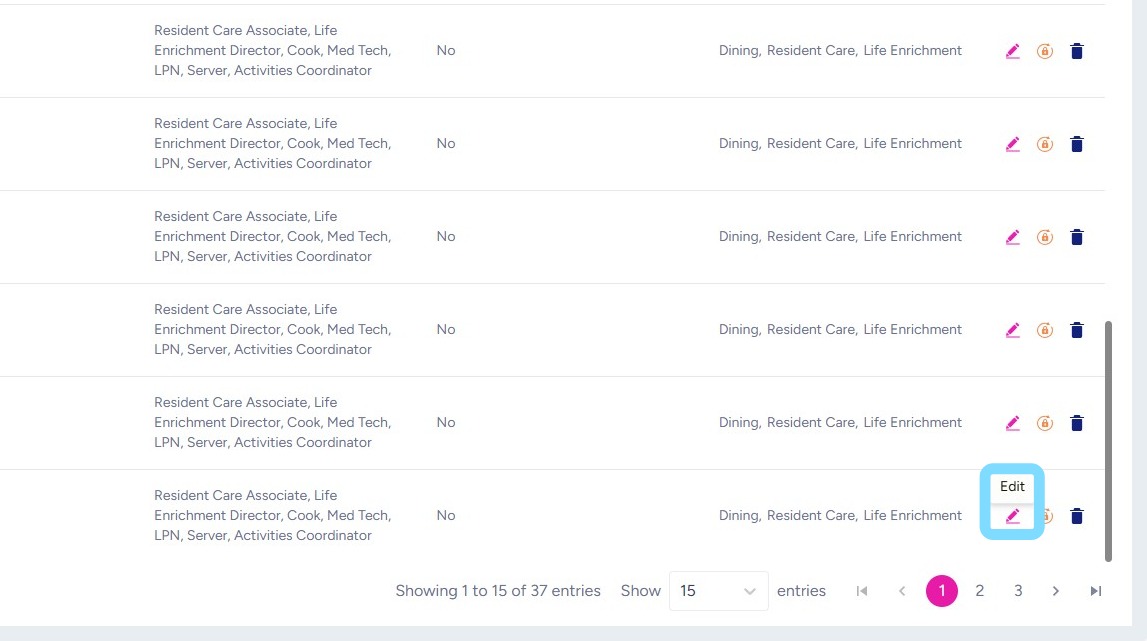
2. Select Edit icon
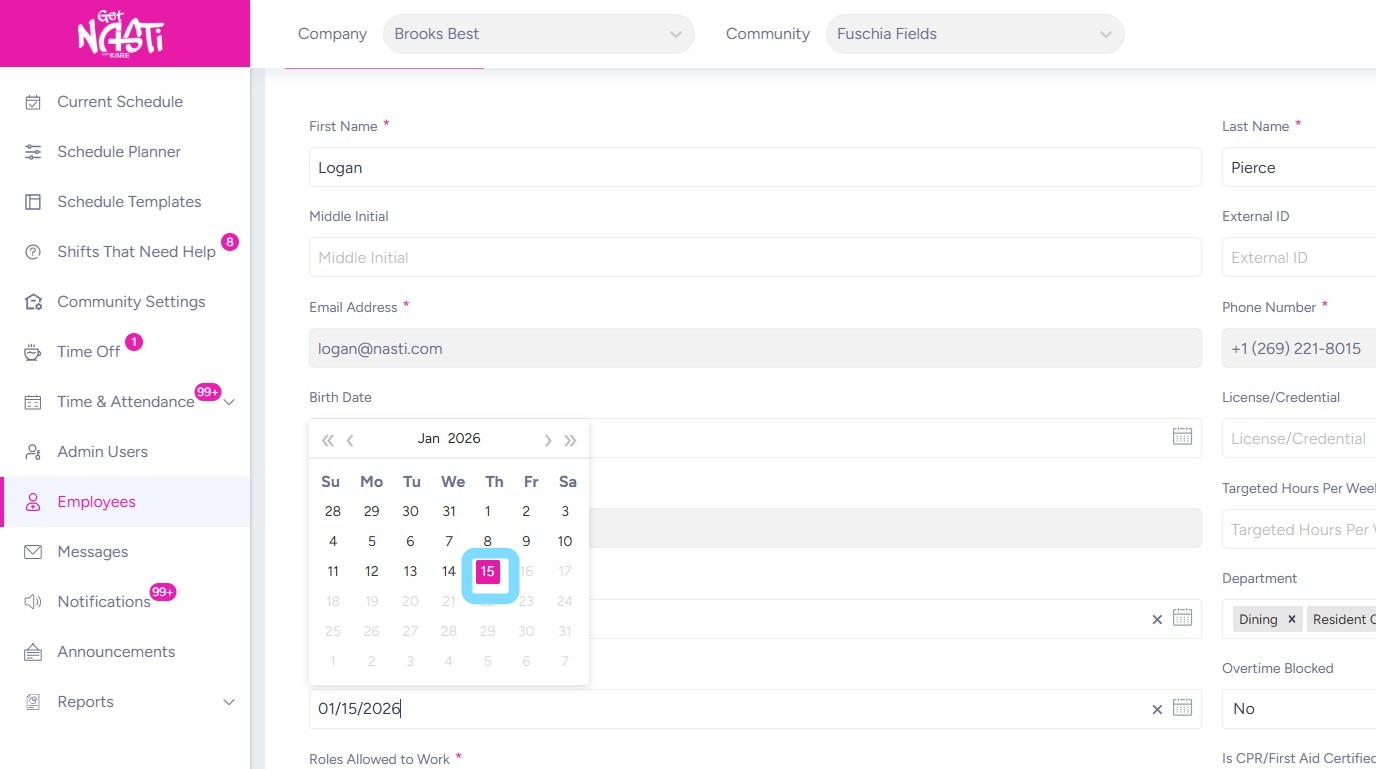
3. Select a Termination Date
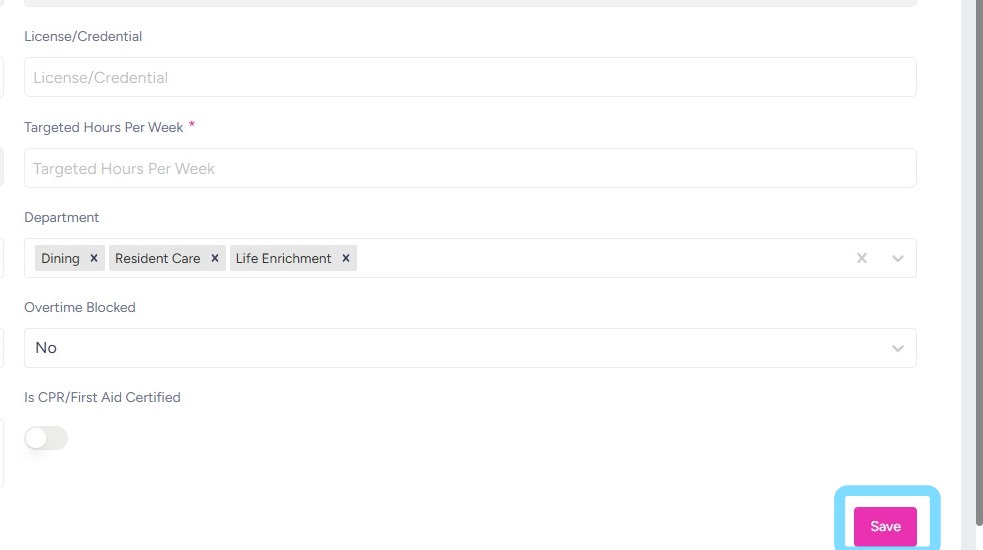
4. Select Save
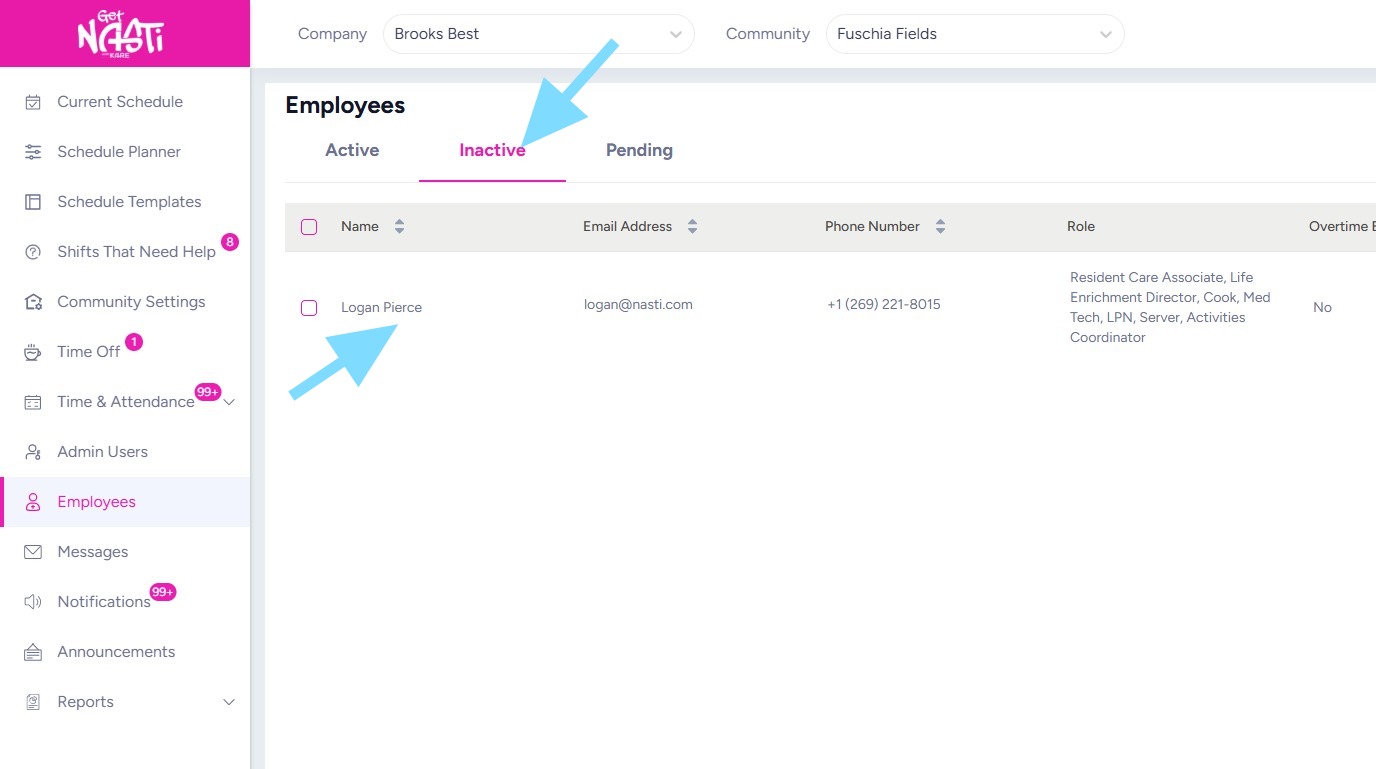
5. After termination date, that employee will now appear in your Employees > Inactive list.