How to Manage Employee Department Assignments (Add or Remove Department)
This guide shows you how to manage employee department assignments — add or remove departments as needed so the right people can work the right shifts and keep the floor covered.
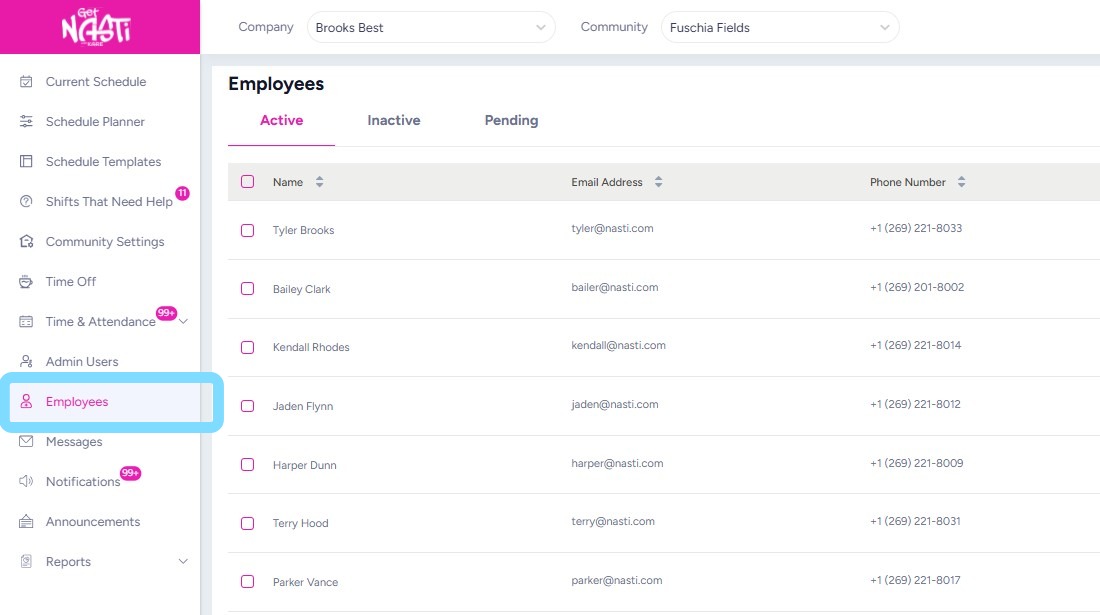
1. Navigate to Employees
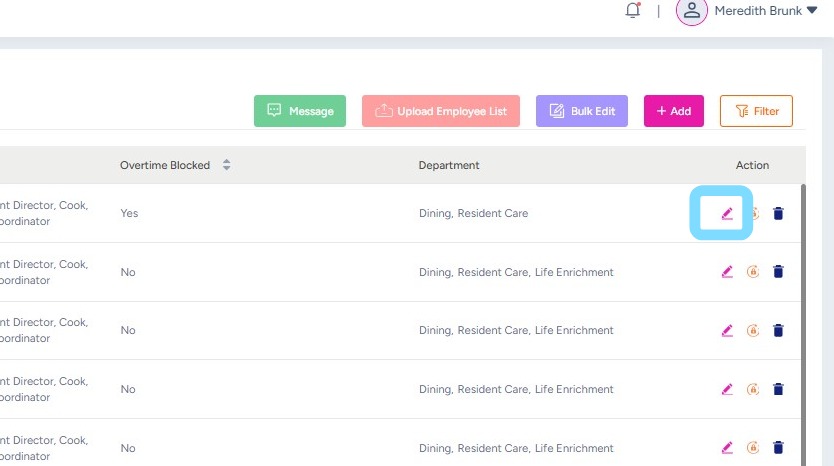
2. Select the Edit icon in the employee row to be updated.
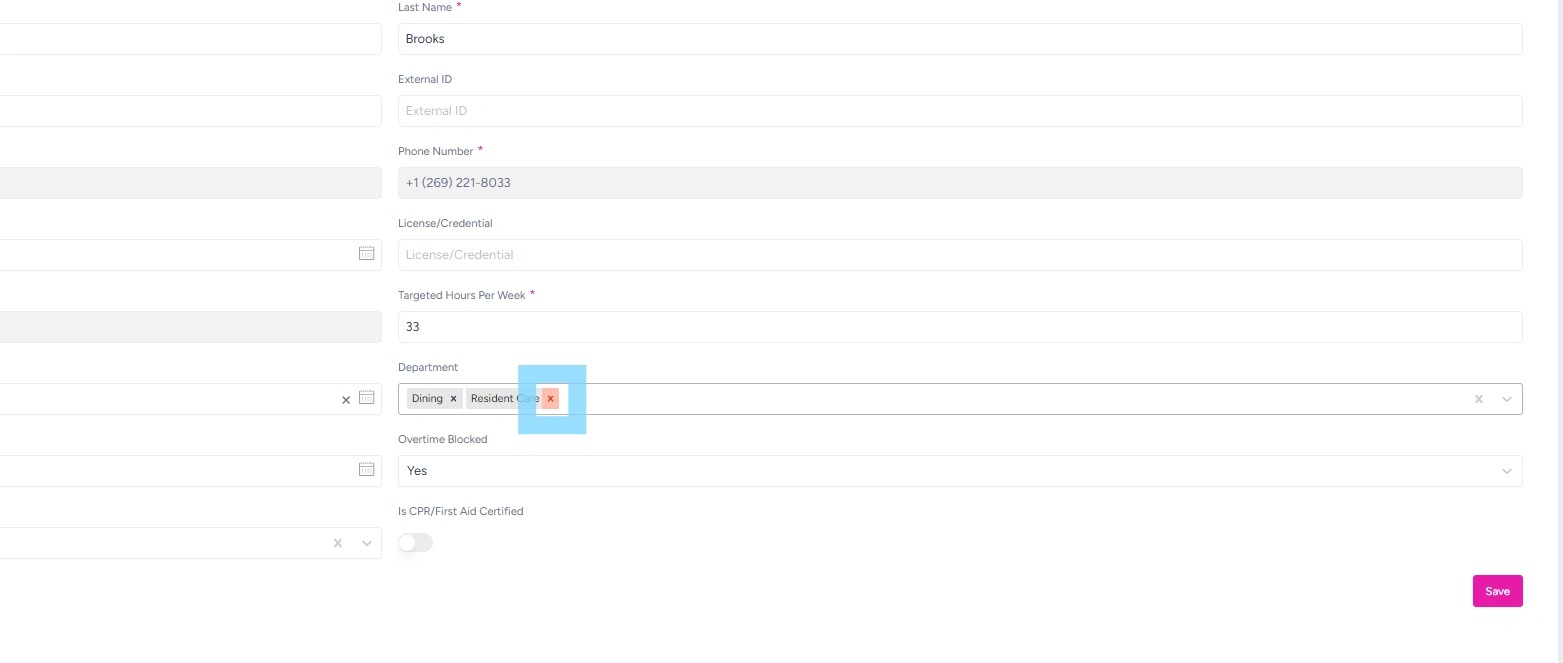
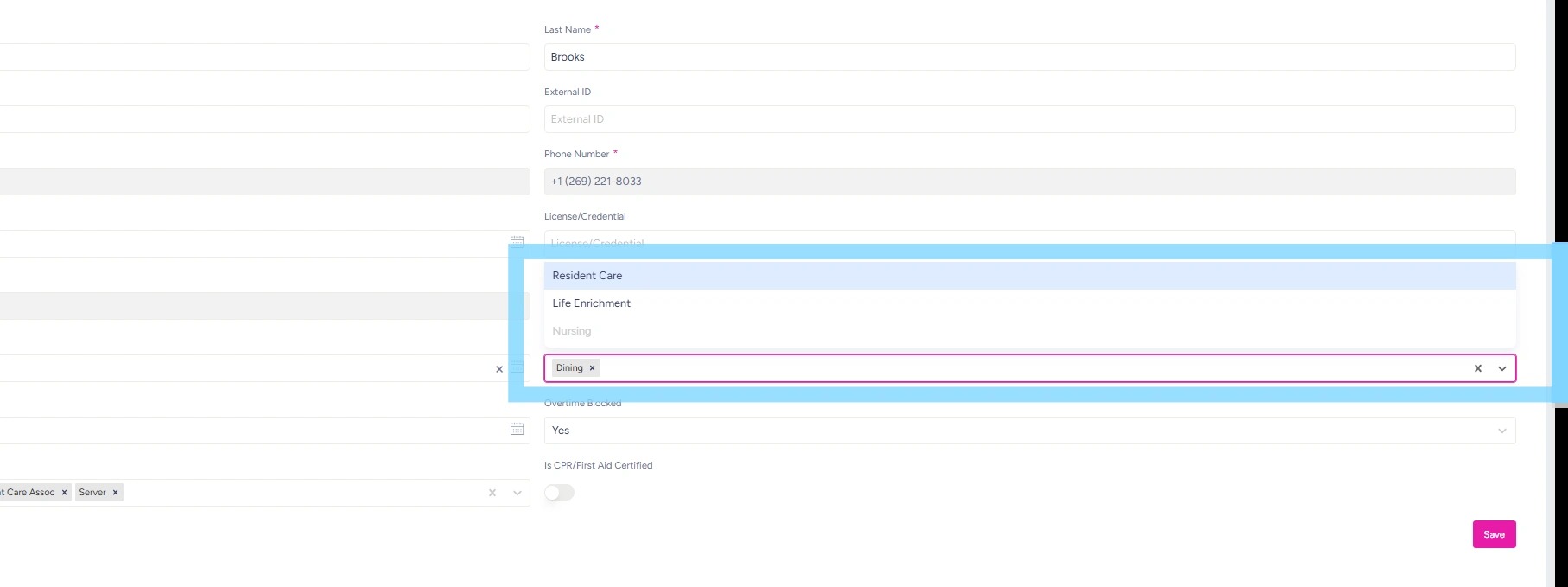
3. To remove Department from employee, select the X next to the department, within the Department field.
4. To add a Department, select from the Department dropdown list.
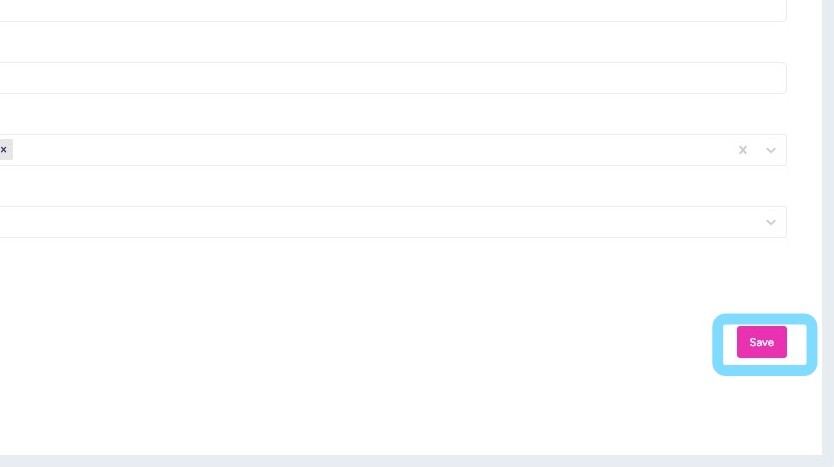
5. Select Save when complete.