How to Manage Admin Permissions (Add and Remove Permissions)
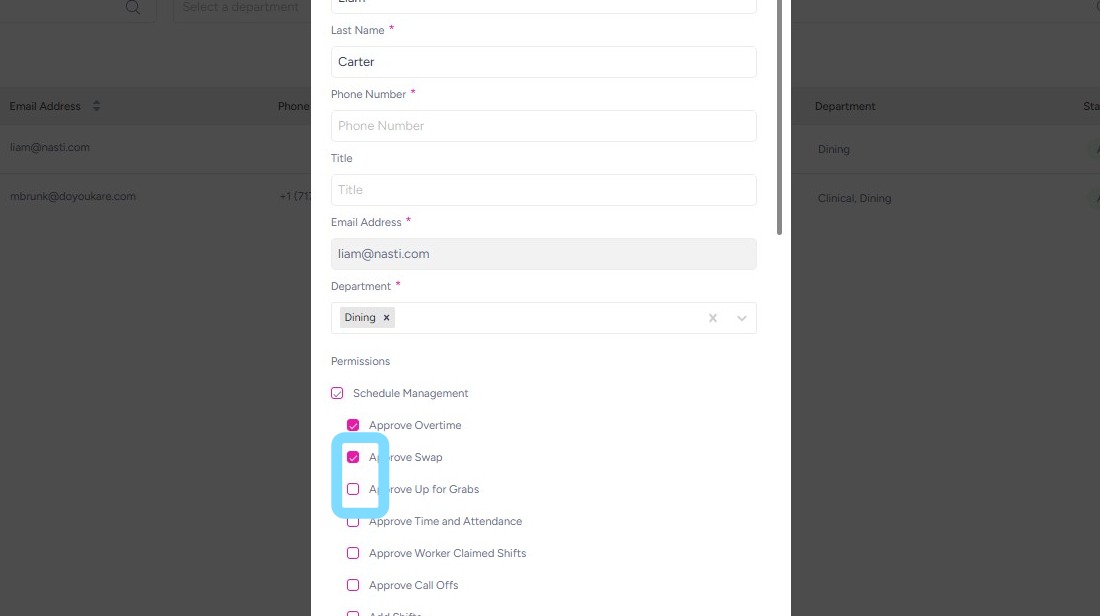
This guide demonstrates how to manage user permissions so administrators have the access they need to run their community effectively. Permissions are grouped by function, including Schedule Management, Community Management, Employee Management, User & Permission Management, and Announcements Management. If you are an Admin User that needs additional permissions and don’t have access to make changes, contact your primary NASTi Admin or Supervisor for support.
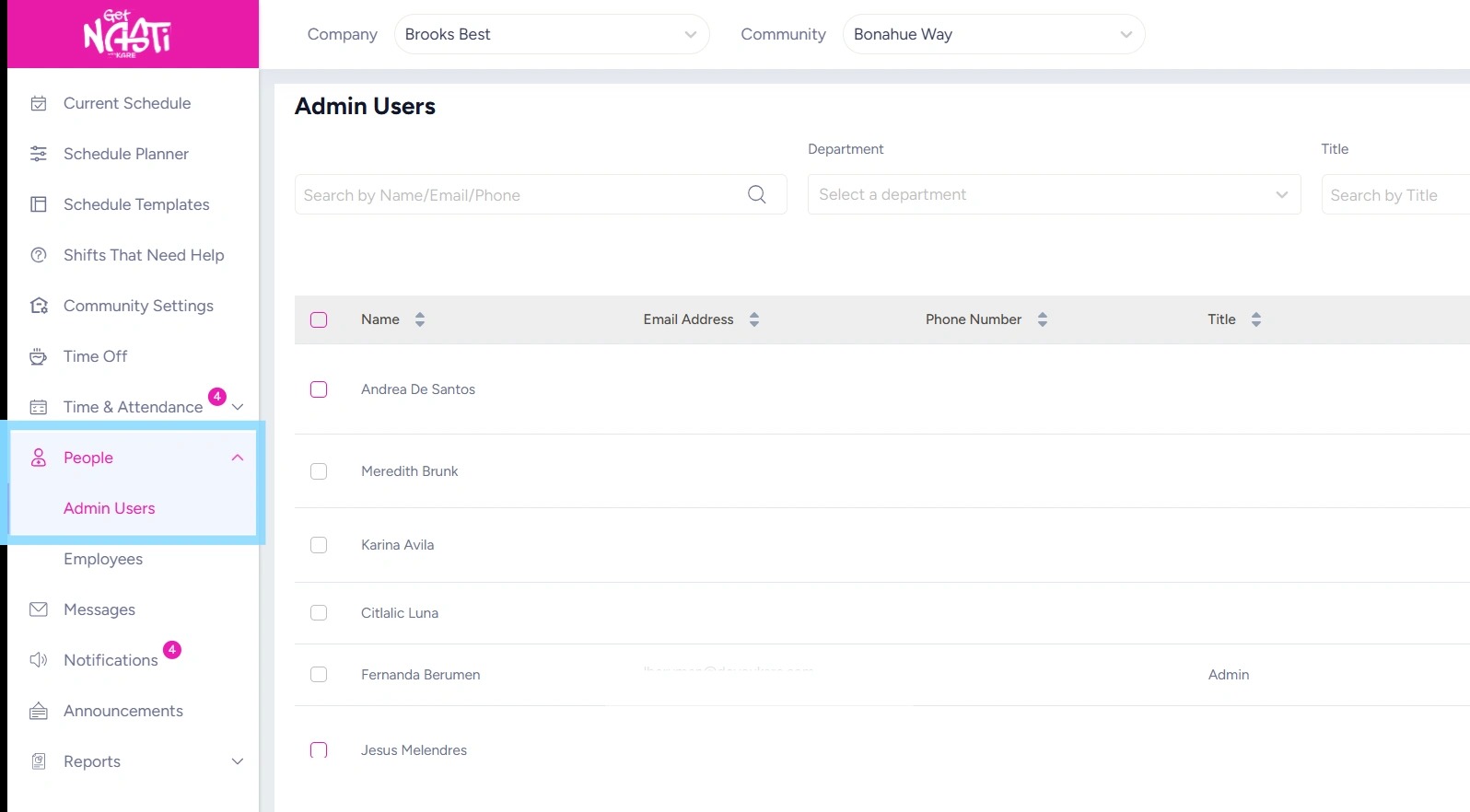
1. Navigate to People
Select Admin Users
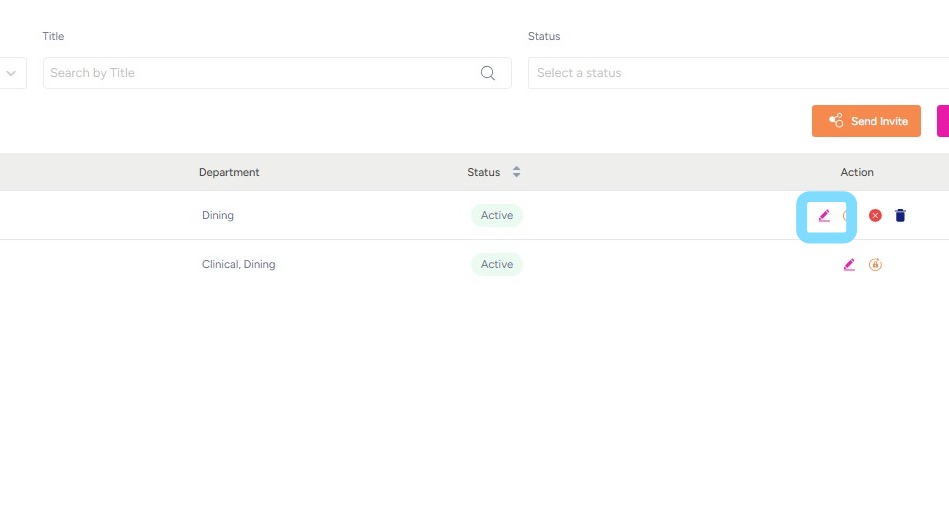
2. Select Edit icon.
3. Select boxes next to permissions to add or remove that permission from Admin User.
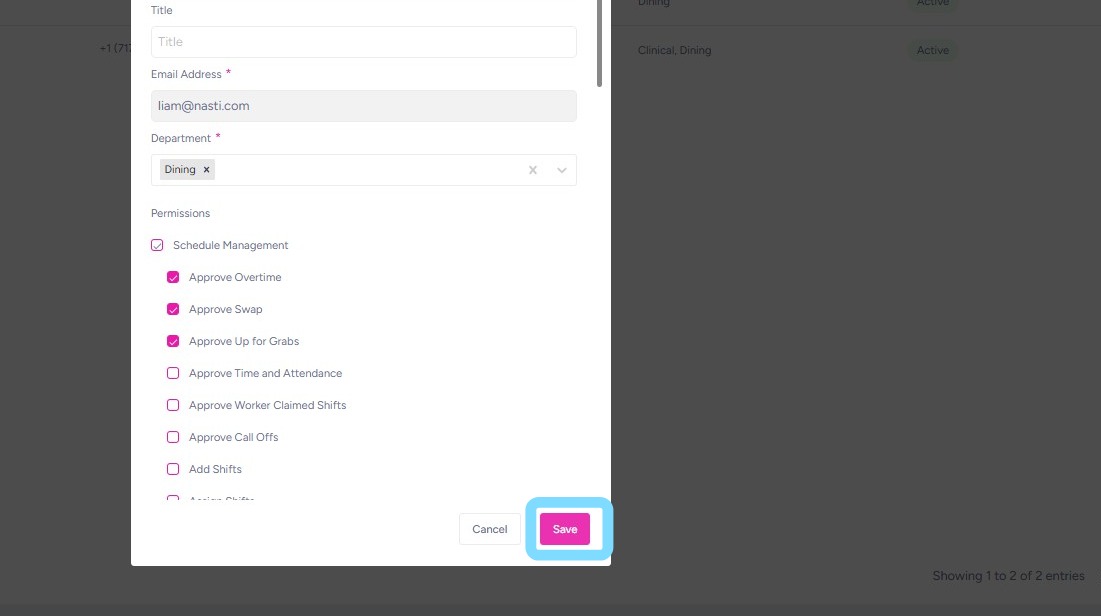
4. Select Save when finished.