How to Manage Admin Department Assignments (Add or Remove Department from Admin User)
If an Admin User can’t see a specific Department, it usually means they’re not assigned to it yet. This guide shows you how to add or remove Department assignments so Admin access matches the work they need to run.
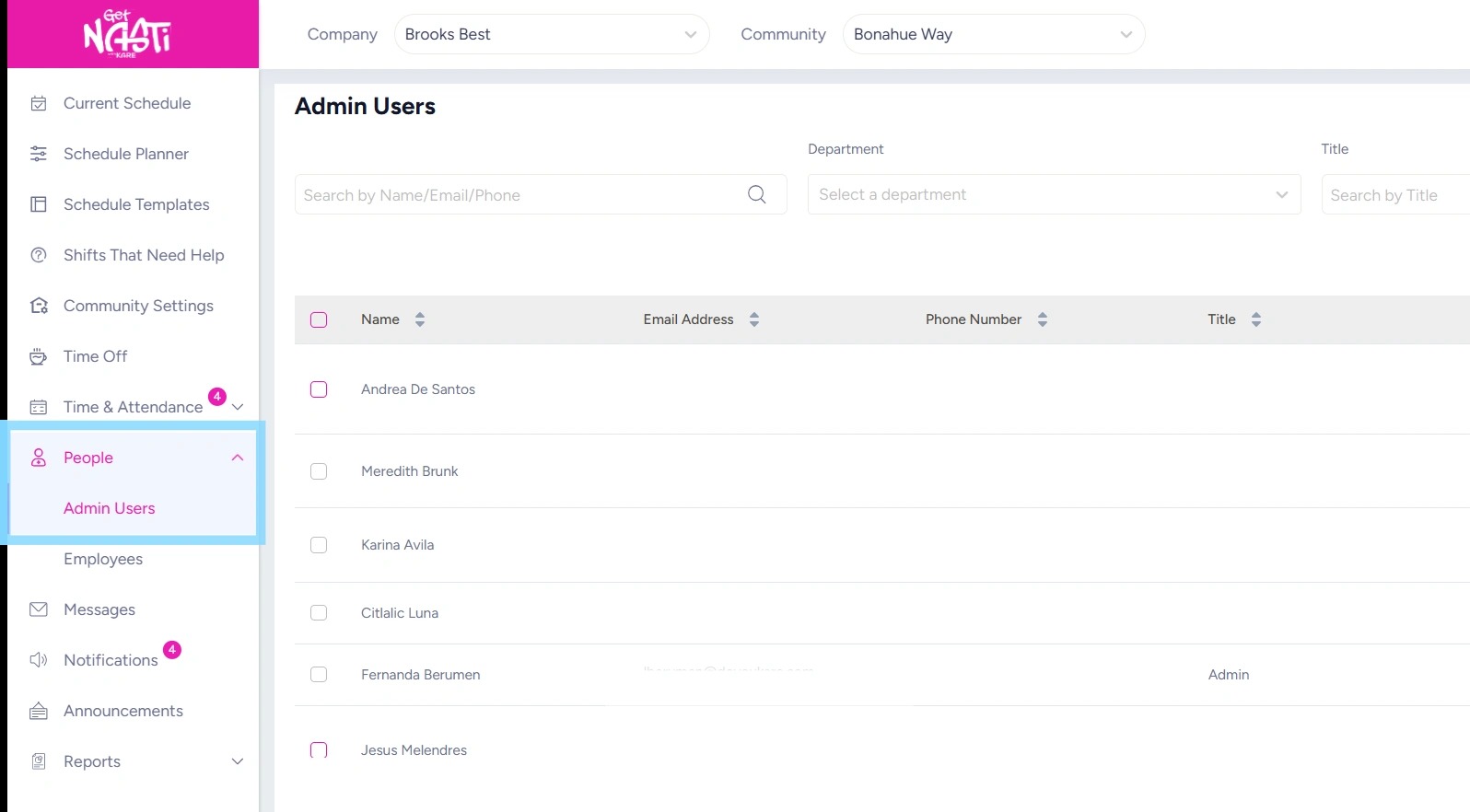
1. Navigate to People
Select Admin Users
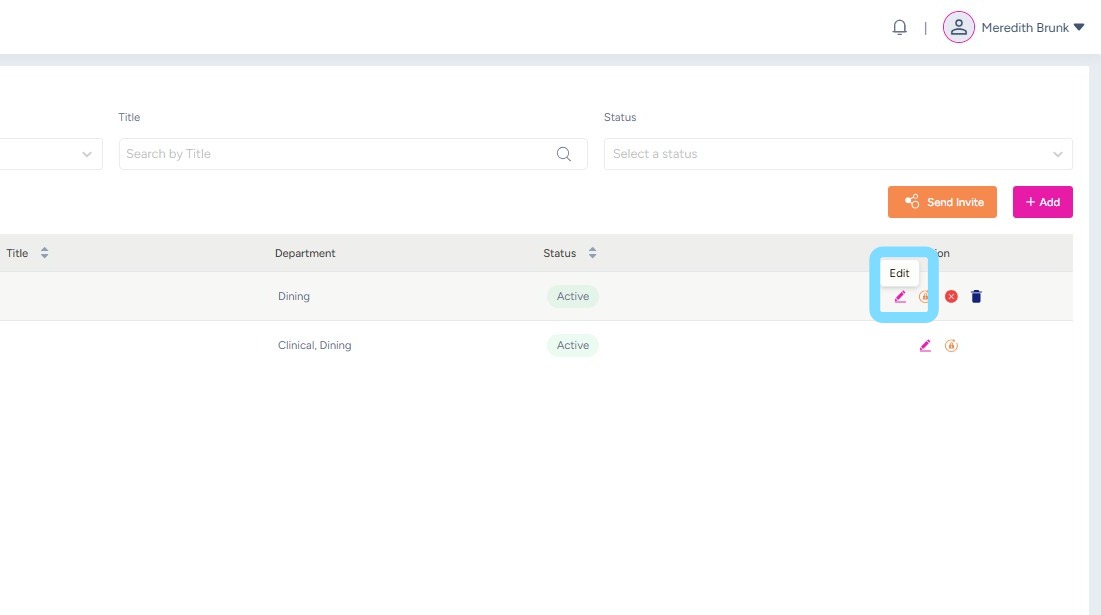
2. Select Edit icon
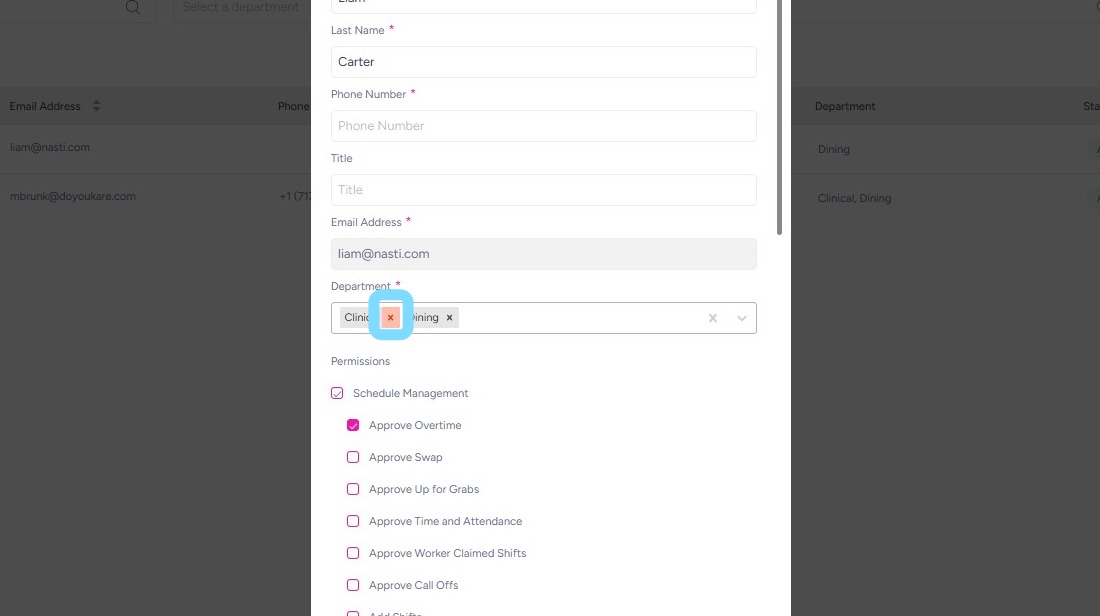
3. Select an additional Department from the Department dropdown list to assign it to the Admin User.
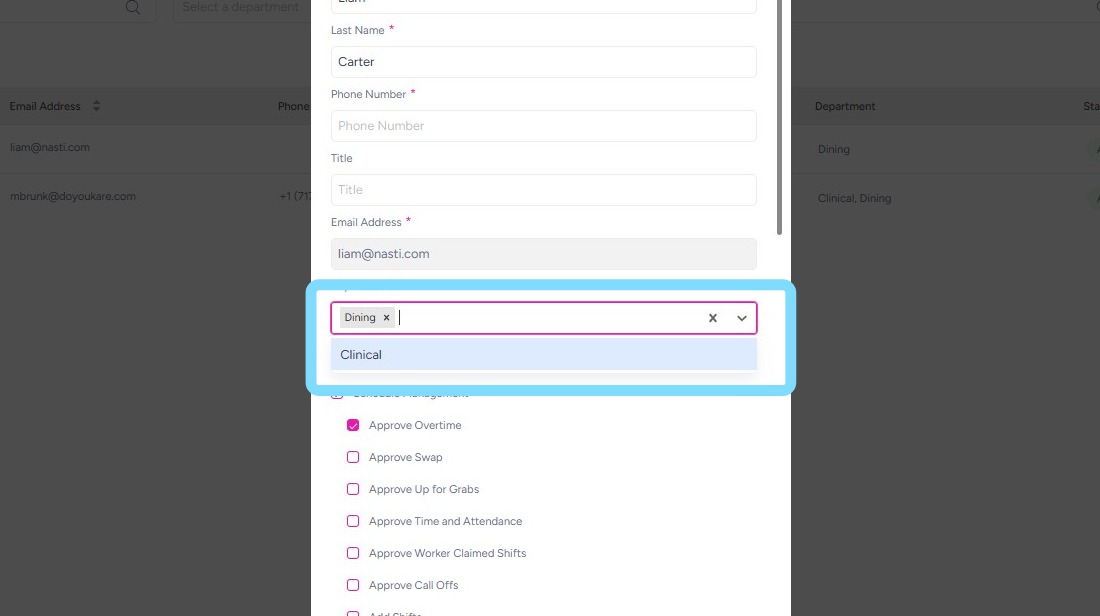
4. Or select X next to Department to unassign Department from this Admin User
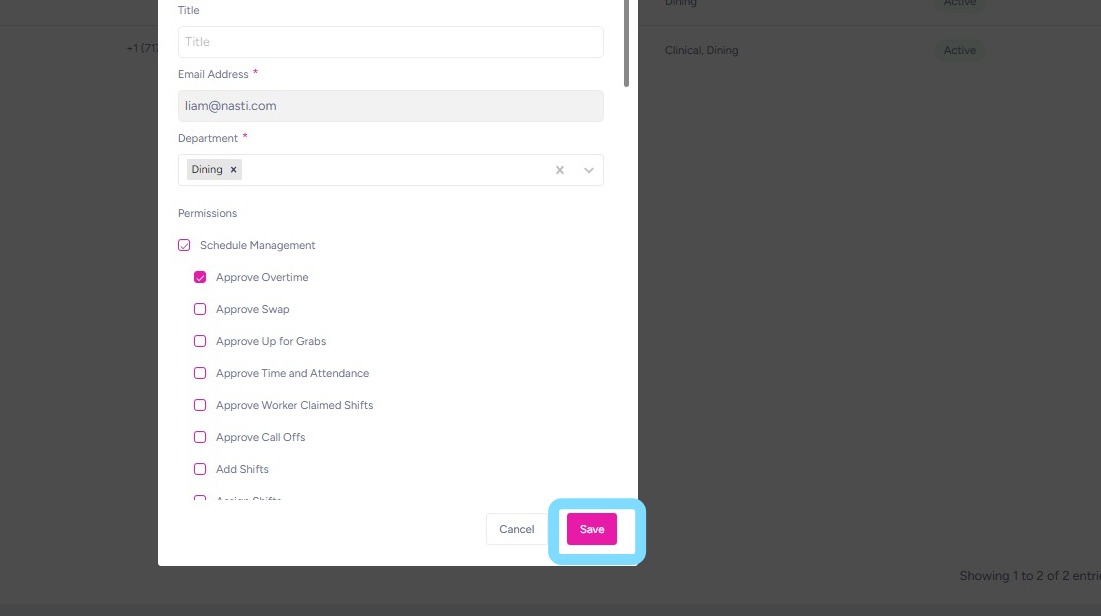
5. Select Save when finished!