How to Edit Time and Attendance Rules
This guide provides a straightforward approach to editing time and attendance rules, making it easy for users to customize their settings including the check in and out boundaries, check in and out rules, break time rules and holiday pay multipliers. Note: the Admin User must have Community Settings permissions to edit Time and Attendance Rules
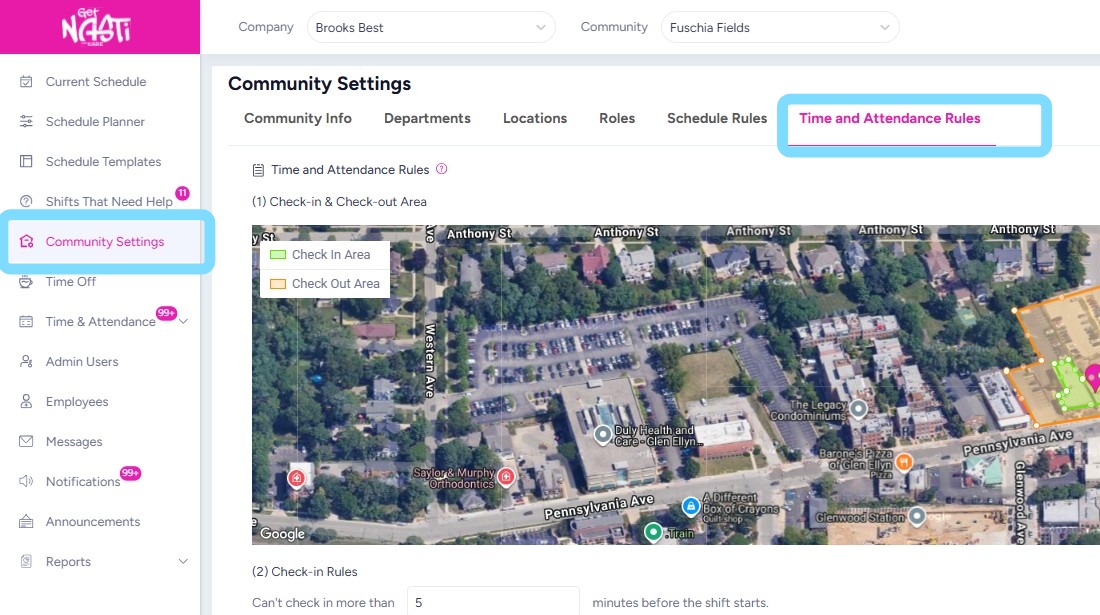
1. Navigate to Community Settings
Select Time and Attendance Rules.
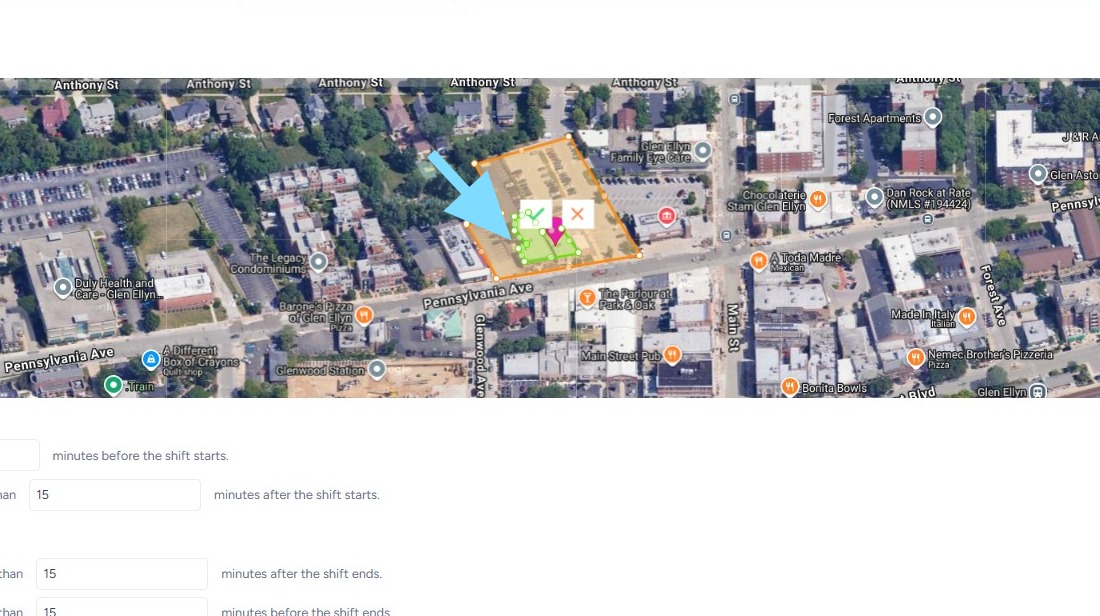
2. Make edits as needed.
In this example, the user is expanding the green check in area.
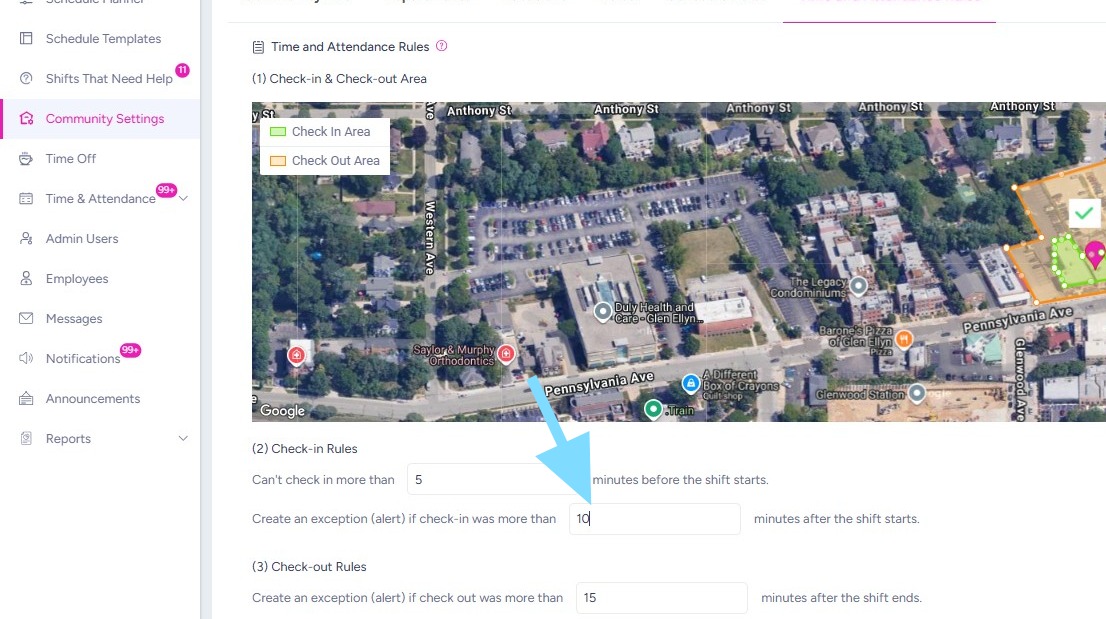
3. This user is also making edits to the check-in exception rule.
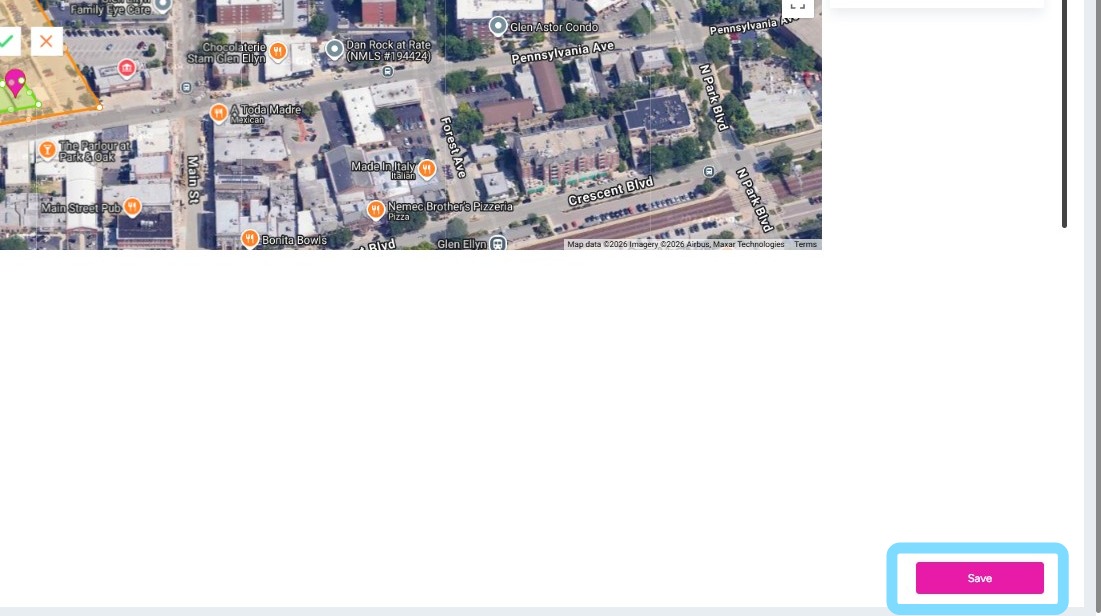
4. Select Save after edits have been made.
It’s that simple!