How to Edit Schedule Rules
This guide offers a straightforward approach to editing schedule rules within community settings. With just a few simple steps, you can customize your scheduling preferences – tightening or loosening rules to support your community needs and optimize your labor! Note: Admin User needs Community Settings permissions to edit Schedule Rules.
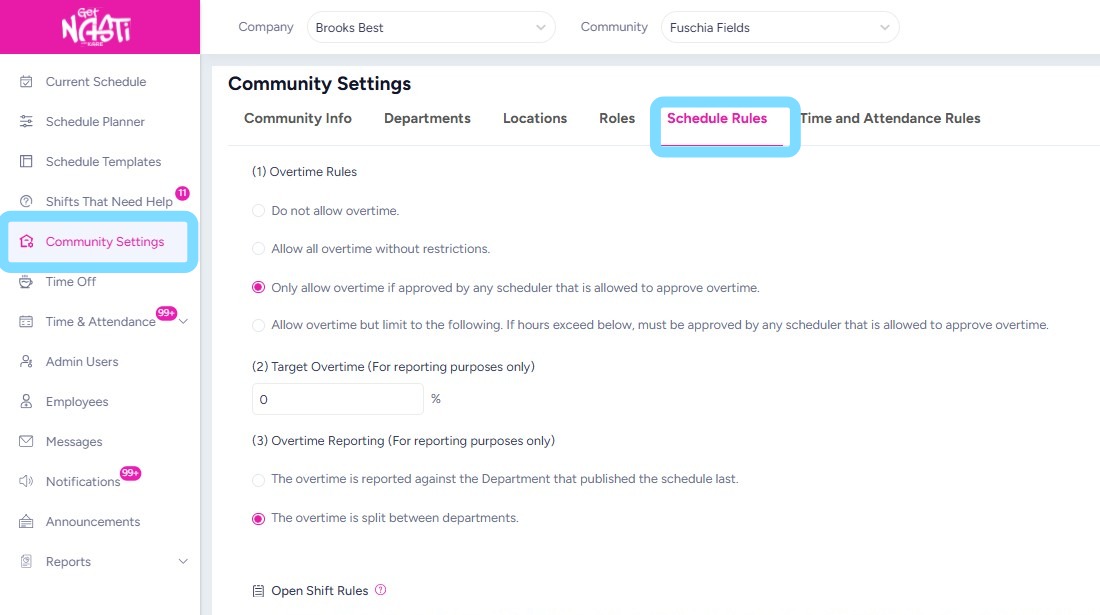
1. Navigate to Community Settings
Select Schedule Rules
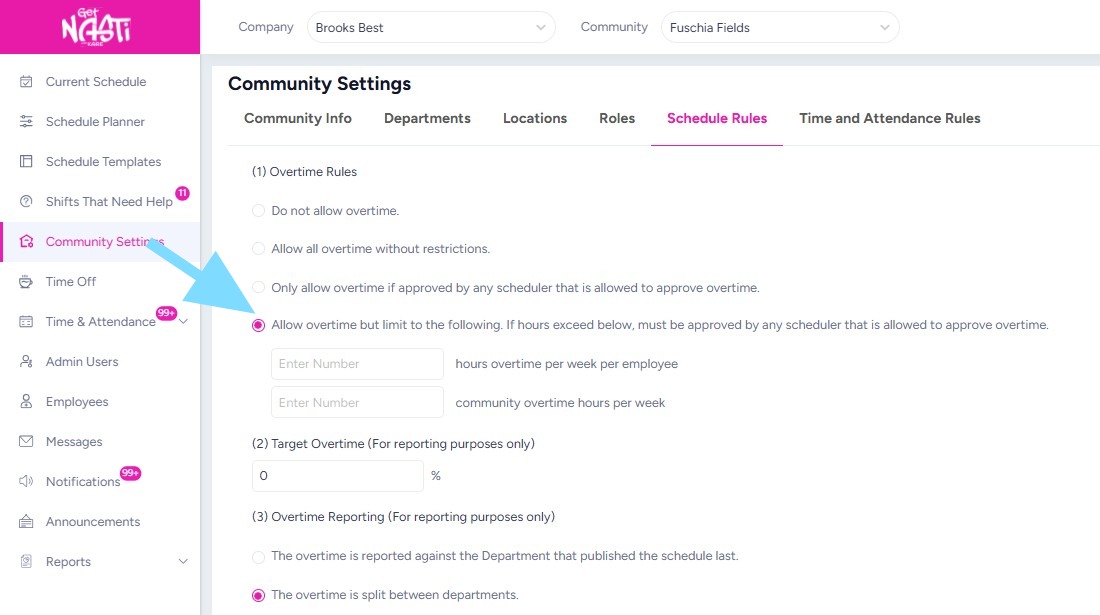
2. Edit rules as needed.
3. Select Save when finished.
That was easy, right?!