How to Edit Check In and Check Out Boundaries
This guide provides a straightforward approach to adjusting check-in and check-out boundaries within your community settings, so that geofenced automatic punches are as accurate as possible!
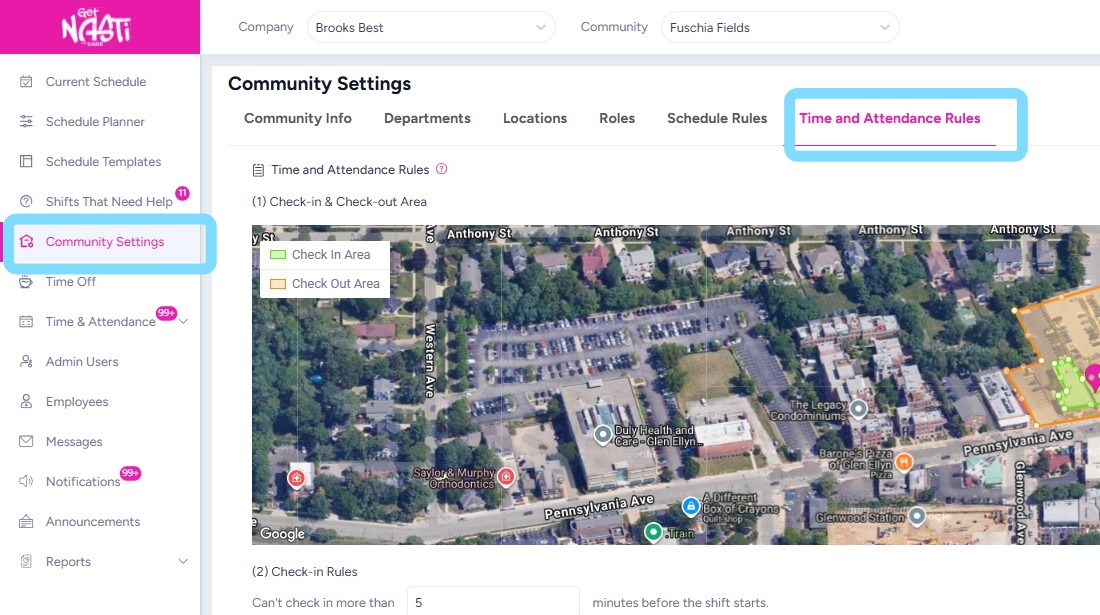
1. Navigate to Community Settings
Select Time and Attendance Rules
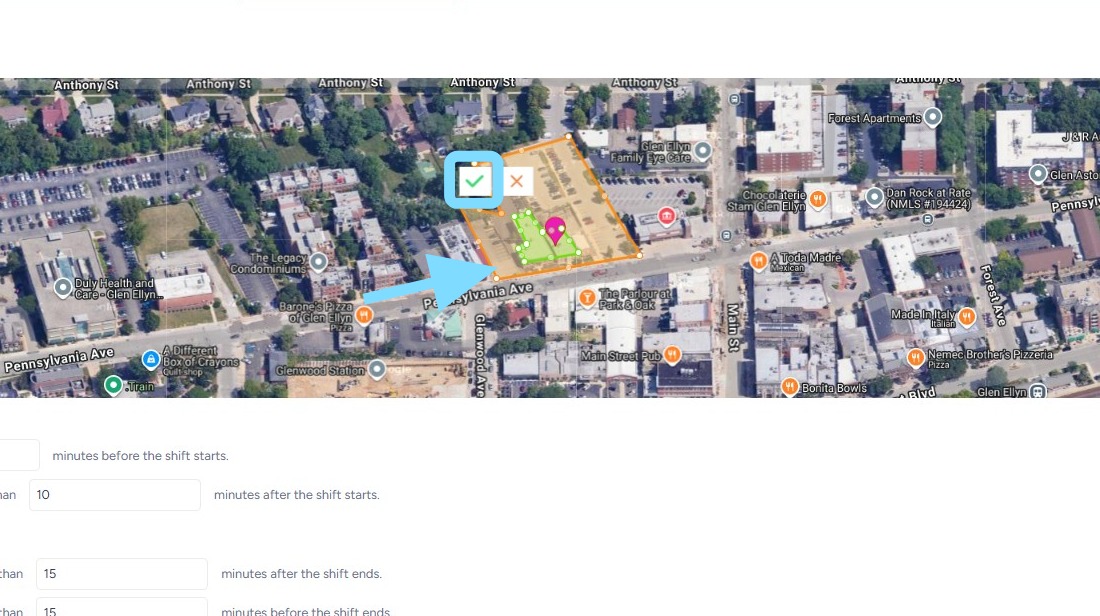
2. Click on orange or green lines and move them as needed.
Select green checkmark box to save changes to boundaries.
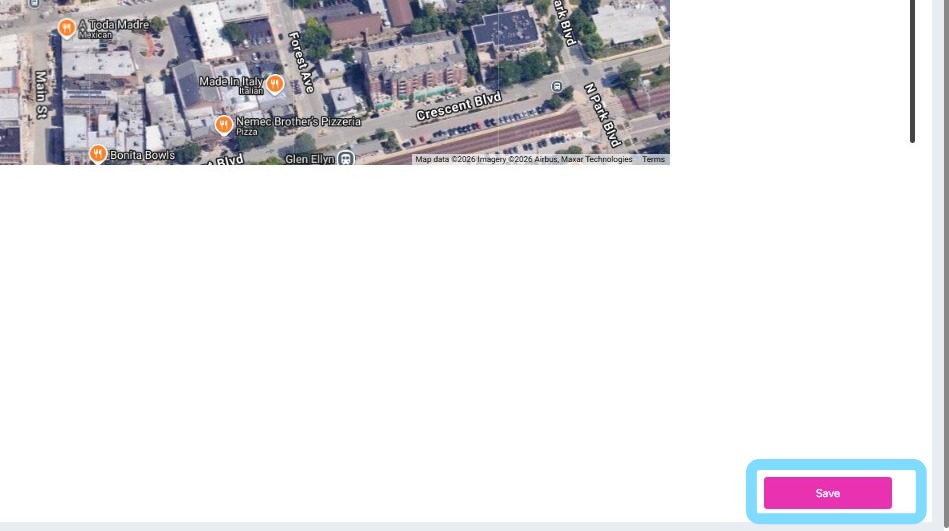
3. Select Save when complete.