How to Edit Admin User Information
This guide shows you how to update admin user details so your leadership team stays active, accurate, and in control.
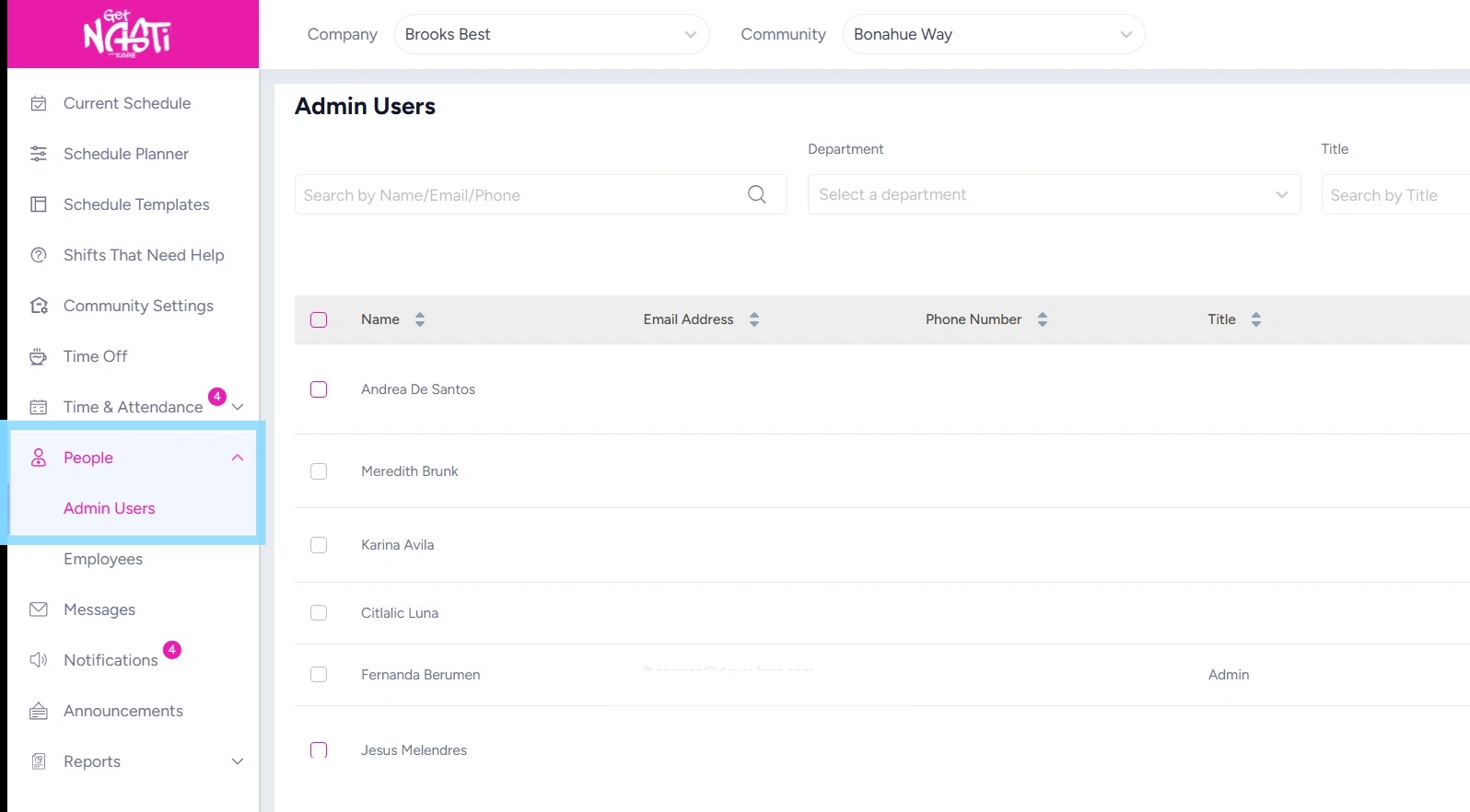
1. Navigate to People
Select Admin Users
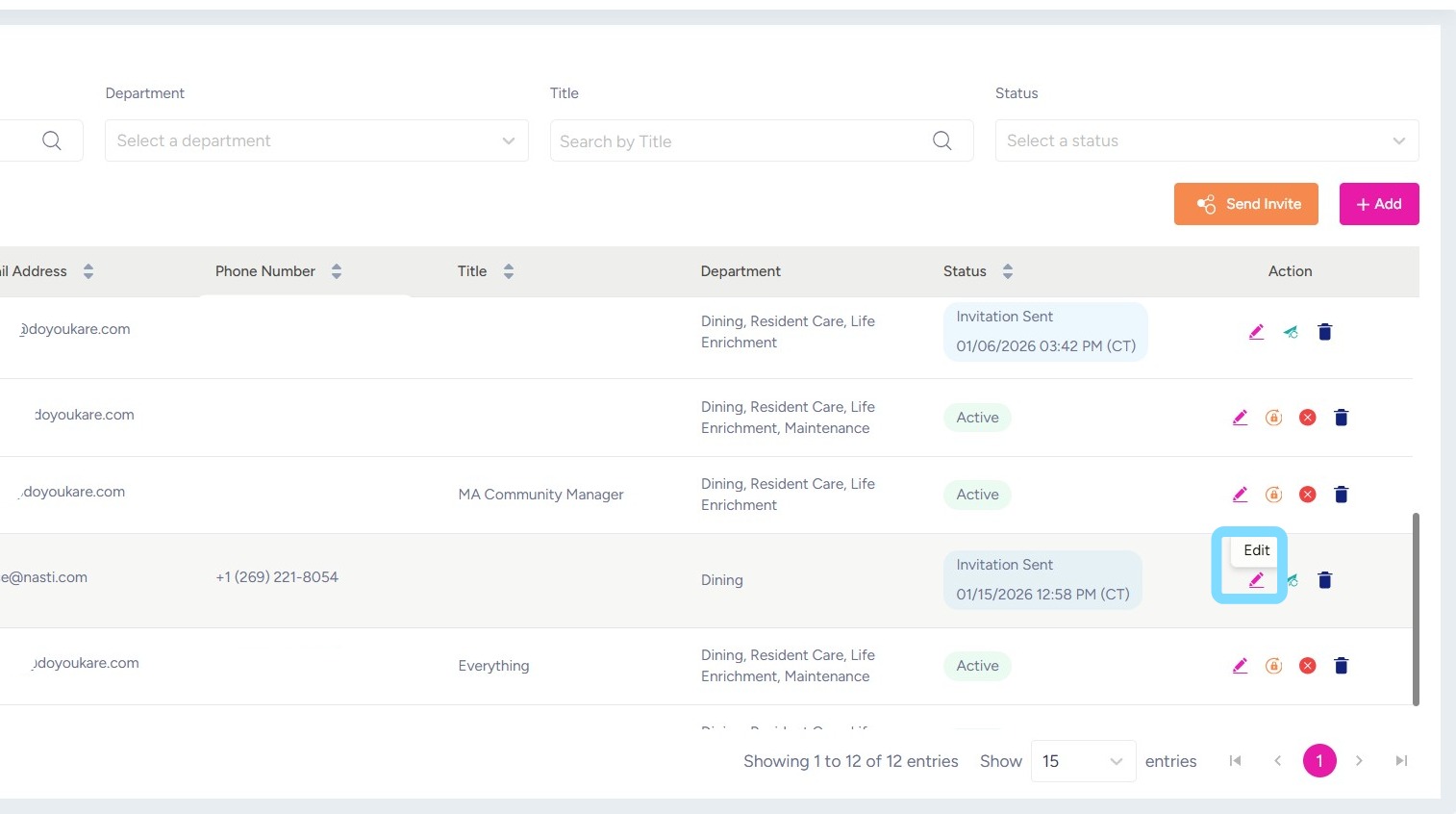
2. Select the Edit icon for the admin you want to update
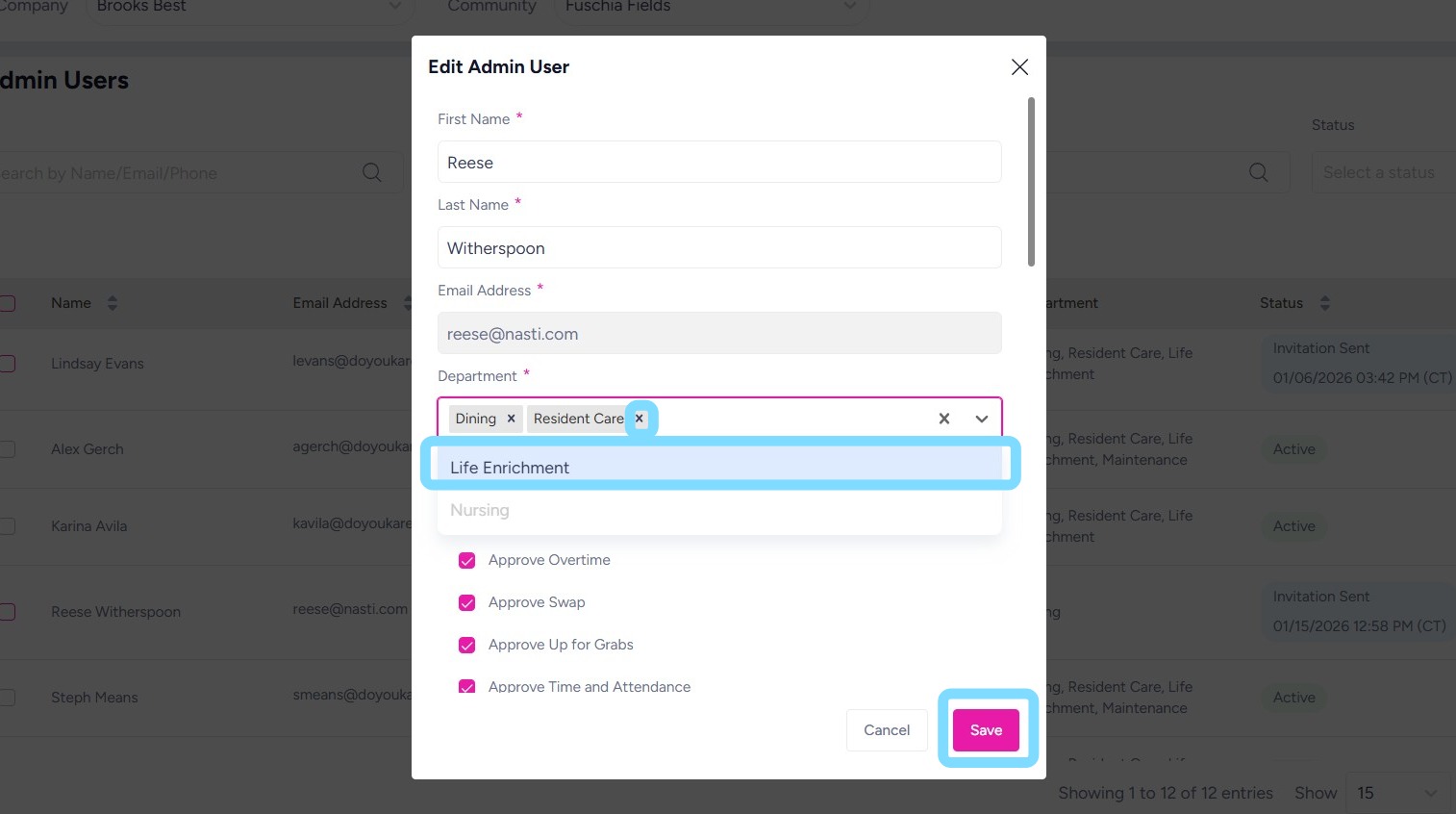
3. Edit any of the open fields:
For example, add or remove departments as needed. Add by selecting department(s) from the dropdown list and remove by selecting the x next to department name.
Select Save when finished
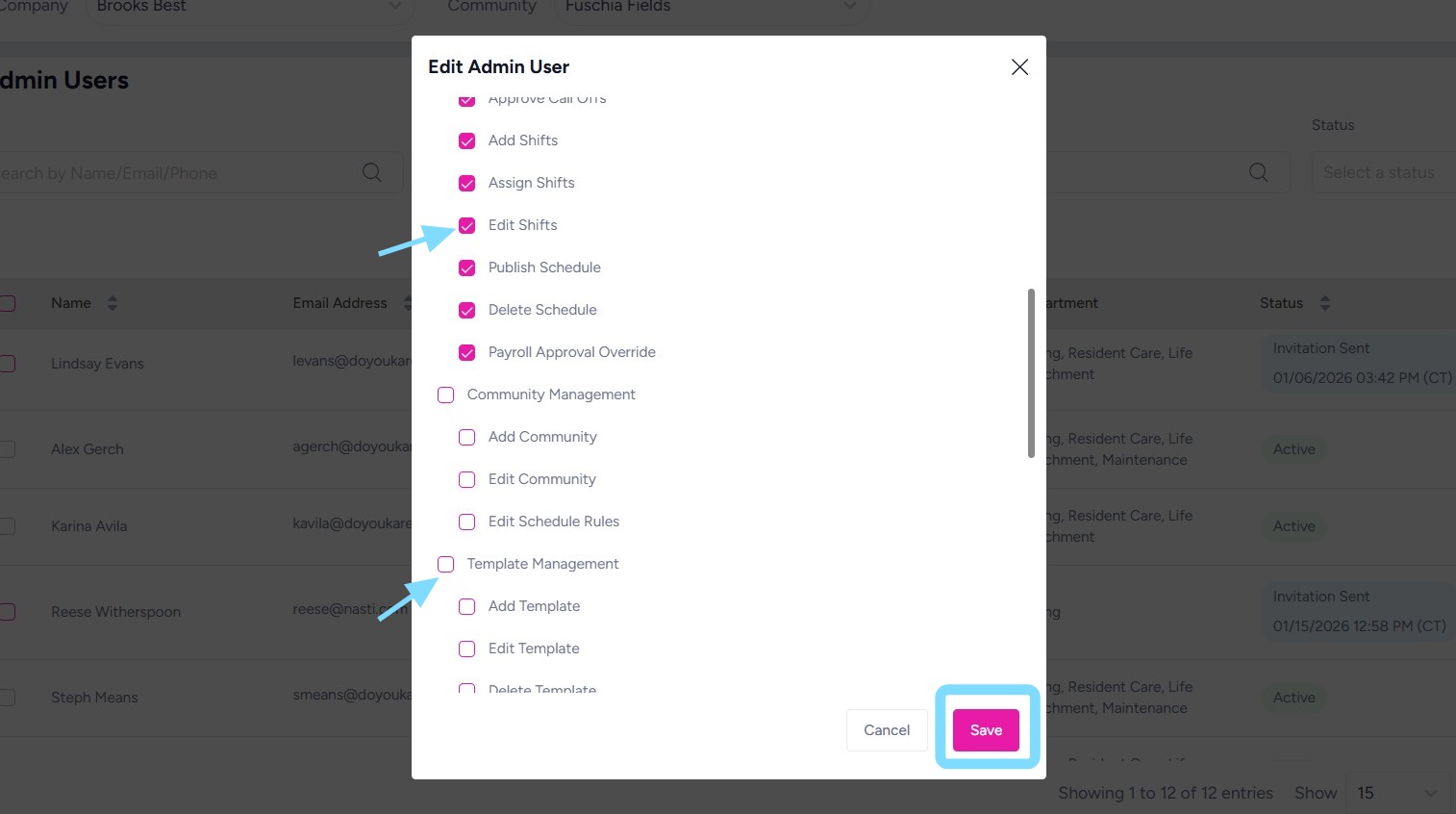
4. Add or remove permissions as needed by selecting or de-selecting boxes.
Select Save when finished