How to Delete an Admin User
This guide shows you how to delete an admin user, ensuring that your leadership team is accurate.
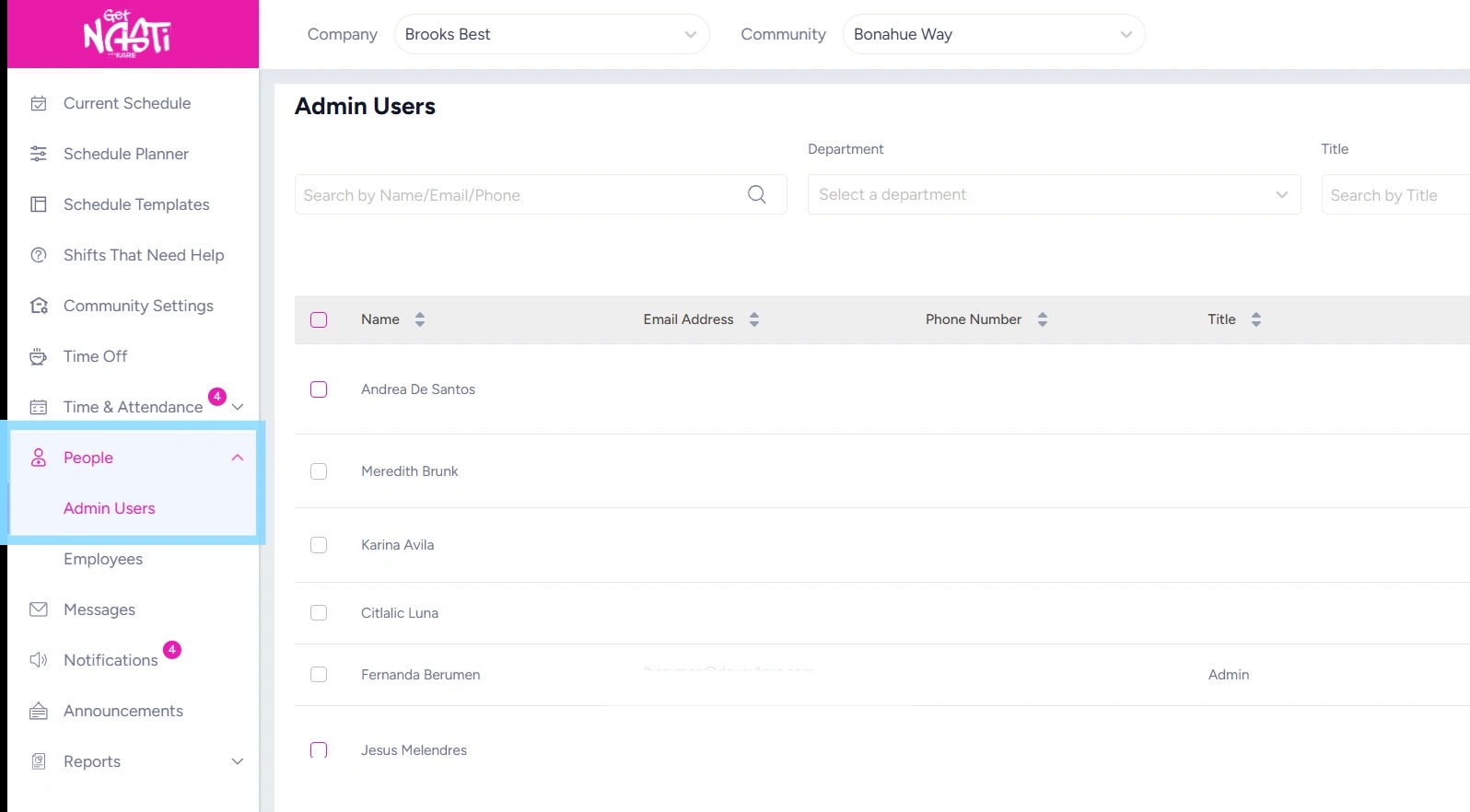
1. Navigate to People
Select Admin Users
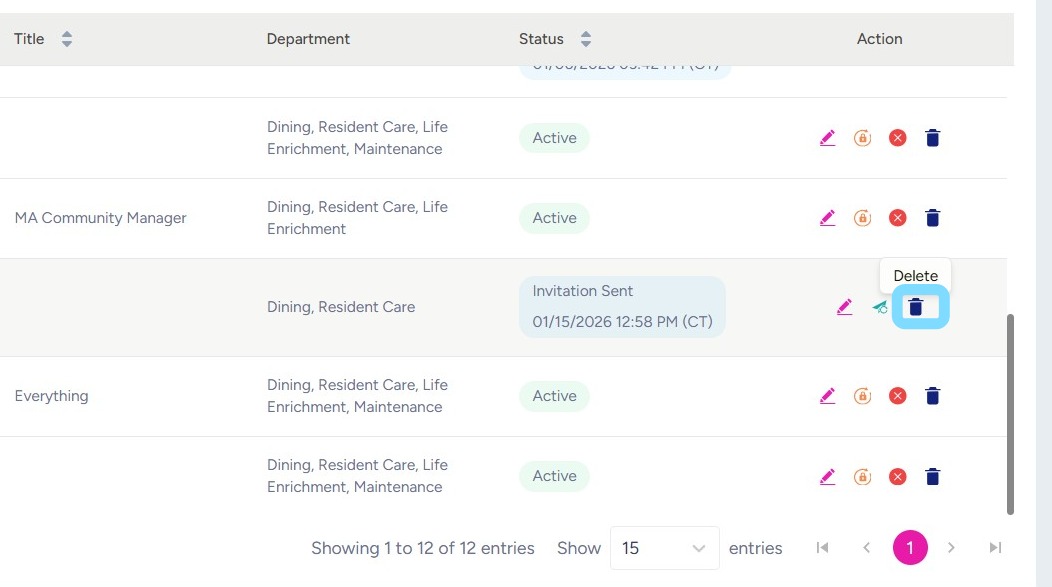
2. Select Delete icon corresponding to the admin user.
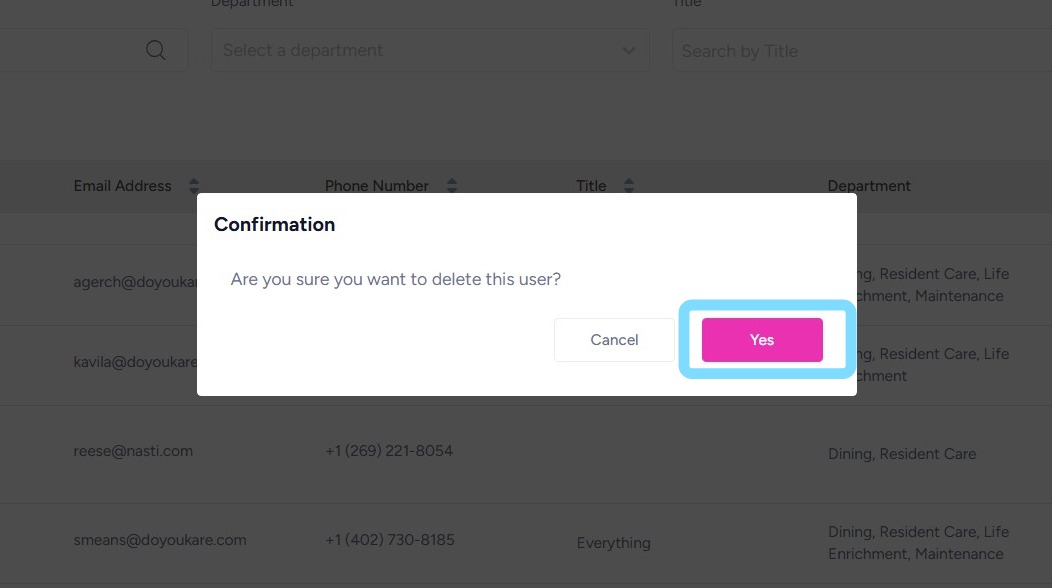
3. Confirm action by selecting Yes