How to Communicate via Messages and Announcements
NASTi allows easy, in-app communication to ensure all staff and admins stay in sync. Messaging offers two-way communication between two or more people within the community – employees and admins. Announcements offer one-way communication from admins. Announcements can be sent to full community, or by department, role, or admin permission set. Disclaimer: Refrain from entering resident specific information in communications due to NASTi not being HIPAA protected at this time.
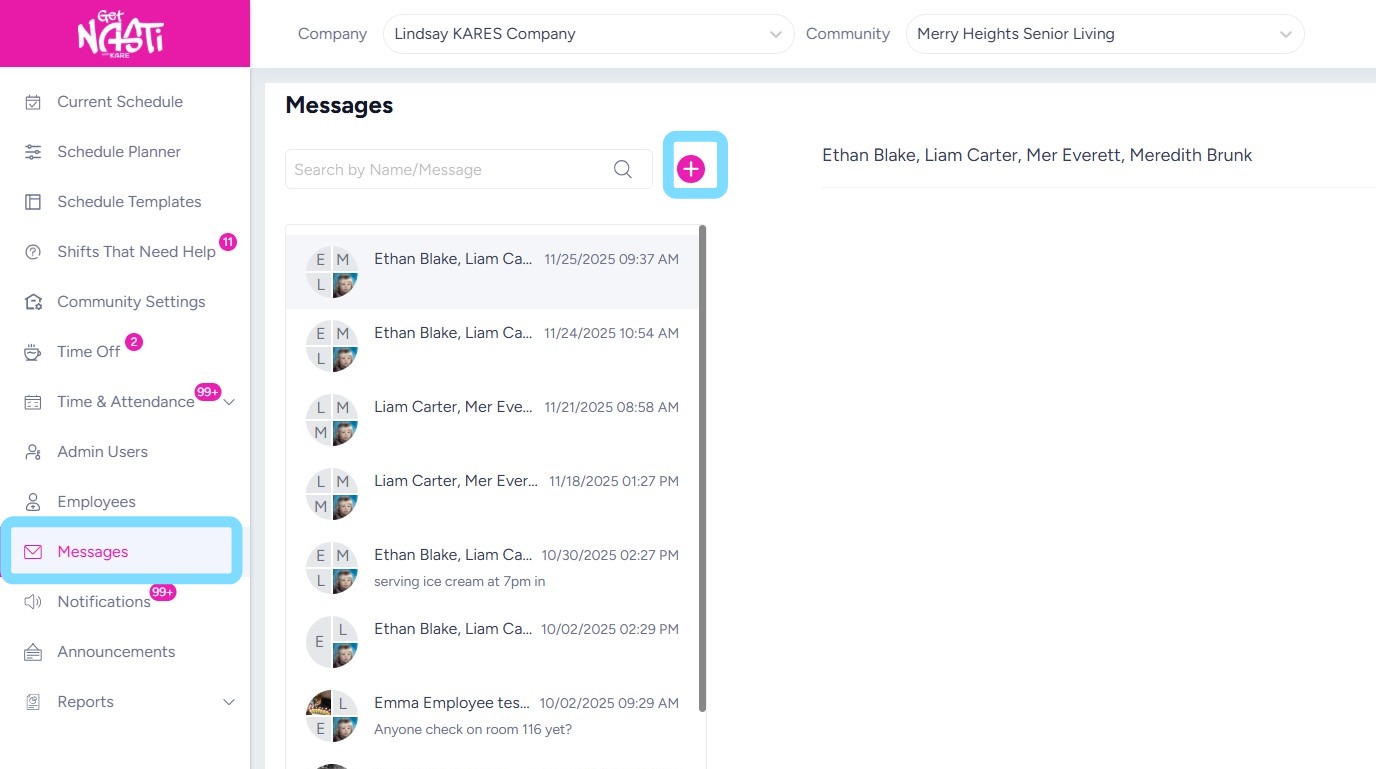
1. To send a message, navigate to Messages
Select the + icon
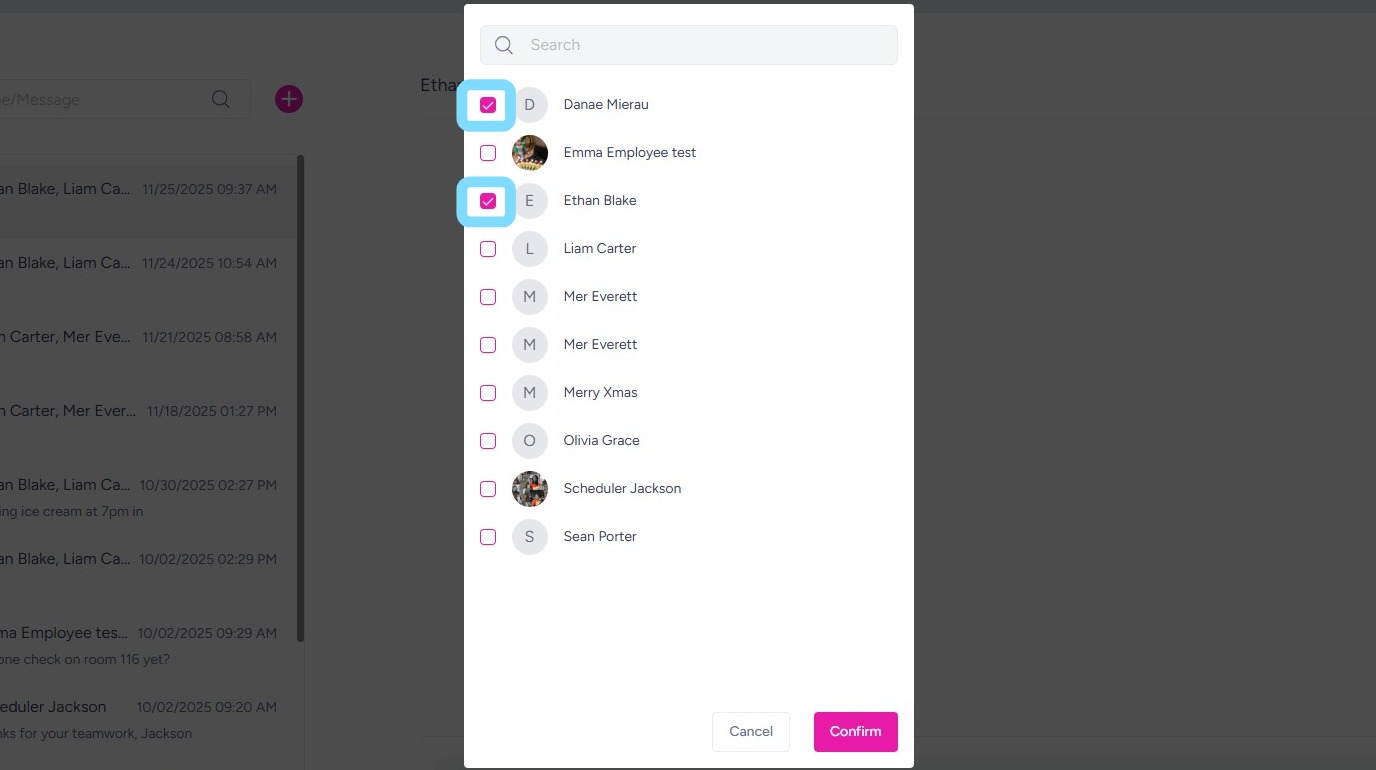
2. Select checkboxes next to people to include in the group message.
3. Type your message.
Select Send icon.

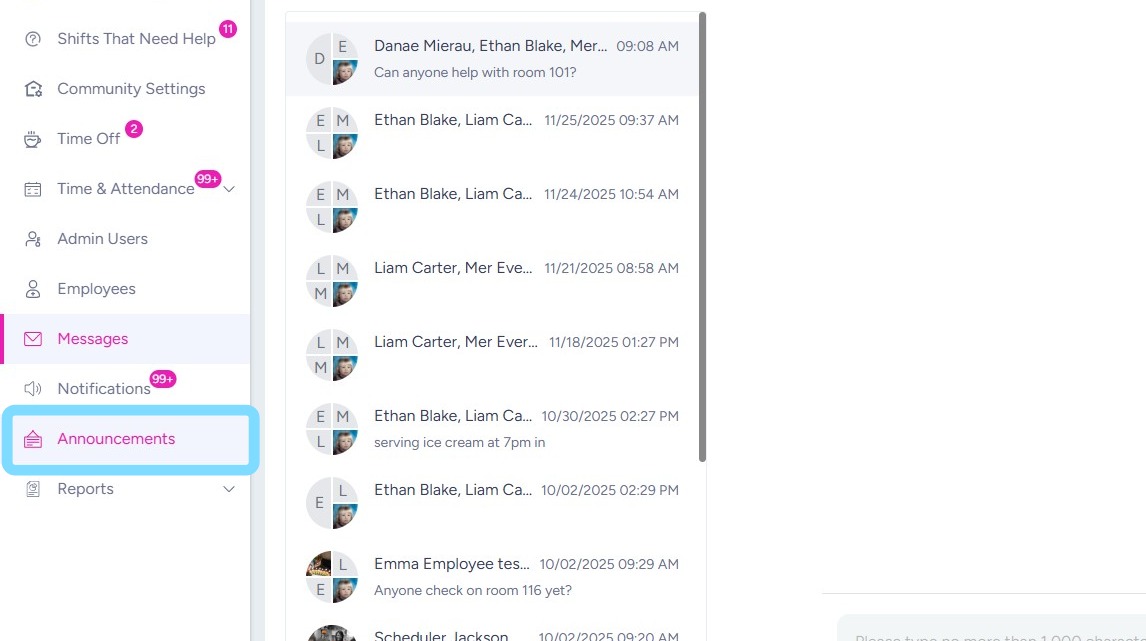
4. To send an announcement, select Announcements.
Remember: recipients of an announcement will be able to read the announcement but will not be able to respond to it.
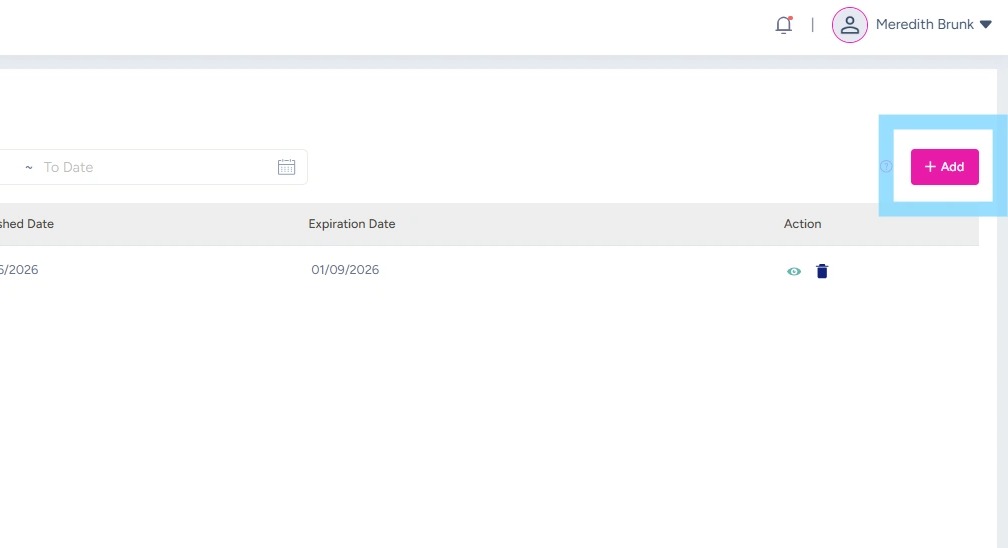
5. Select + Add
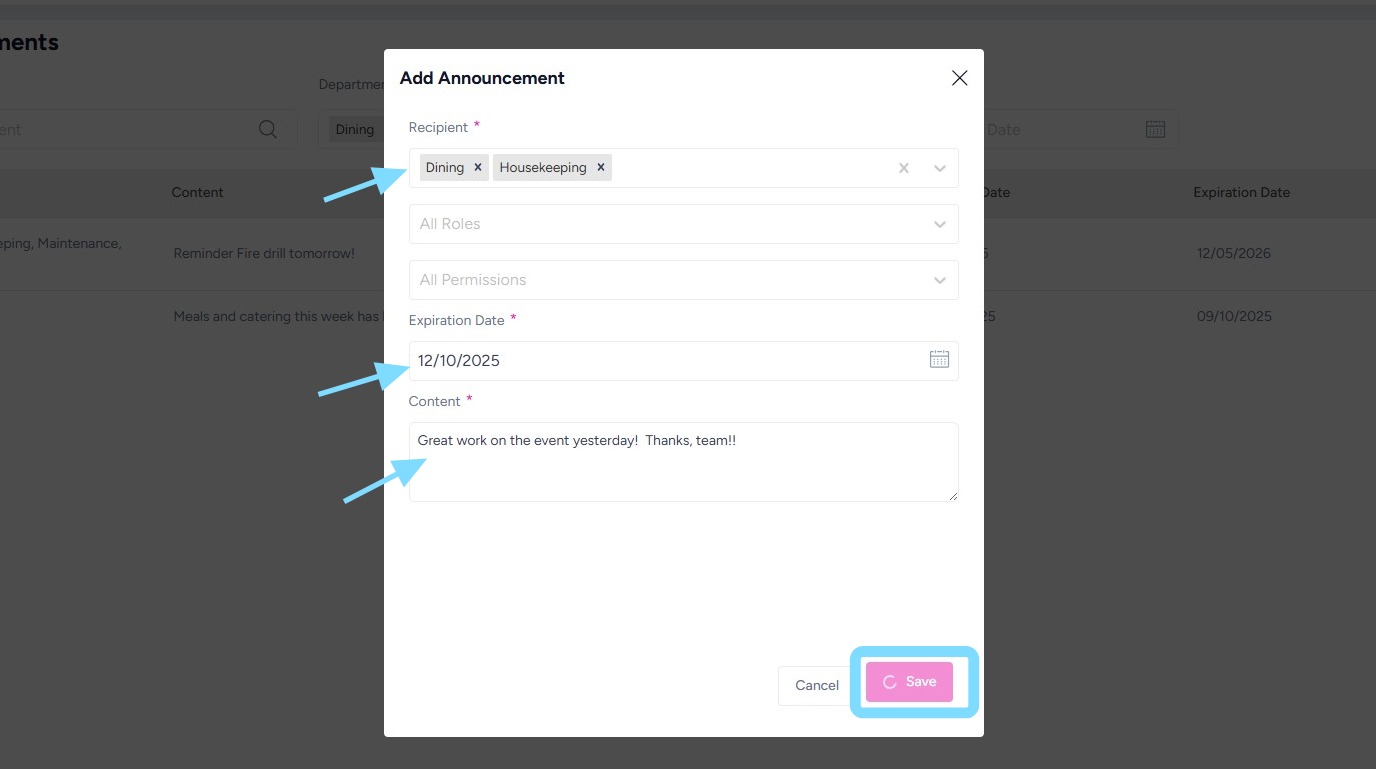
6. Choose Recipients to receive the announcement. Note: recipients can be everyone assigned to a Department, everyone assigned to a Role, or everyone with specific admin permissions.
Choose an Expiration Date for when this announcement will no longer appear for recipients.
Enter Content of the announcement.
Select Save.
7. Congrats! You’re ready to keep everyone in the know with NASTi Messages and Announcements.
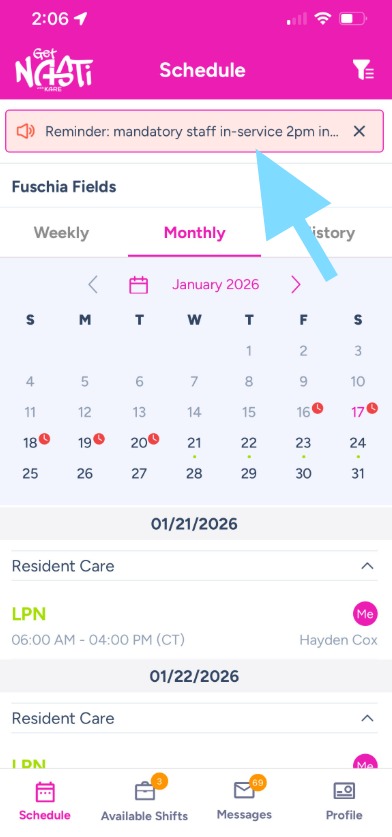
Here’s an example of an announcement in employee app.