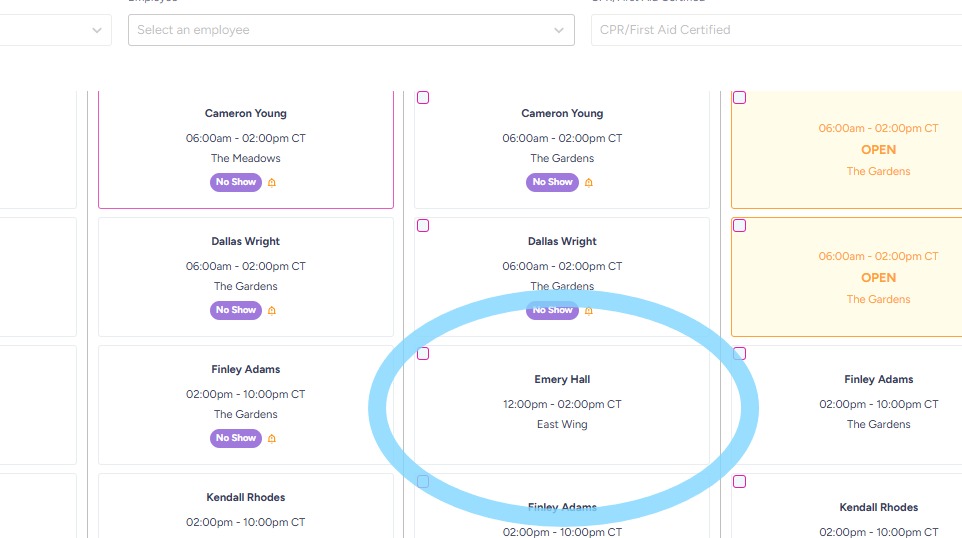
How to Add a Location Within Community
This guide walks you through adding work locations within a community — the exact places employees will work during their shifts — so schedules stay clear, organized, and easy to manage.
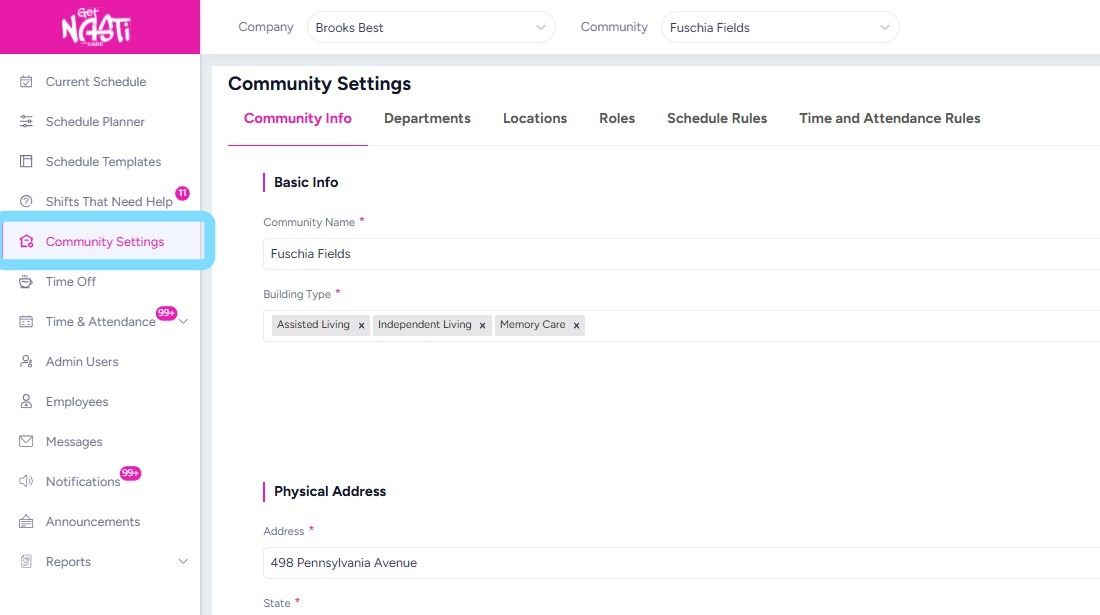
1. Navigate to Community Settings
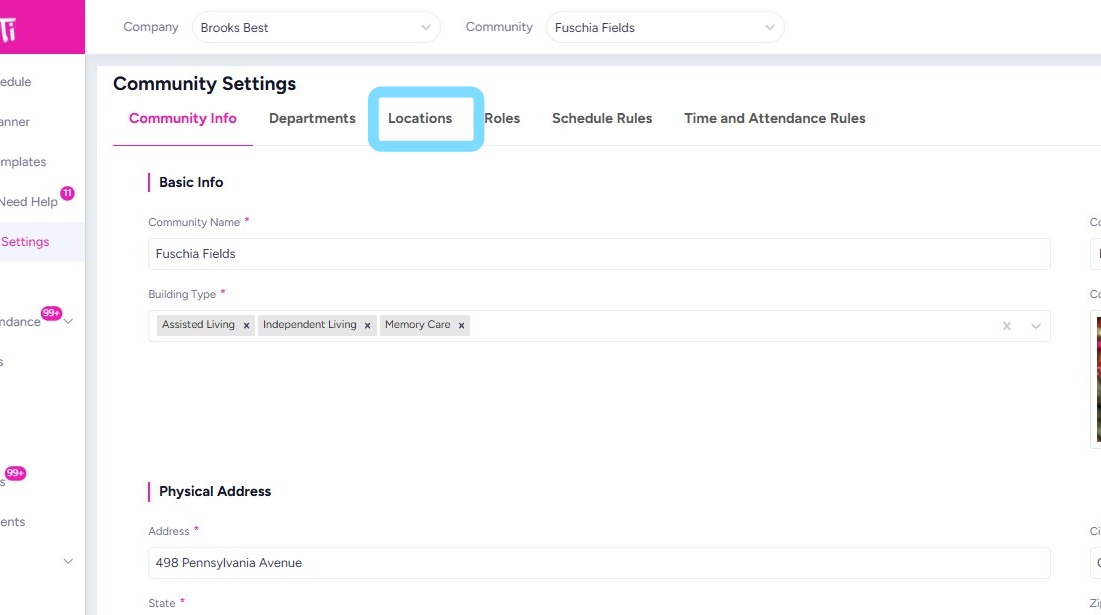
2. Select Locations
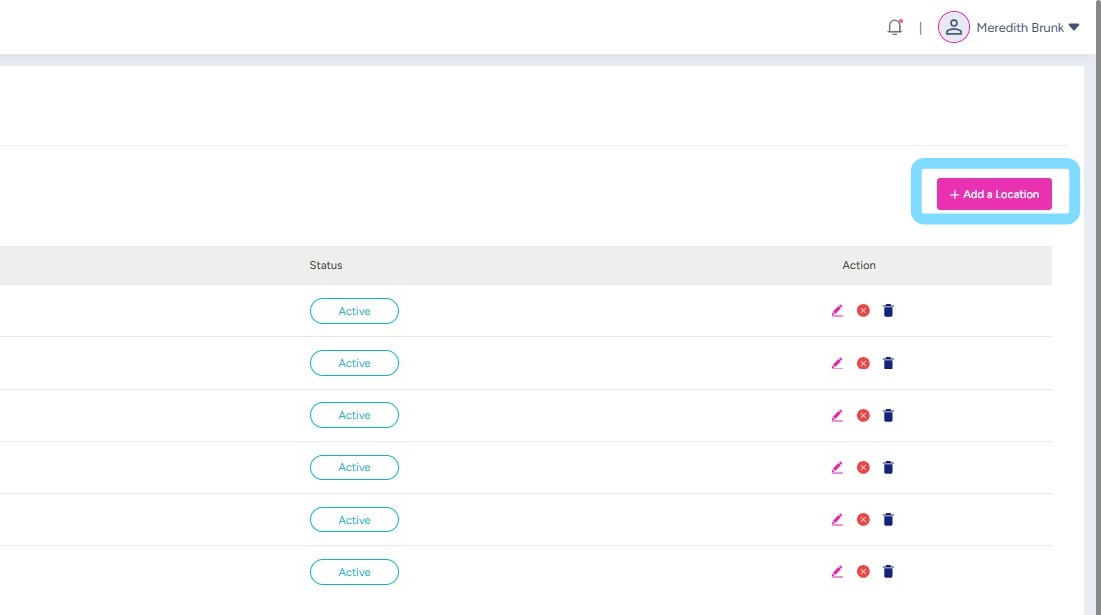
3. Select + Add a Location
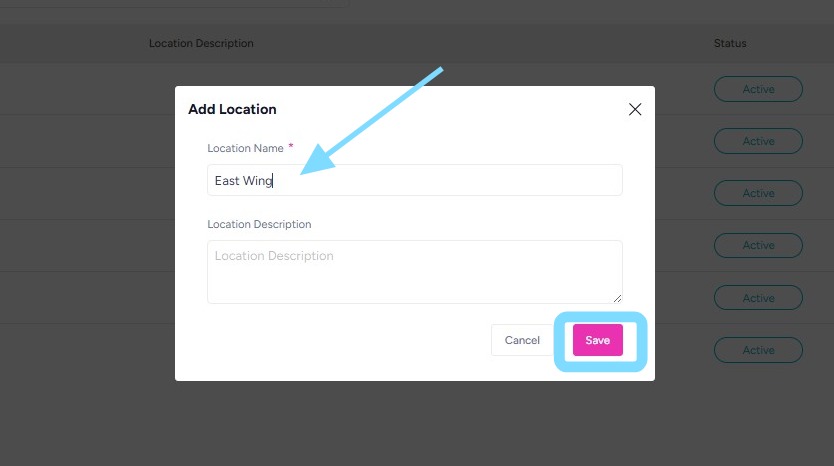
4. Enter the Location Name
Select Save.
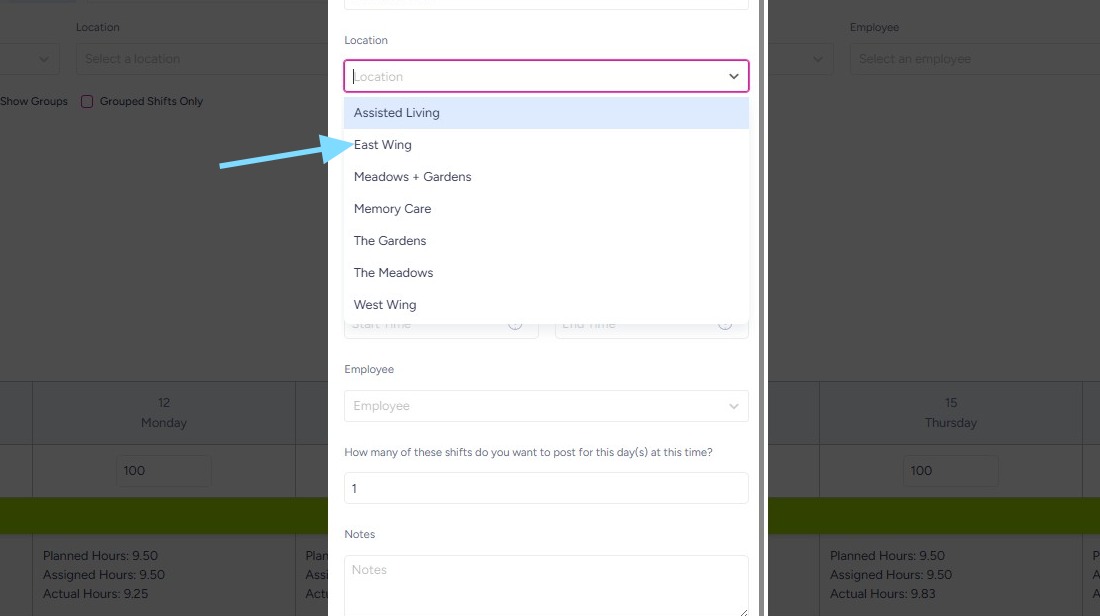
5. Great! Now you’ll see this Location as an option in the drop down when adding shifts.
6. Any location assigned to a shift will appear directly in the shift box and be visible to employees when they view the shift in the app.