How to Edit My Phone or Email
Need to change the phone number, email address or other information associated with your NASTi account? You can update your contact information directly from your profile!
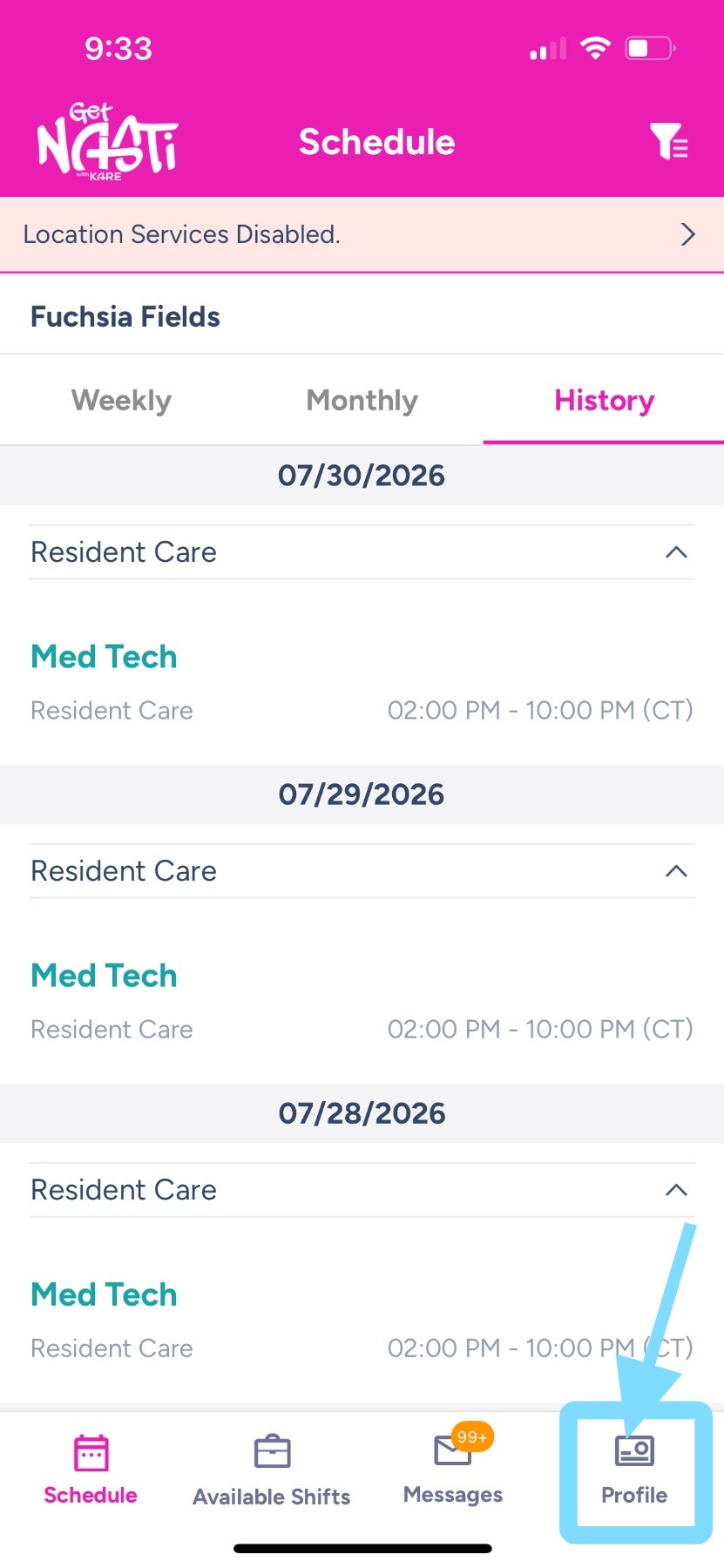
1. Upon login, tap on Profile in bottom right corner
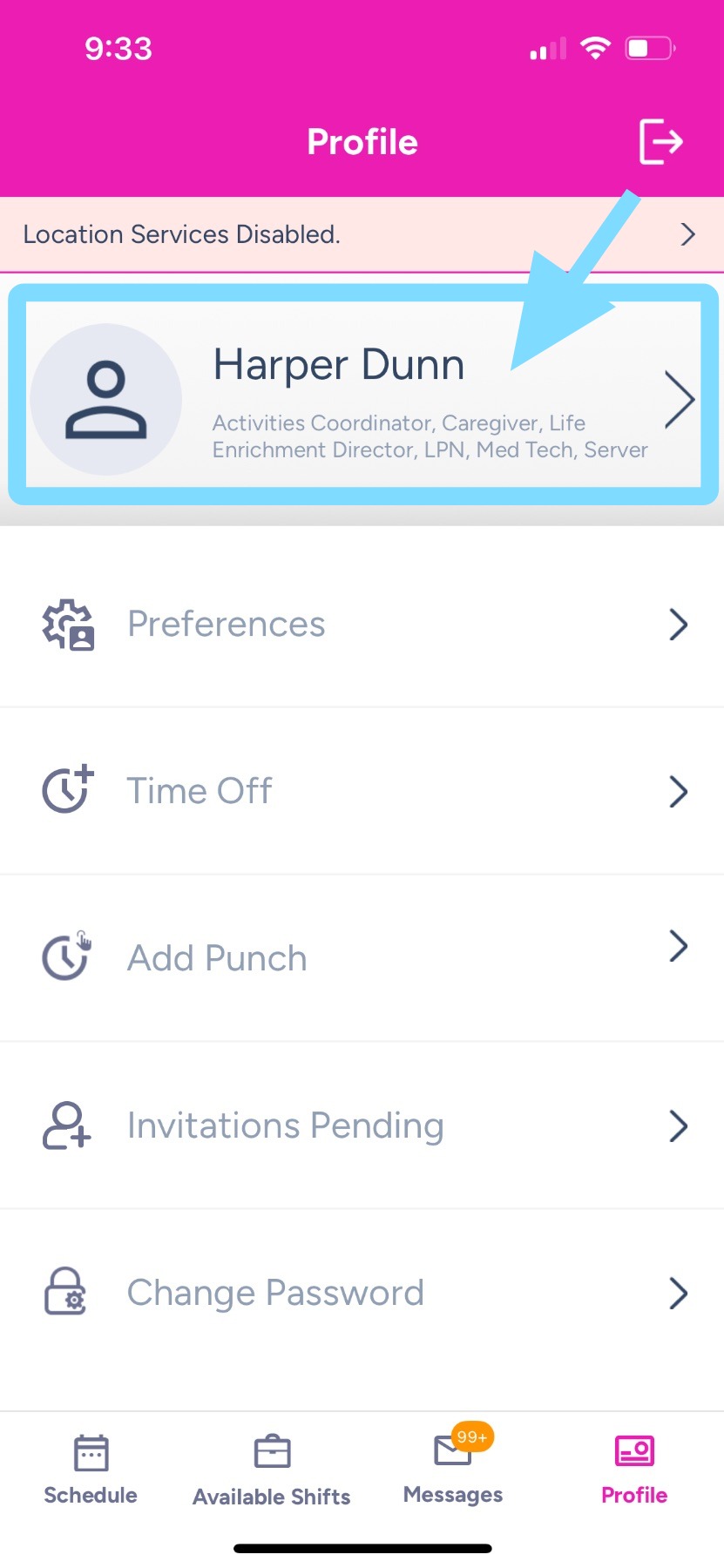
2. Tap on your name.
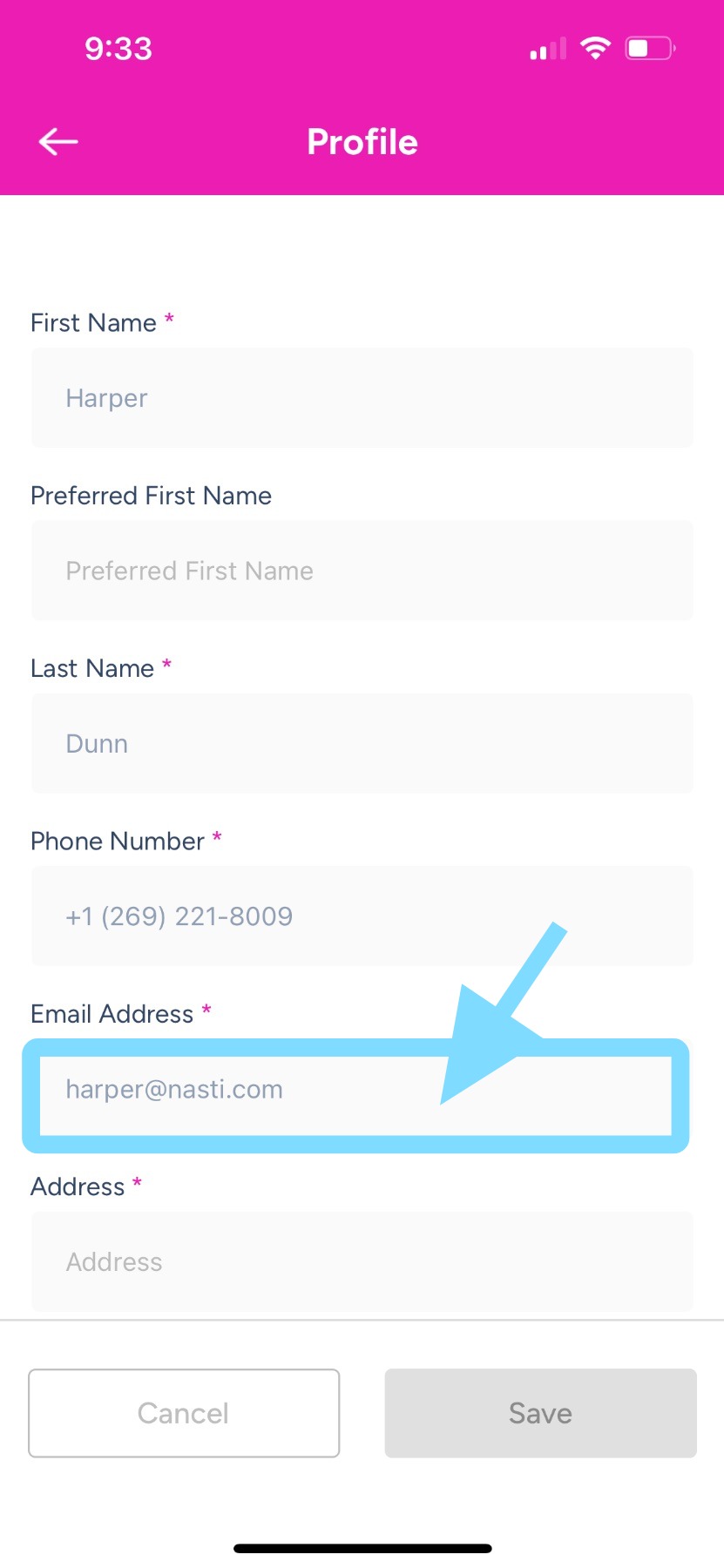
3. Now you can edit your profile information by tapping any field you’d like to update.
For example, to update your email, tap the Email Address field and enter your new email address.
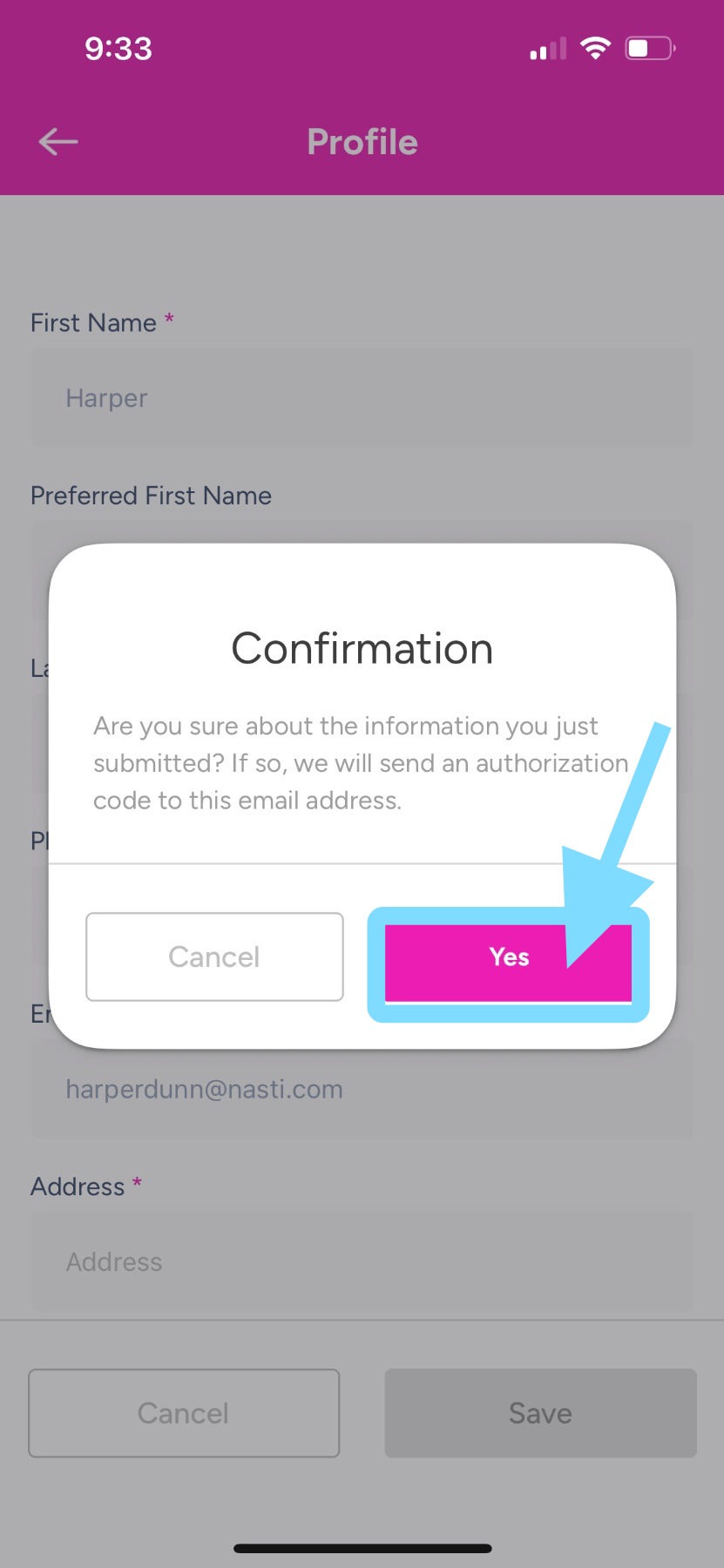
4. Once finished, tap Yes on the confirmation popup to confirm your update.