Employee Guide – How to Change Communities
Are you employed at multiple communities? Here you’ll see how to switch between communities to see the right schedules and info — and learn how to request access to new communities when needed.
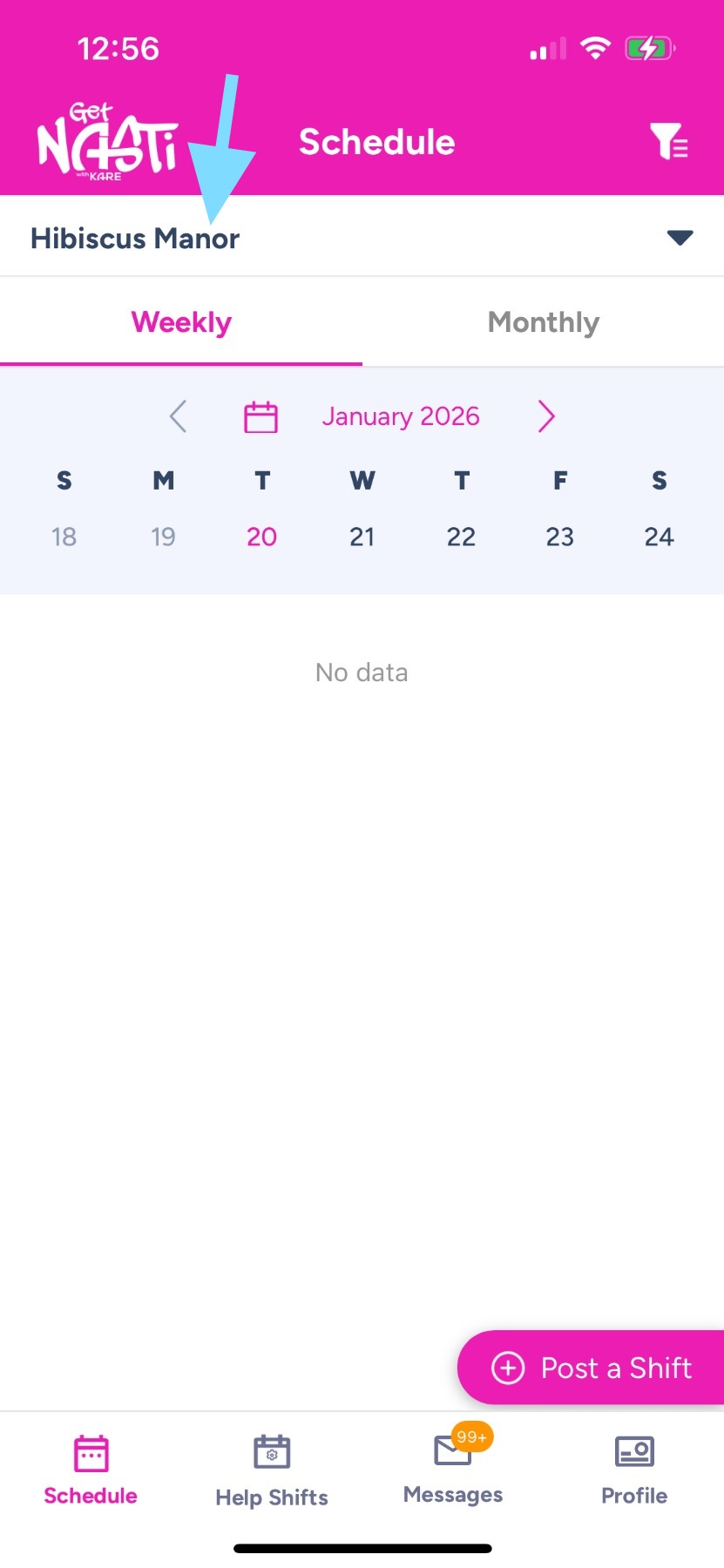
1. Below the Get NASTi logo, you’ll see the name of the community you’re currently viewing.
Tap the down arrow next to the community name at the top of the screen.
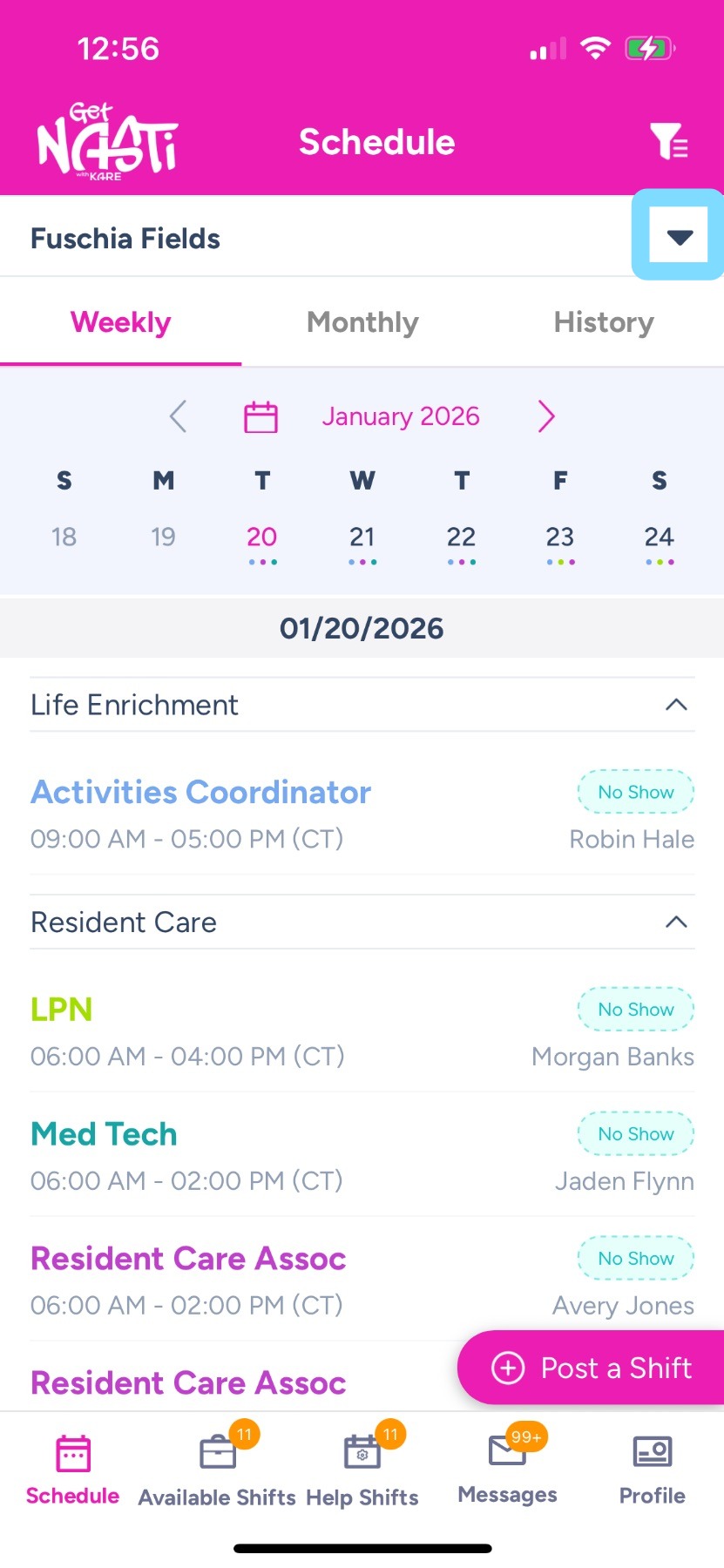
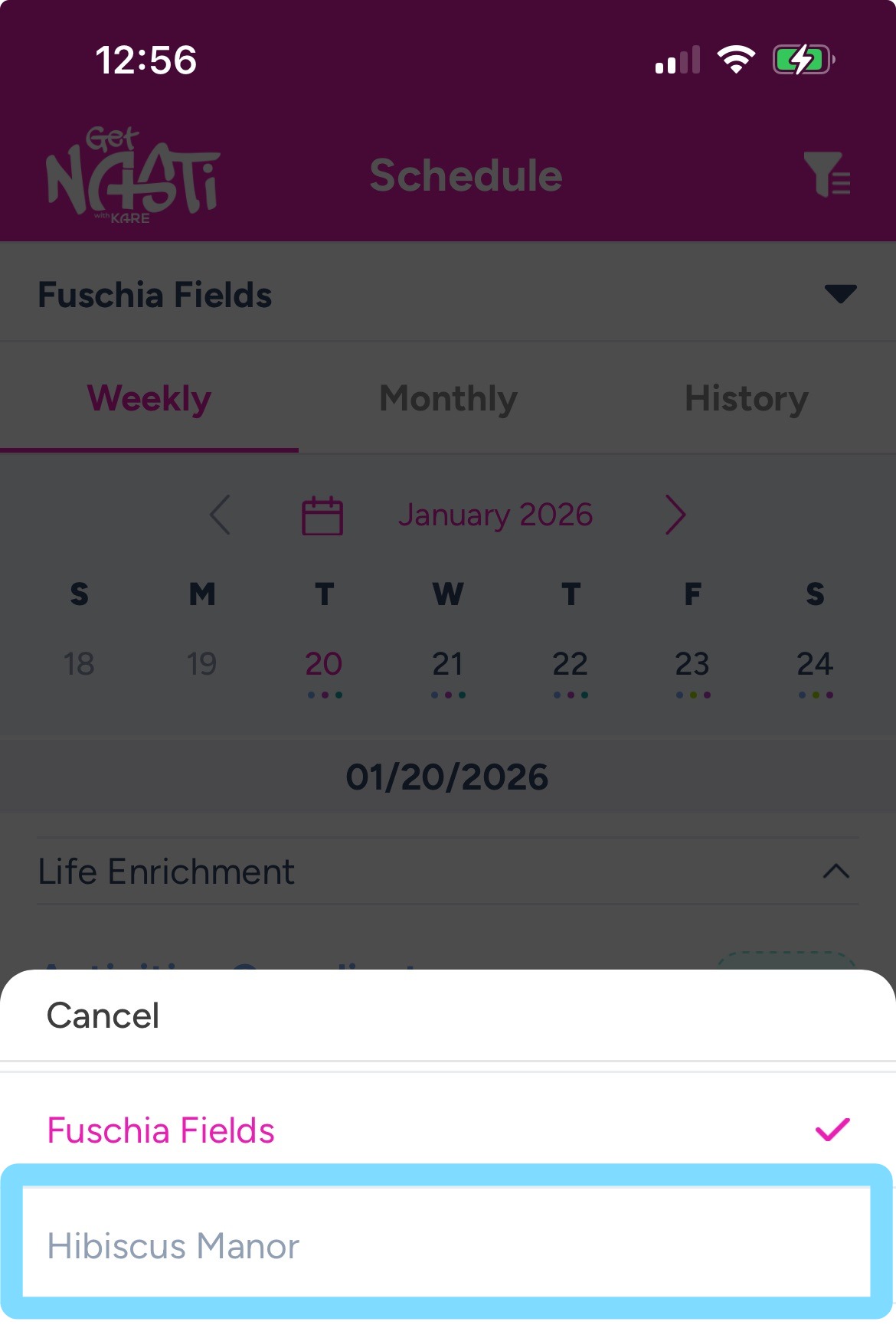
2. Select another community.
Note: Don’t see all your communities listed? Ask the Manager or Admin of that missing community to send you an invite. It will appear in the dropdown once you accept the invite link.
3. You’ve switched communities! You’re now viewing schedules for Hibiscus Manor.