Employee Guide – Cancel Time Off Request
Plans changed? Stay NASTi-flexible. This guide shows employees how to cancel a time off request so availability updates instantly and shifts can be picked up or assigned without missing a beat.
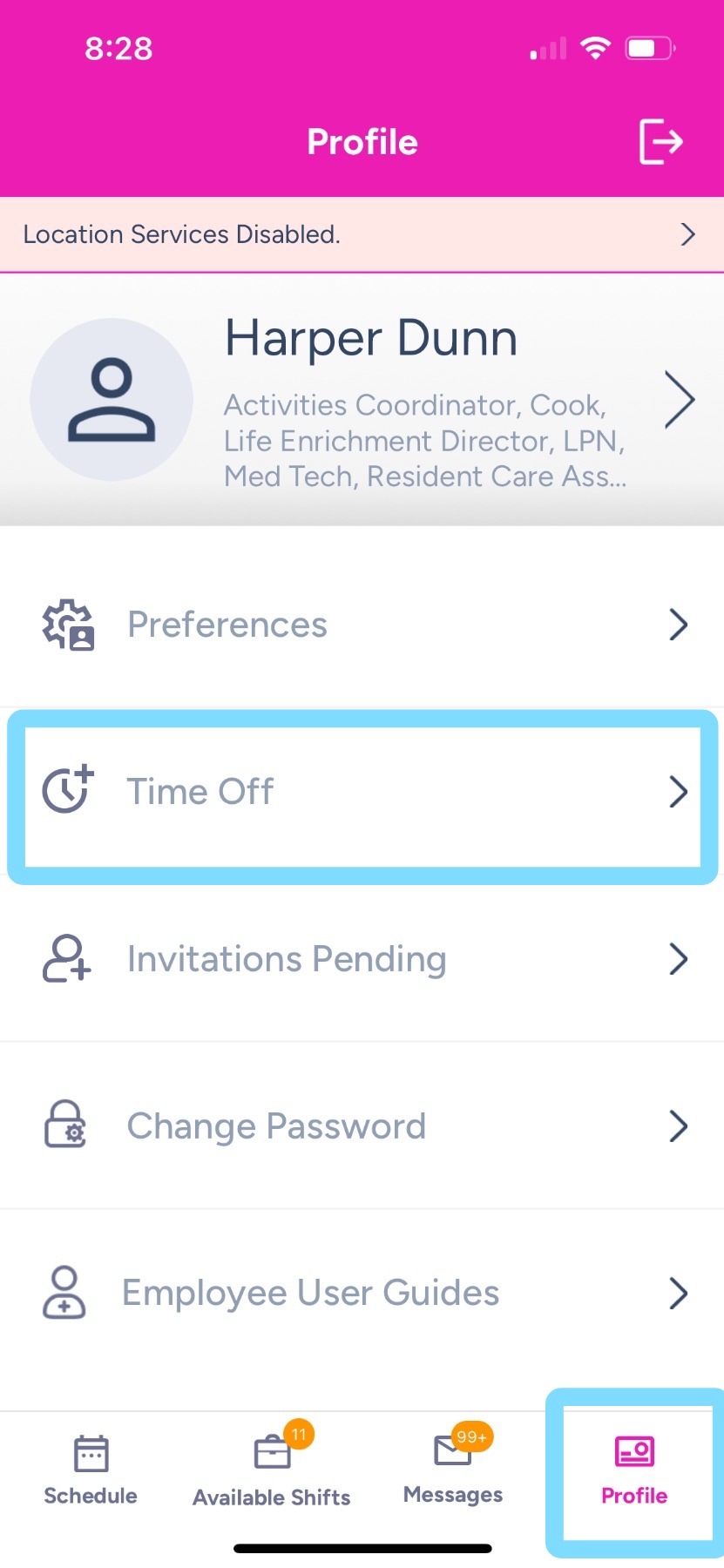
1. To cancel an approved time off request,
Tap on Profile
Tap on Time Off.
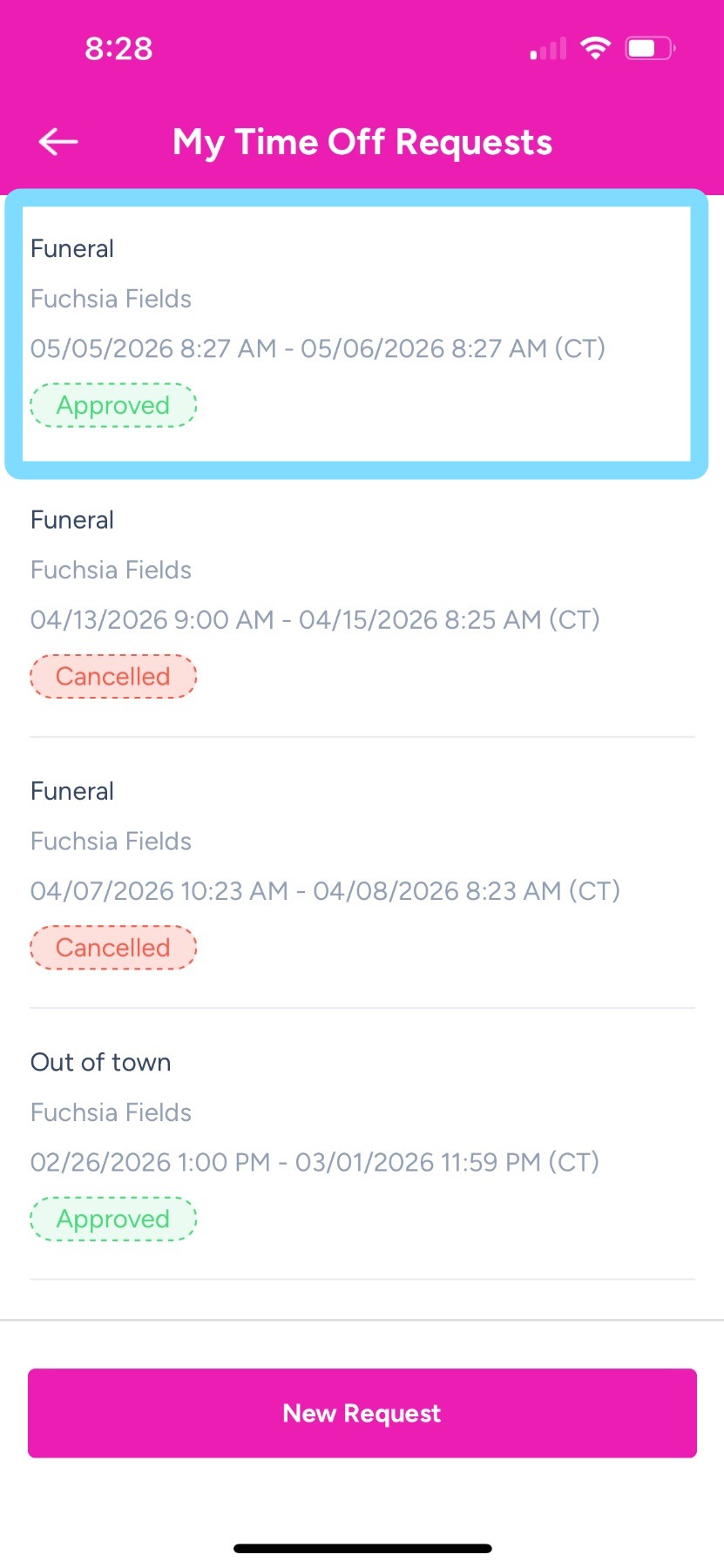
2. Find approved time off request to be cancelled.
Tap on that request.
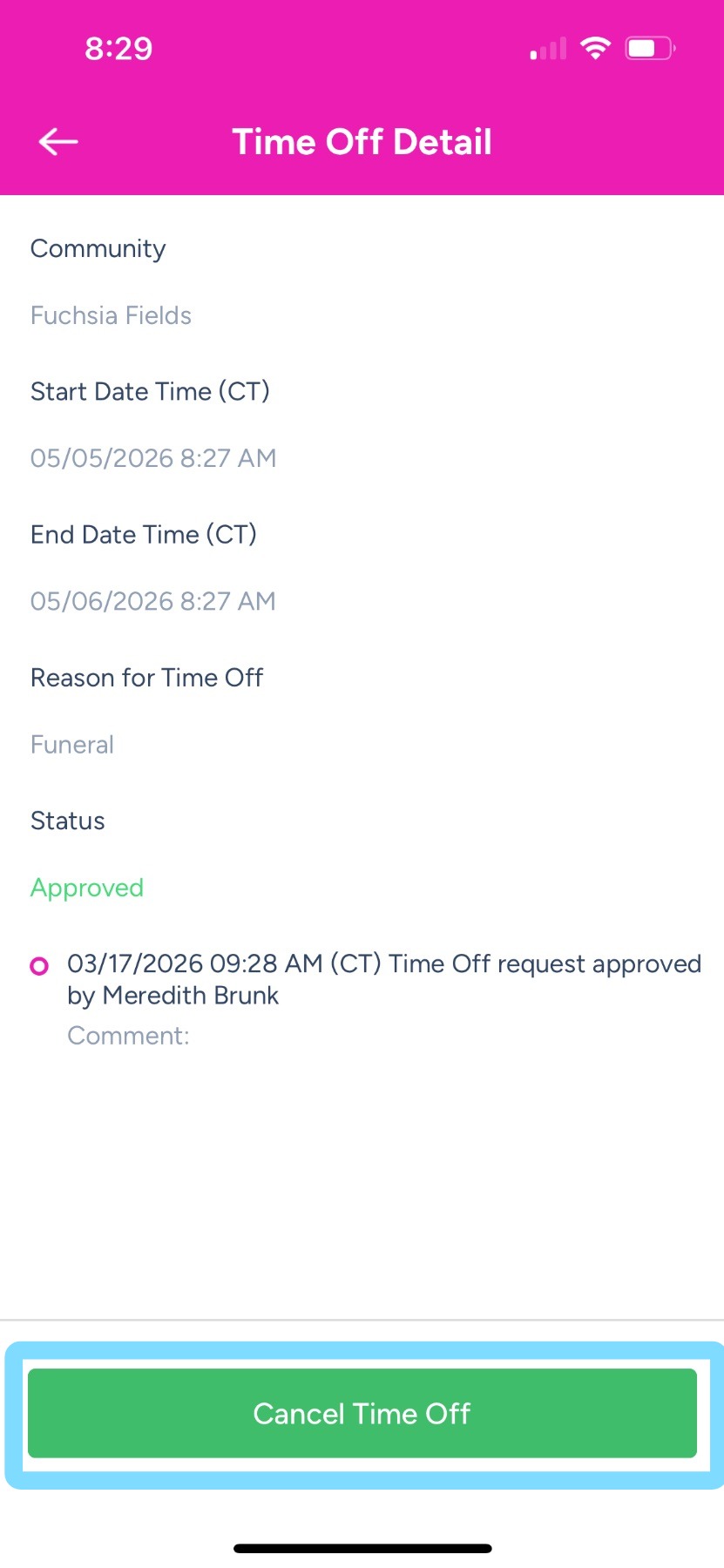
3. Tap Cancel Time Off.
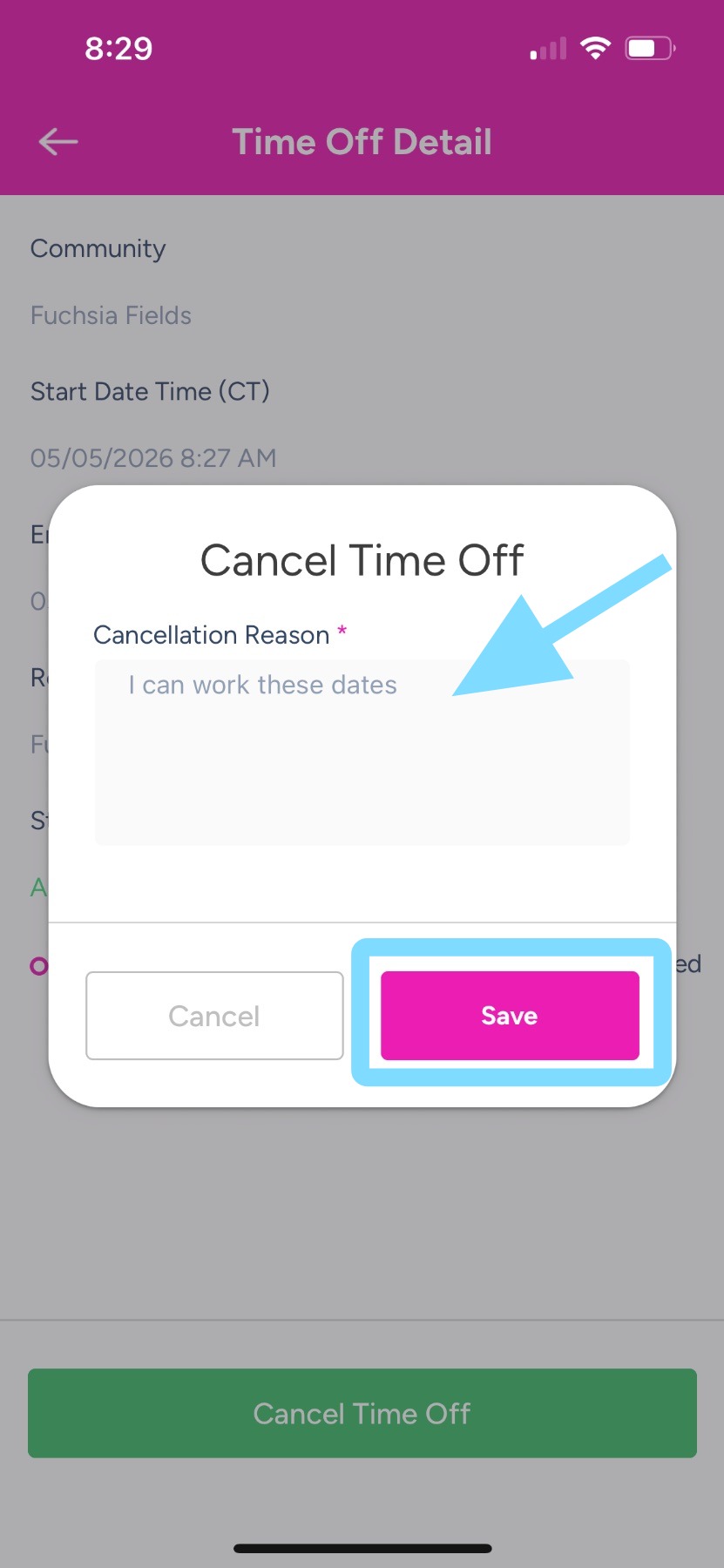
4. Indicate a reason for the cancellation in the comment box.
Tap Save.
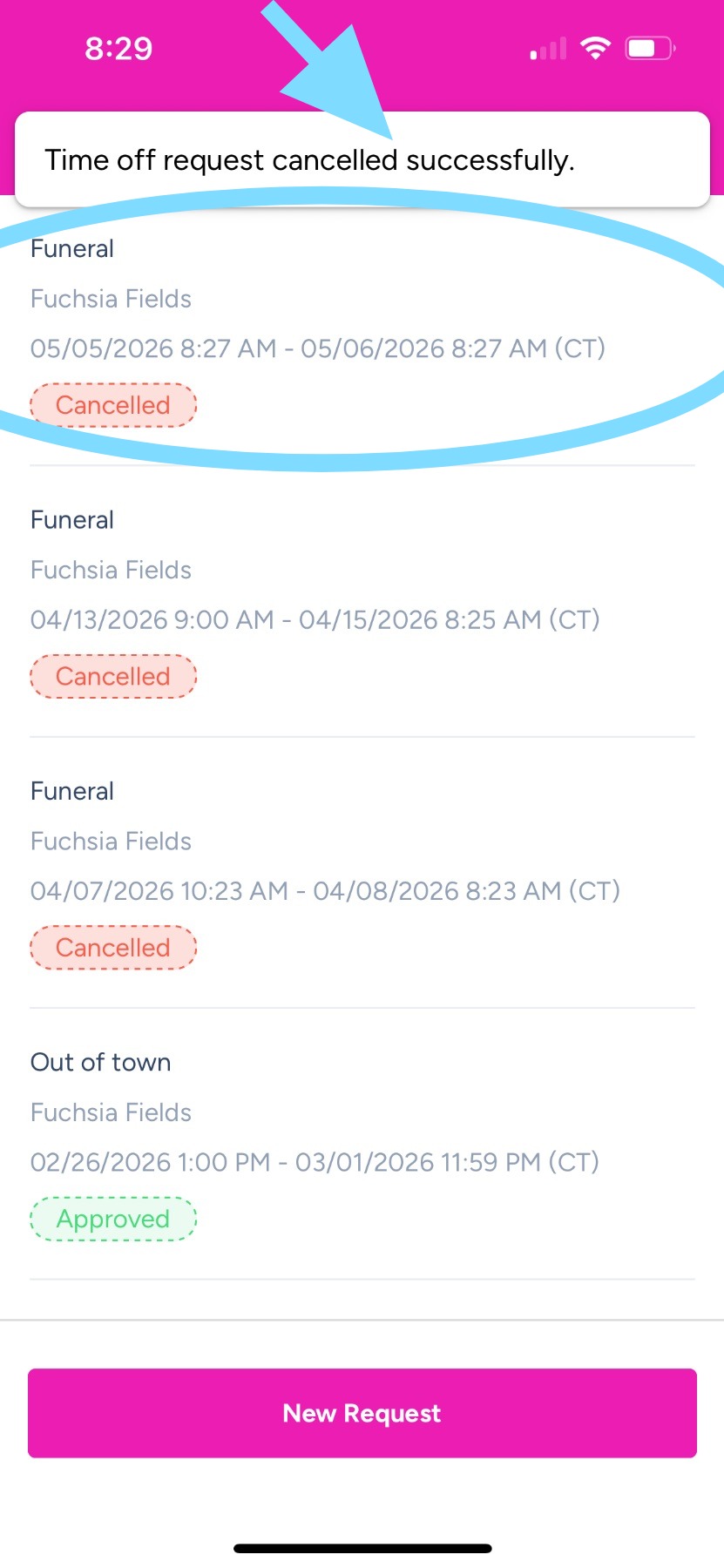
5. You did it! The request has been cancelled.
A banner will indicate that the request is cancelled, and the request will display a Cancelled badge.